This topic has been marked solved and closed to new posts due to inactivity. We hope you'll join the conversation by posting to an open topic or starting a new one.
- English
- /
- Cameras
- /
- Arlo Essential Wire-Free Cameras
- /
- Still getn this msg- any fixes? "SIP Streaming in ...
- Subscribe to RSS Feed
- Mark Topic as New
- Mark Topic as Read
- Float this Topic for Current User
- Bookmark
- Subscribe
- Printer Friendly Page
-
113 Replies
-
2024-08-08 09:38 AM
-
48232 Views
-
18 Likes
-
61 In Conversation
-






- Mark as New
- Bookmark
- Subscribe
- Mute
- Subscribe to RSS Feed
- Permalink
- Report Inappropriate Content
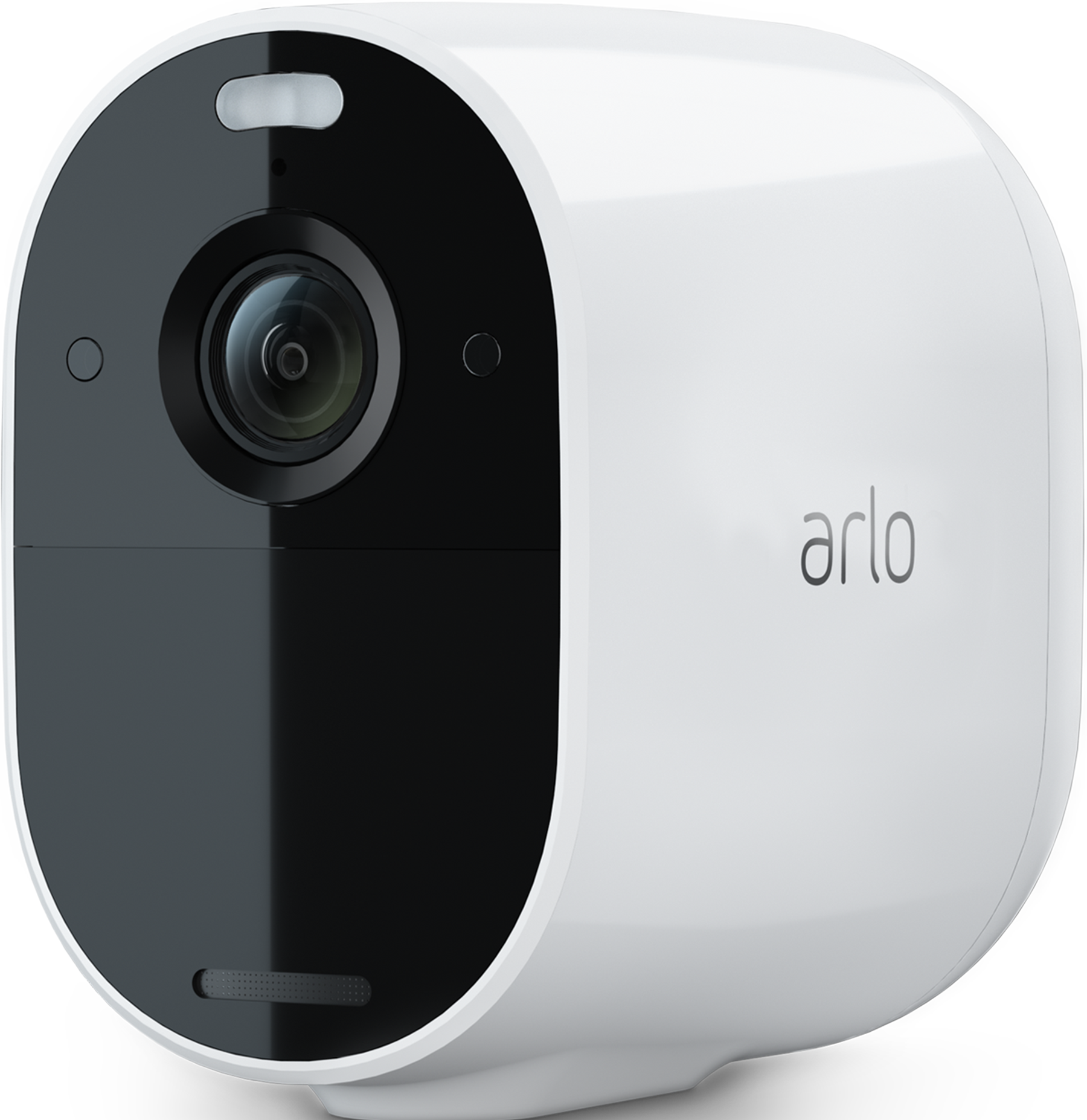
I recently purchased 2 new Essential Spotlight cameras and although they are functioning normally and sending me notifications, but I cannot livestream the feed. I continually get the above-referenced error code or "This camera is streaming on another device and cannot be accessed right now" - even though I'm the only active user trying to retrieve the feed when I look under active users. What can I do to livestream on these cameras?
Solved! Go to Solution.
- Related Labels:
-
Troubleshooting
Best answers
-
This behavior should now be resolved. If anyone within this thread is still seeing it please let me know.
-
The development team was able to reproduce the issue as described and is continuing to work toward a solution. As soon as we have more information available, we'll post an update.
-
I have passed this onto the development team and let them know the error you are seeing as well. I will reach back out as soon as possible.



- Mark as New
- Bookmark
- Subscribe
- Mute
- Subscribe to RSS Feed
- Permalink
- Report Inappropriate Content
@Joskys wrote:Frustrating as I can't watch the front door for trick or treaters
I decided to grab a cold beer and eat what's left of the candy...definitely helps to lower the frustration factor 😜🤢

- Mark as New
- Bookmark
- Subscribe
- Mute
- Subscribe to RSS Feed
- Permalink
- Report Inappropriate Content
Same here. Arlo Pro 2 cameras all 3 of them. Of all nights to have an issue. I was thinking of replacing my cameras, but now I am for sure. Not happy.
- Mark as New
- Bookmark
- Subscribe
- Mute
- Subscribe to RSS Feed
- Permalink
- Report Inappropriate Content
Hi all,
I am over here still getting this dumb message and from what I read, folks have had this issue now for some time. Any fixes? "SIP Streaming in progress, RTSP Streaming is not allowed..."
Thanks all!
- Mark as New
- Bookmark
- Subscribe
- Mute
- Subscribe to RSS Feed
- Permalink
- Report Inappropriate Content
Mine has now started working . Looking at all the other complaints about this issue it must of been a server issue with all the Halloween activity !
- Mark as New
- Bookmark
- Subscribe
- Mute
- Subscribe to RSS Feed
- Permalink
- Report Inappropriate Content
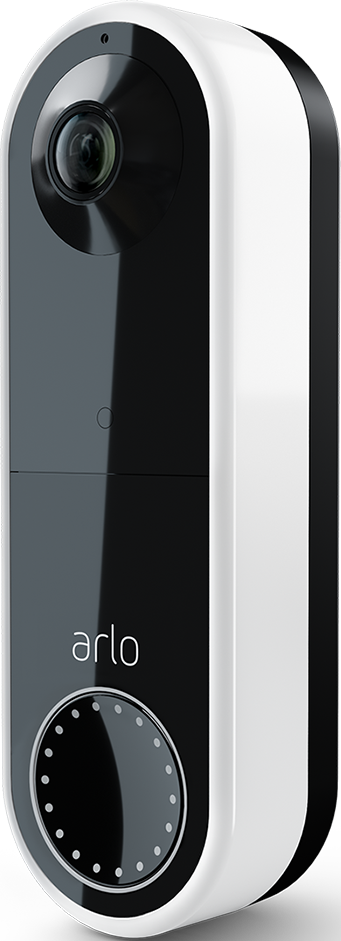
having this problem with arlo wired arlo doorbell after deactivating and then reactivating (deactivated due to Halloween trick o treaters) then reactivated
serial number A5M106KYA0588
Hardware: #AVD1001Ar1.2

- Mark as New
- Bookmark
- Subscribe
- Mute
- Subscribe to RSS Feed
- Permalink
- Report Inappropriate Content
So noone at Arlo knows how to resolve this problem? Some dev person must have embedded the message in their error log! We are losing our intelligence America!
- Mark as New
- Bookmark
- Subscribe
- Mute
- Subscribe to RSS Feed
- Permalink
- Report Inappropriate Content
U really suk arlo


- Mark as New
- Bookmark
- Subscribe
- Mute
- Subscribe to RSS Feed
- Permalink
- Report Inappropriate Content
Can you try logging out of the account and logging back in please, let me know if the behavior changes.
- Mark as New
- Bookmark
- Subscribe
- Mute
- Subscribe to RSS Feed
- Permalink
- Report Inappropriate Content
Mine is working again, thankfully, after a device restart and a long wait. However, it is a misleading error message that should never be shown to an end user. I mean, "try after some time !!!" is what you would expect the trainee developer to add as sample content. The customer service response that is the equivalent of "Have you tried turning it on and off again" is beyond poor customer relations. A placeholder message apologising for the inconvenience whilst an ongoing investigation is carried out and then an update that consisted of more than one sentence might have been nice. Very disappointing. A simple problem has been made worse by poor customer service.
- Mark as New
- Bookmark
- Subscribe
- Mute
- Subscribe to RSS Feed
- Permalink
- Report Inappropriate Content
I totally understand your frustration in the matter and I do want to apologize. I am glad to hear that is working now, if you have any other questions or concerns please feel free to reach out to me.
- Mark as New
- Bookmark
- Subscribe
- Mute
- Subscribe to RSS Feed
- Permalink
- Report Inappropriate Content
I’m in the same boat as everyone else. My wired doorbell is giving me the same error after someone pressed it.

- Mark as New
- Bookmark
- Subscribe
- Mute
- Subscribe to RSS Feed
- Permalink
- Report Inappropriate Content
I tried everything. Guessing the servers were too overloaded with everyone watching their front yards.
- Mark as New
- Bookmark
- Subscribe
- Mute
- Subscribe to RSS Feed
- Permalink
- Report Inappropriate Content
@ganzo03 can you try logging out of the account and logging back in please and see if that changes the behavior you are seeing?
- Mark as New
- Bookmark
- Subscribe
- Mute
- Subscribe to RSS Feed
- Permalink
- Report Inappropriate Content
yes, working now after multiple logout/in to arlo device, and after a couple cable modem and wireless router restarts, although only arlo wasn't working before modem/router restarts
- Mark as New
- Bookmark
- Subscribe
- Mute
- Subscribe to RSS Feed
- Permalink
- Report Inappropriate Content
Just got the same error on my doorbell camera after some solicitor rang the doorbell. I removed the battery a couple times with no luck and then 20 min later the error just went away. After having my other two cameras completely stop where I had to remove and re-add them multiple times to get them to work again about a week ago (as with others here, right during Halloween), getting really frustrated.
- Mark as New
- Bookmark
- Subscribe
- Mute
- Subscribe to RSS Feed
- Permalink
- Report Inappropriate Content
My doorbell had this issue before. I get errors when trying to answer the ring or watch the live streaming. I have tried removing the battery, removing the doorbell in the app, and even resetting it, but nothing works. The only solution seems to be waiting for about 30 mins.
Even when there are no errors, the lag is much longer than with my previous Blink doorbell, and the loading time after I press answer is frustrating. Sometimes, I wonder if I should just open the door when it rings instead of answering through the app.
Anyway, my doorbell worked fine last week. Now, there is just a long delay after detection, ringing, and answering. Overall, it works well enough, much better than when I had to reset it daily during the first few days of using.
- Mark as New
- Bookmark
- Subscribe
- Mute
- Subscribe to RSS Feed
- Permalink
- Report Inappropriate Content
Is anyone still seeing this behavior with the error message?

- Mark as New
- Bookmark
- Subscribe
- Mute
- Subscribe to RSS Feed
- Permalink
- Report Inappropriate Content
Yes I am. 2 Pro 4’s and a wired doorbell. Going on 3 weeks now.
Mind blowing to me you still have no solution to the issue.
- Mark as New
- Bookmark
- Subscribe
- Mute
- Subscribe to RSS Feed
- Permalink
- Report Inappropriate Content
@KurantAK can you please try logging out and logging back in?
- Mark as New
- Bookmark
- Subscribe
- Mute
- Subscribe to RSS Feed
- Permalink
- Report Inappropriate Content
I have, about 72 times.
- Mark as New
- Bookmark
- Subscribe
- Mute
- Subscribe to RSS Feed
- Permalink
- Report Inappropriate Content
Thanks for the help. Lol.
Good to know I spent a ton of money with Arlo and have zero customer support. Great company.
I’ll be sure to tell my friends.
- Mark as New
- Bookmark
- Subscribe
- Mute
- Subscribe to RSS Feed
- Permalink
- Report Inappropriate Content
I have the development team looking into this, as soon as I have an update I will reach out to you.
- Mark as New
- Bookmark
- Subscribe
- Mute
- Subscribe to RSS Feed
- Permalink
- Report Inappropriate Content
I have the same question about it
Can you check what's wrong with it?
- Mark as New
- Bookmark
- Subscribe
- Mute
- Subscribe to RSS Feed
- Permalink
- Report Inappropriate Content
@CLeung you are seeing this same error message?
- Mark as New
- Bookmark
- Subscribe
- Mute
- Subscribe to RSS Feed
- Permalink
- Report Inappropriate Content
Yes, seems very common here.
-
Arlo Essential Spotlight
2 -
Arlo Mobile App
366 -
Arlo Secure
1 -
Arlo Smart
135 -
Before You Buy
242 -
Bevor Sie kaufen
1 -
Detección de Movimiento
1 -
Dépannage
1 -
Features
302 -
Installation
380 -
offline
1 -
Online and Mobile Apps
1 -
Online und mobile Apps
1 -
receipts
1 -
totally frustrated
1 -
Troubleshooting
1,715 -
VMC2030
2 -
VMC2030-100EUS
2 -
Warranty & Contracts
1
- « Previous
- Next »
-
113 Replies
-
2024-08-08 09:38 AM
-
48233 Views
-
18 Likes
-
61 In Conversation
-