This topic has been marked solved and closed to new posts due to inactivity. We hope you'll join the conversation by posting to an open topic or starting a new one.
- English
- /
- Arlo Forum Discussions
- /
- Partner Integrations
- /
- Re: Cameras show as offline in Google Home
- Subscribe to RSS Feed
- Mark Topic as New
- Mark Topic as Read
- Float this Topic for Current User
- Bookmark
- Subscribe
- Printer Friendly Page
- « Previous
-
- 1
- 2
- Next »
-
31 Replies
-
2025-11-23 10:35 AM
-
12026 Views
-
3 Likes
-
4 In Conversation
-




- Mark as New
- Bookmark
- Subscribe
- Mute
- Subscribe to RSS Feed
- Permalink
- Report Inappropriate Content
I found this post and its very similar behavior to what I have.
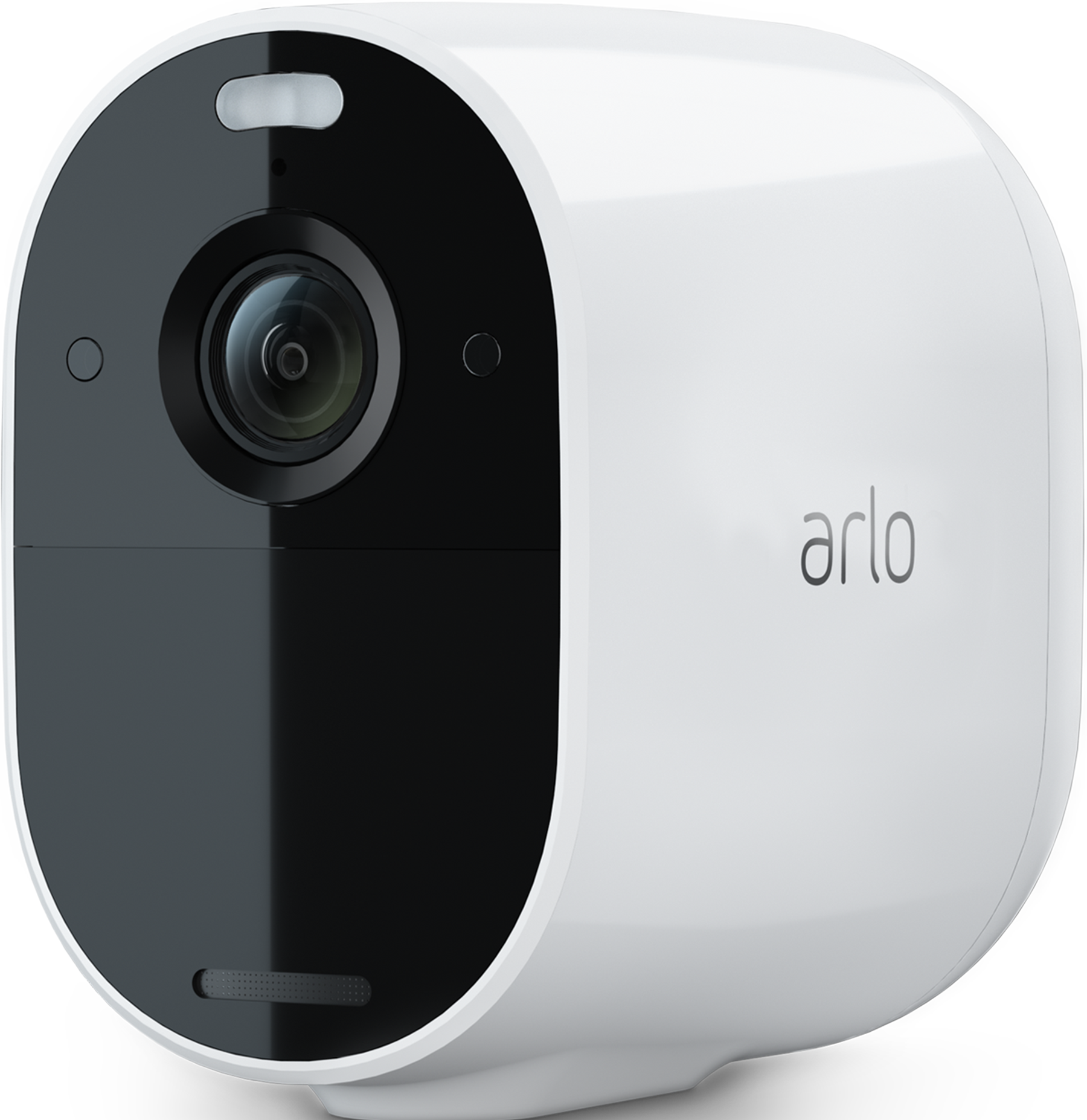
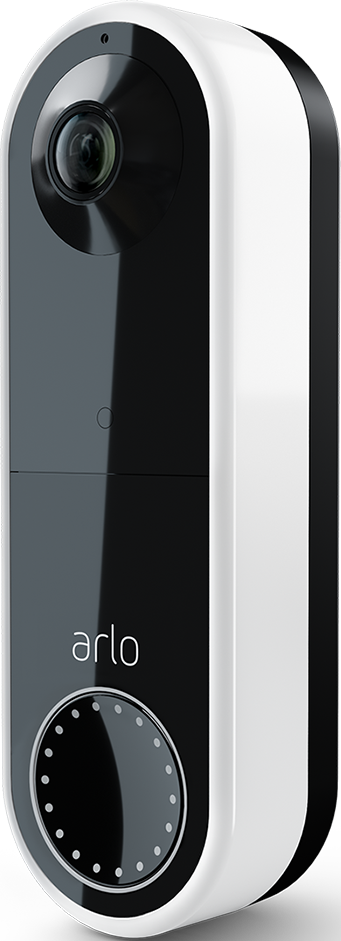
I have noticed that for the last few months my Cameras show as offline in Google home, I have just spent far to long relinking my account due to HTTP 400 error.
Anyway, MY Arlo app is the latest version, all my Cameras are up to date Firmware wise, and the Google Home app is the latest, my Arlo account is part of the Verisure Package if that helps.
Solved! Go to Solution.
- Related Labels:
-
Google Assistant
Best answers
-
I just wanted to let you know the issue has been identified and should resolved with the latest versions 6.6.8 - 6.6.9 which is in a slow rollout phase. Once you receive the update please test again and let me know if the symptom continues.
Thanks
-
Just wanted to provide an update. It looks like the cause has been identified and it fix to resolve this is being prepared.


- Mark as New
- Bookmark
- Subscribe
- Mute
- Subscribe to RSS Feed
- Permalink
- Report Inappropriate Content


- Mark as New
- Bookmark
- Subscribe
- Mute
- Subscribe to RSS Feed
- Permalink
- Report Inappropriate Content
what is the google home version?
- Mark as New
- Bookmark
- Subscribe
- Mute
- Subscribe to RSS Feed
- Permalink
- Report Inappropriate Content
Not a clue theres no way to check version thay I can see, not to mention that being google home its always upto date as old versions, stop working when they push a auto update out!
- Mark as New
- Bookmark
- Subscribe
- Mute
- Subscribe to RSS Feed
- Permalink
- Report Inappropriate Content
Hi @morpheus2n2
Here are a few steps to retrieve the info for the google home version
"Method 1: Through the Play Store
Open the Google Play Store on your Android phone.
Tap your profile icon in the top-right corner.
Tap Manage apps & device → Manage.
Find and tap Google Home from the list of installed apps.
Scroll down to the App info section — it will show the version number.
From phone
Open Settings on your phone.
Go to Apps & notifications (or just Apps, depending on your device).
Find and tap Google Home.
Tap Advanced → App details (sometimes just About) → you’ll see the version number.
From the app
Open the Google Home app.
Tap your profile picture in the top-right.
Tap App settings → scroll down to About — the version number will be listed there."
- Mark as New
- Bookmark
- Subscribe
- Mute
- Subscribe to RSS Feed
- Permalink
- Report Inappropriate Content
4.6.55.1
- Mark as New
- Bookmark
- Subscribe
- Mute
- Subscribe to RSS Feed
- Permalink
- Report Inappropriate Content
@morpheus2n2 Thank you, I provided this to the appropriate team and I'm waiting to hear back with more info to share.
- Mark as New
- Bookmark
- Subscribe
- Mute
- Subscribe to RSS Feed
- Permalink
- Report Inappropriate Content
I just wanted to let you know the issue has been identified and should resolved with the latest versions 6.6.8 - 6.6.9 which is in a slow rollout phase. Once you receive the update please test again and let me know if the symptom continues.
Thanks
- « Previous
-
- 1
- 2
- Next »
-
Amazon Alexa
117 -
Apple HomeKit
768 -
Apple TV App
7 -
AppleTV
33 -
Arlo Mobile App
61 -
Arlo Pro
2 -
Arlo Pro 2
1 -
Arlo Q (Plus)
1 -
Arlo Secure
10 -
Arlo Smart
39 -
Arlo Wire-Free
1 -
Before You Buy
30 -
Features
88 -
Firmware Release Notes
8 -
Google Assistant
103 -
IFTTT
100 -
IFTTT (If This Then That)
117 -
Installation
90 -
Modes and Rules
13 -
Motion Detection
1 -
Online and Mobile Apps
70 -
Samsung SmartThings
88 -
Security System
1 -
Service and Storage
5 -
SmartThings
73 -
Troubleshooting
400 -
Videos
1
- « Previous
- Next »
-
31 Replies
-
2025-11-23 10:35 AM
-
12027 Views
-
3 Likes
-
4 In Conversation
-