- Subscribe to RSS Feed
- Mark Topic as New
- Mark Topic as Read
- Float this Topic for Current User
- Bookmark
- Subscribe
- Printer Friendly Page
-
4 Replies
-
2026-04-03 03:02 PM
-
349 Views
-
0 Likes
-
3 In Conversation
-



- Mark as New
- Bookmark
- Subscribe
- Mute
- Subscribe to RSS Feed
- Permalink
- Report Inappropriate Content
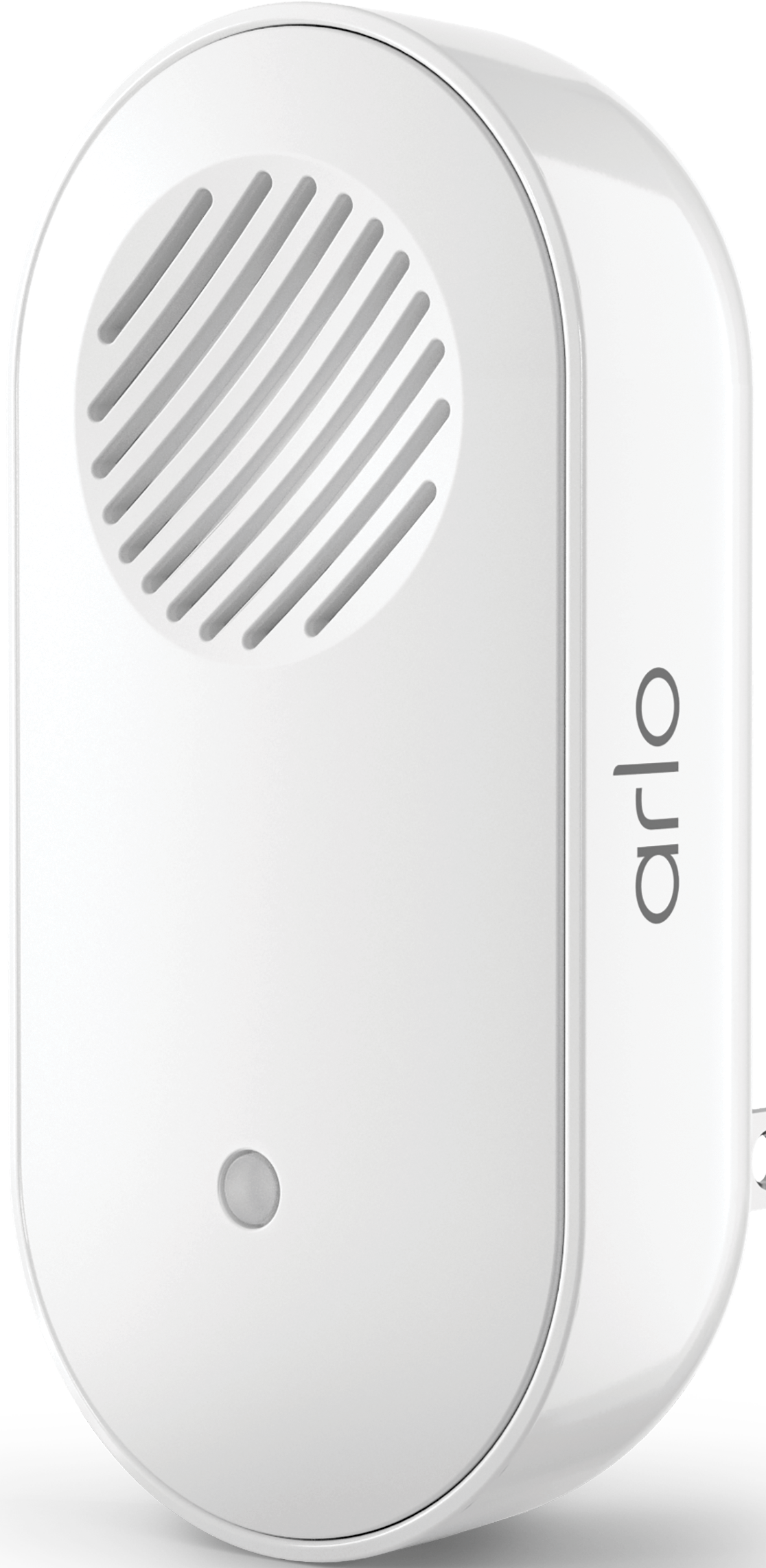
My Chime 2 stopped working after a power outage. I have gone through the reinstall process to where it asks for a local network (Arlo-***) . That network shows up on my phone but I do not have access to it and I don't know the password. Any suggestions?
Solved! Go to Solution.
- Related Labels:
-
Troubleshooting
Accepted Solutions


- Mark as New
- Bookmark
- Subscribe
- Mute
- Subscribe to RSS Feed
- Permalink
- Report Inappropriate Content
@Rhartman wrote:
I only see the Arlo network requiring a password. I do not see any other unprotected network.
Did you try resetting the chime 2?
- Mark as New
- Bookmark
- Subscribe
- Mute
- Subscribe to RSS Feed
- Permalink
- Report Inappropriate Content
heck the phone's settings to see if unprotected WiFi networks are allowed to be connected to.
- Mark as New
- Bookmark
- Subscribe
- Mute
- Subscribe to RSS Feed
- Permalink
- Report Inappropriate Content
@Rhartman wrote:
My Chime 2 stopped working after a power outage. I have gone through the reinstall process to where it asks for a local network (Arlo-***) . That network shows up on my phone but I do not have access to it and I don't know the password. Any suggestions?
There is no password on the temporary network created by the chime 2 . If you have an Arlo hub, then be careful to connect to the Chime network (not the hub's). The hub network is secured, and you cannot join it.
As @jguerdat says, if you have an Android phone, then make sure the phone can connect to unsecured wifi networks.
- Mark as New
- Bookmark
- Subscribe
- Mute
- Subscribe to RSS Feed
- Permalink
- Report Inappropriate Content
I only see the Arlo network requiring a password. I do not see any other unprotected network.
- Mark as New
- Bookmark
- Subscribe
- Mute
- Subscribe to RSS Feed
- Permalink
- Report Inappropriate Content
@Rhartman wrote:
I only see the Arlo network requiring a password. I do not see any other unprotected network.
Did you try resetting the chime 2?
-
Accessories
4 -
Activity Zones
1 -
Amazon Alexa
1 -
Apple HomeKit
2 -
Apple TV App
9 -
Applications mobile et en ligne
1 -
Apps
4 -
Arlo Go
3 -
Arlo Mobile App
825 -
Arlo Pro
36 -
Arlo Pro 2
1 -
Arlo Q (Plus)
3 -
Arlo Smart
223 -
Arlo Web and Mobile Apps
18 -
Arlo Wire-Free
30 -
base station
1 -
Batteries
529 -
Before You Buy
963 -
Can't view cameras live at all
1 -
Dépannage
1 -
Détection de mouvements
1 -
Features
1,130 -
Fehlerbehebung
1 -
Firmware Release Notes
93 -
Google Assistant
1 -
Hardware
1 -
home security
1 -
IFTTT (If This Then That)
105 -
Installation
2,065 -
Iphone 14 pro
1 -
Live view
1 -
Modes and Rules
1 -
Motion Detection
2 -
Object Recognition
3 -
Online and Mobile Apps
983 -
Online und mobile Apps
1 -
Order Not Going Through... help please!
1 -
Other Discussions
1 -
Partner Integrations
4 -
Security
1 -
Service and Storage
14 -
Smart Subscription
3 -
SmartThings
71 -
Troubleshooting
9,242 -
Videos
233 -
Vidéo
2 -
Warranty & Contracts
2
- « Previous
- Next »
-
4 Replies
-
2026-04-03 03:02 PM
-
350 Views
-
0 Likes
-
3 In Conversation
-