- English
- /
- Floodlights
- /
- Arlo Pro 3 Floodlight
- /
- Re: Arlo Pro 3 Floodlight (FB1001) - very dim ligh...
- Subscribe to RSS Feed
- Mark Topic as New
- Mark Topic as Read
- Float this Topic for Current User
- Bookmark
- Subscribe
- Printer Friendly Page
- « Previous
- Next »
-
147 Replies
-
2025-03-23 09:28 AM
-
25023 Views
-
10 Likes
-
27 In Conversation
-





- Mark as New
- Bookmark
- Subscribe
- Mute
- Subscribe to RSS Feed
- Permalink
- Report Inappropriate Content
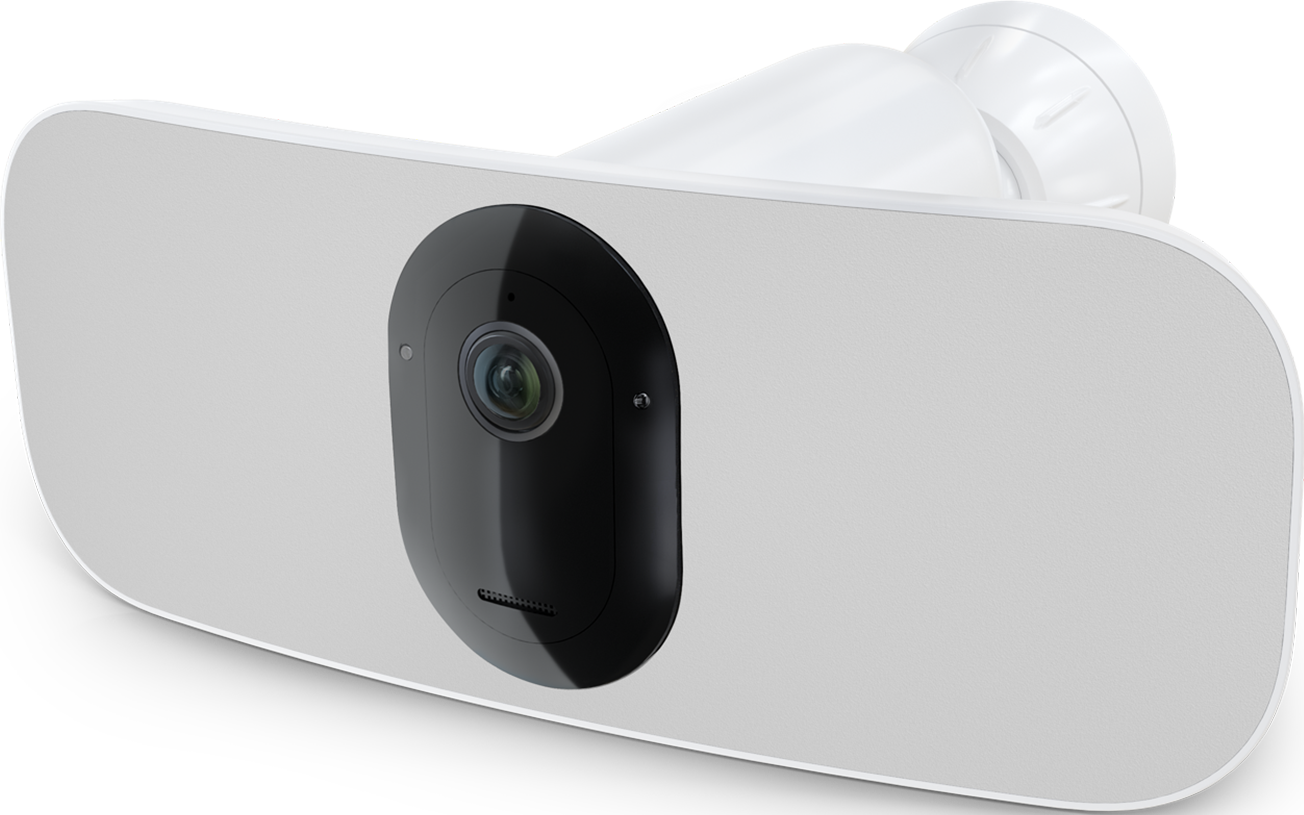
I have an Arlo Pro 3 Floodlight (FB1001). When motion triggers the camera and floodlight to turn on, the light comes on but is very dim...looks to be at the lowest 5% level. I don't know when exactly this started but it seems to be within the last month or two. I know it used to go to what I have it set to which is at 70-80%. I can intervene while it's recording, just touching the brightness slider in the iOS app and it will get brighter. When manually turning on the floodlight in the app, it will turn on at the brighness I select. Here's what I've tried for troubleshooting with no change.
-Tried all combinations of camera settings in the app that can be changed
-Tested it with and without the outdoor AC power cord (I typically always have it connected)
-Tested it inside near my Arlo base station
-Power cycled the camera (remove battery, wait a minute, re-installed)
-Power cycled the hub
-Removed the camera from my system and added it back
Camera Firmware: 1.080.30.3_42_3516c1d (camera info says "no updates available"), Hardware: H6.
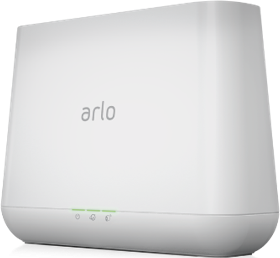
It's connected to my Arlo Base Station: VMB4000r3, Base Firmware: 1.26.0.0_4712_12a0681
Is there anything else I can do to fix this?
Is anyone else having the same experience or insight?
Does Arlo staff monitor these messages where they will try & help me?
- Related Labels:
-
Features
-
Installation
-
Troubleshooting


- Mark as New
- Bookmark
- Subscribe
- Mute
- Subscribe to RSS Feed
- Permalink
- Report Inappropriate Content
@Wolvesland this has been moved over to the experimental build. It happens in the middle of the night so you will not see this moved over tell tomorrow.
- Mark as New
- Bookmark
- Subscribe
- Mute
- Subscribe to RSS Feed
- Permalink
- Report Inappropriate Content
So it's been almost 2 more months @BrookeN...are custom modes implemented into the new build yet? If not, is there any timeline for this to be done? I still haven't switched thinking I would wait until they are. The main reason I need a custom mode is the ability to only arm some of my cameras, not all. Let me know. Thanks.
- Mark as New
- Bookmark
- Subscribe
- Mute
- Subscribe to RSS Feed
- Permalink
- Report Inappropriate Content
It's currently available for some users/regions and we're hoping in the near future for it to be available to everyone.
- Mark as New
- Bookmark
- Subscribe
- Mute
- Subscribe to RSS Feed
- Permalink
- Report Inappropriate Content
Hello, my newly purchased Pro 3 Floodlight is having the same issue with brighter left side, dimmer right side light. Will my floodlight camera also be moved to the exp build to resolve this issue as others’ have?
- Mark as New
- Bookmark
- Subscribe
- Mute
- Subscribe to RSS Feed
- Permalink
- Report Inappropriate Content
I have reached out to have that moved over, I will reach out as soon as it is done.
- Mark as New
- Bookmark
- Subscribe
- Mute
- Subscribe to RSS Feed
- Permalink
- Report Inappropriate Content
@Ckirby your device has been moved over, the behavior you have been seeing should now be resolved. If you are still seeing it, please let me know.
- Mark as New
- Bookmark
- Subscribe
- Mute
- Subscribe to RSS Feed
- Permalink
- Report Inappropriate Content
Hi Just to update you..... No change has occurred. the light works fine once after changing ANY setting then it returns to low brightness mode when motion triggered. This is starting to become very annoying. These were not cheap lights. Any other options? Is this the hub that's malfunctioning? Can the camera work without the hub? Will this make a difference? What will I lose without the hub?
- Mark as New
- Bookmark
- Subscribe
- Mute
- Subscribe to RSS Feed
- Permalink
- Report Inappropriate Content
Are you seeing the dimness on one side or both?
- Mark as New
- Bookmark
- Subscribe
- Mute
- Subscribe to RSS Feed
- Permalink
- Report Inappropriate Content
It worked! Thank you! The floodlight now shines brightly equally on both sides after being moved over. Unfortunately, I already had a Pro 3 floodlight before re-purchasing this new replacement as I thought the old one had gone bad with the dimmer one side of the light. I’m quite disappointed to now find out it was actually this firmware issue and would not have had to buy another one.
- Mark as New
- Bookmark
- Subscribe
- Mute
- Subscribe to RSS Feed
- Permalink
- Report Inappropriate Content
Both sides. It seems to not hold its setting to 100% after the first time it lights up. It always goes right back to its lowest setting.
- Mark as New
- Bookmark
- Subscribe
- Mute
- Subscribe to RSS Feed
- Permalink
- Report Inappropriate Content
@Wolvesland are you still seeing this same behavior?


- Mark as New
- Bookmark
- Subscribe
- Mute
- Subscribe to RSS Feed
- Permalink
- Report Inappropriate Content
@Wolvesland wrote:
Both sides. It seems to not hold its setting to 100% after the first time it lights up. It always goes right back to its lowest setting.
This could be related to the temperature. How cold is it in your location?
- Mark as New
- Bookmark
- Subscribe
- Mute
- Subscribe to RSS Feed
- Permalink
- Report Inappropriate Content
Yes this has been going on since last April or May. I have two diffrent flood lights and they both act the same way.
- Mark as New
- Bookmark
- Subscribe
- Mute
- Subscribe to RSS Feed
- Permalink
- Report Inappropriate Content
This has been going on since last April or May. I have two diffrent flood lights and they both act the same way.
- Mark as New
- Bookmark
- Subscribe
- Mute
- Subscribe to RSS Feed
- Permalink
- Report Inappropriate Content
Hi Brooke,
I've come across a problem that I believe is related to this firmware. For two days I could not turn off the light on my floodlight camera. I took two different screen recordings on my phone that showed everything I attempted to turn off the light. I also had my camera on my phone recording the light activity while I was attempting to turn it off. How can I get these screen recordings to you? It won't allow me to post them here.
Thanks,
Robert
- Mark as New
- Bookmark
- Subscribe
- Mute
- Subscribe to RSS Feed
- Permalink
- Report Inappropriate Content
@rwillis352 wrote:
I've come across a problem that I believe is related to this firmware. For two days I could not turn off the light on my floodlight camera.
FWIW, I've seen this once or twice myself (a long time ago). I resolved it by removing the battery in the floodlight, and then reinserting it.
- Mark as New
- Bookmark
- Subscribe
- Mute
- Subscribe to RSS Feed
- Permalink
- Report Inappropriate Content
Can you try StephenB suggestion and see if it resolves the behavior you are seeing? If it does not you can send the video to me via dm.
- Mark as New
- Bookmark
- Subscribe
- Mute
- Subscribe to RSS Feed
- Permalink
- Report Inappropriate Content
I wasn't able to send the videos in DM unless you were able to view the Samsung link I sent.
- Mark as New
- Bookmark
- Subscribe
- Mute
- Subscribe to RSS Feed
- Permalink
- Report Inappropriate Content
@rwillis352 are you still seeing this same behavior?
- Mark as New
- Bookmark
- Subscribe
- Mute
- Subscribe to RSS Feed
- Permalink
- Report Inappropriate Content
So it's been over 2 more months @BrookeN...are custom modes implemented into the new build yet for me / my account? I haven't switch over as I still need the custom modes. Let me know. Thanks!
- Mark as New
- Bookmark
- Subscribe
- Mute
- Subscribe to RSS Feed
- Permalink
- Report Inappropriate Content
Custom modes is not available quite yet, however we are getting closer. I will update you soon.
- Mark as New
- Bookmark
- Subscribe
- Mute
- Subscribe to RSS Feed
- Permalink
- Report Inappropriate Content
I was forced into the updated app experience this past week. After figuring out the new layout of where to find everything, the custom modes are available. Under Routines, there's an "Arm Away", "Arm Home", "Standby", and "Custom Mode" options. This works for me and my setup. Also, since I was switched, it seems the Pro 3 Floodlight is coming on at full brightness on both sides. I'll update you if this changes but I'm happy with the way it works...for now.
- Mark as New
- Bookmark
- Subscribe
- Mute
- Subscribe to RSS Feed
- Permalink
- Report Inappropriate Content
@MNUser11 thank you for that update. I am happy to hear that everything is working as you expected. If anything comes up, please reach out and we would be more than happy to help.
- « Previous
- Next »
-
Arlo Mobile App
90 -
Arlo Pro 3 Floodlight
1 -
Arlo Smart
65 -
Before You Buy
82 -
Features
113 -
Installation
131 -
Troubleshooting
559
-
147 Replies
-
2025-03-23 09:28 AM
-
25024 Views
-
10 Likes
-
27 In Conversation
-