- English
- /
- Floodlights
- /
- Arlo Pro 3 Floodlight
- /
- Arlo Pro 3 Floodlight (FB1001) - very dim light wi...
Arlo Pro 3 Floodlight (FB1001) - very dim light with motion trigger
- Subscribe to RSS Feed
- Mark Topic as New
- Mark Topic as Read
- Float this Topic for Current User
- Bookmark
- Subscribe
- Printer Friendly Page
- « Previous
- Next »
-
116 Replies
-
2025-03-23 09:28 AM
-
15492 Views
-
9 Likes
-
24 In Conversation
-




- Mark as New
- Bookmark
- Subscribe
- Mute
- Subscribe to RSS Feed
- Permalink
- Report Inappropriate Content
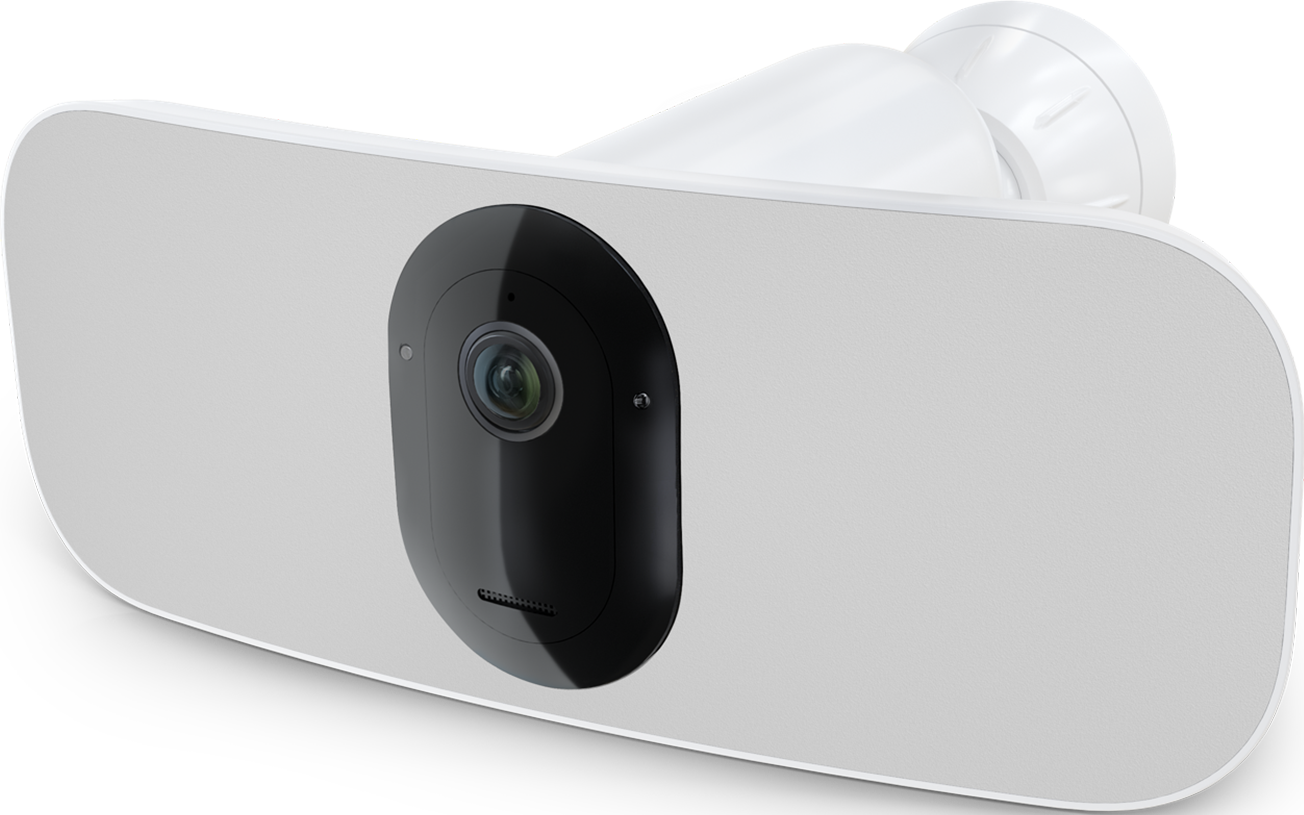
I have an Arlo Pro 3 Floodlight (FB1001). When motion triggers the camera and floodlight to turn on, the light comes on but is very dim...looks to be at the lowest 5% level. I don't know when exactly this started but it seems to be within the last month or two. I know it used to go to what I have it set to which is at 70-80%. I can intervene while it's recording, just touching the brightness slider in the iOS app and it will get brighter. When manually turning on the floodlight in the app, it will turn on at the brighness I select. Here's what I've tried for troubleshooting with no change.
-Tried all combinations of camera settings in the app that can be changed
-Tested it with and without the outdoor AC power cord (I typically always have it connected)
-Tested it inside near my Arlo base station
-Power cycled the camera (remove battery, wait a minute, re-installed)
-Power cycled the hub
-Removed the camera from my system and added it back
Camera Firmware: 1.080.30.3_42_3516c1d (camera info says "no updates available"), Hardware: H6.
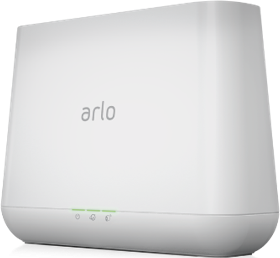
It's connected to my Arlo Base Station: VMB4000r3, Base Firmware: 1.26.0.0_4712_12a0681
Is there anything else I can do to fix this?
Is anyone else having the same experience or insight?
Does Arlo staff monitor these messages where they will try & help me?
- Related Labels:
-
Features
-
Installation
-
Troubleshooting


- Mark as New
- Bookmark
- Subscribe
- Mute
- Subscribe to RSS Feed
- Permalink
- Report Inappropriate Content
Researching this I see that you are still on the old user interface. The fix for the behavior you are seeing is to update the app to the new user interface. You can do this by starting the onboarding of a Pro 5 even if you don't have one. And then following the prompts.

- Mark as New
- Bookmark
- Subscribe
- Mute
- Subscribe to RSS Feed
- Permalink
- Report Inappropriate Content

- Mark as New
- Bookmark
- Subscribe
- Mute
- Subscribe to RSS Feed
- Permalink
- Report Inappropriate Content
If you switch to the new user interface the faint light problem is fixed and you can still have local recording without a subscription. (Both lights on full strength only after getting the experimental build though.)
- Mark as New
- Bookmark
- Subscribe
- Mute
- Subscribe to RSS Feed
- Permalink
- Report Inappropriate Content
Yes @pallepaf is correct.
- Mark as New
- Bookmark
- Subscribe
- Mute
- Subscribe to RSS Feed
- Permalink
- Report Inappropriate Content
It's been a while since I started this thread. I've just been putting up with the dim light in hopes a permanent solution is found. I am very hesitant to switch to the new UI as I had read that I will lose functionality.
If I switch to the new UI, do I lose all custom modes I have now? Without using geofencing, I need to be arm some cameras and disarm others when I'm home. I don't have a problem re-programming custom modes if it's possible, I just don't want to lose those modes.
Also once switched, will I have to put my account onto the "experimental build" or whatever you're calling it? When will that be integrated into the permanent build or not be experimental? Will it ever?


- Mark as New
- Bookmark
- Subscribe
- Mute
- Subscribe to RSS Feed
- Permalink
- Report Inappropriate Content
@MNUser11 wrote:
If I switch to the new UI, do I lose all custom modes I have now?
Yes. You'd lose them until Arlo adds back the custom modes to "Feed".
- Mark as New
- Bookmark
- Subscribe
- Mute
- Subscribe to RSS Feed
- Permalink
- Report Inappropriate Content
@MNUser11 that is correct that you will lose custom modes, however that won't be for to much longer. As custom modes is going to be implemented back. It will not automatically put your camera onto the experimental build and not all users see that behavior with one side dim. If it does that we just put that software on just the camera that is seeing the behavior. The experimental build will have the permanent fix coming soon as well.
- Mark as New
- Bookmark
- Subscribe
- Mute
- Subscribe to RSS Feed
- Permalink
- Report Inappropriate Content
Just installed my floodlight yesterday and am experiencing the same problem. Phone support is not being very helpful - Could you please add me to the experimental upgrade?
Thanks
- Mark as New
- Bookmark
- Subscribe
- Mute
- Subscribe to RSS Feed
- Permalink
- Report Inappropriate Content
I sure can, I will let you know when it is moved over. The updates happen in the middle of the night, so it will be the next day that you will see it.
- Mark as New
- Bookmark
- Subscribe
- Mute
- Subscribe to RSS Feed
- Permalink
- Report Inappropriate Content
This was moved over, the behavior you were seeing should now be resolved @RobynH
- Mark as New
- Bookmark
- Subscribe
- Mute
- Subscribe to RSS Feed
- Permalink
- Report Inappropriate Content
Thank you sooooo much - works fine now!
- Mark as New
- Bookmark
- Subscribe
- Mute
- Subscribe to RSS Feed
- Permalink
- Report Inappropriate Content
@BrookeN So yes, the firmware update worked for the dim light but now the camera won't show me live feed nor actually record anything although the icon goes orange as it if is picking up movement but doesn't record. Live feed will only show me a photo of what it sees when it starts connecting but then just stops. I have tried rebooting, removing, adding back and nothing changes All the other new cameras are working fine, everything is linked to the new base. Did the firmware change cause this?
- Mark as New
- Bookmark
- Subscribe
- Mute
- Subscribe to RSS Feed
- Permalink
- Report Inappropriate Content
Looking into this it does not appear that you have a subscription plan. For the Pro 3 Floodlight to record to the feed it needs a subscription plan. You may have had a free trial that expired or you had a plan and it cancelled. However, it was not the firmware change that caused it.
- Mark as New
- Bookmark
- Subscribe
- Mute
- Subscribe to RSS Feed
- Permalink
- Report Inappropriate Content
But I do have a subscription plan and it works for all of my pro 5 and doorbell cameras. Why wouldn't it apply to the floodlight? I have a feeling I have a lemon so returning it and starting over.
- Mark as New
- Bookmark
- Subscribe
- Mute
- Subscribe to RSS Feed
- Permalink
- Report Inappropriate Content
My apologies, I read it wrong. You indeed do have a subscription. Can you make sure the camera is set up under your modes. These steps may help, if all these steps are already done and you are still not seeing recordings please let me know.
https://kb.arlo.com/000062869/Why-are-there-no-recordings-in-the-Arlo-Feed
- Mark as New
- Bookmark
- Subscribe
- Mute
- Subscribe to RSS Feed
- Permalink
- Report Inappropriate Content
@BrookeN Thank you Brook, I have tried all of those steps multiple times with no success. I have returned the camera, wasted too much time trying to troubleshoot it. But I appreciate all your help.
- Mark as New
- Bookmark
- Subscribe
- Mute
- Subscribe to RSS Feed
- Permalink
- Report Inappropriate Content
I am sorry to hear that. If you need any further assistance, please let me know.
- « Previous
- Next »
-
Arlo Mobile App
87 -
Arlo Pro 3 Floodlight
1 -
Arlo Smart
64 -
Before You Buy
82 -
Features
113 -
Installation
130 -
Troubleshooting
549
-
116 Replies
-
2025-03-23 09:28 AM
-
15493 Views
-
9 Likes
-
24 In Conversation
-