- Subscribe to RSS Feed
- Mark Topic as New
- Mark Topic as Read
- Float this Topic for Current User
- Bookmark
- Subscribe
- Printer Friendly Page
-
55 Replies
-
2026-07-25 07:40 AM
-
2029 Views
-
7 Likes
-
21 In Conversation
-




- Mark as New
- Bookmark
- Subscribe
- Mute
- Subscribe to RSS Feed
- Permalink
- Report Inappropriate Content
Is anyone dealing with constant offline / online notifications from Arlo Secure?

Solved! Go to Solution.
Best answers
-
This should now be resolved. If you could please let me know if you are still seeing this same behavior that would be appreciated. Thank you.
-
Thank you for bringing this to our attention. I have reached out to our development team to investigate. Can you please let me know the following:
Are you on iOS or Android as well as the firmware version?
Are you getting notifications for all cameras or is it just the security hub?
I will update the community as soon as possible with any updates.



- Mark as New
- Bookmark
- Subscribe
- Mute
- Subscribe to RSS Feed
- Permalink
- Report Inappropriate Content
My Arlo home security system has been working fine, for years. In the past few days, I keep getting notifications that it's "offline", followed by its back "online". This repeats every few minutes. I get like about 100 messages in 8 to 12 hours.


- Mark as New
- Bookmark
- Subscribe
- Mute
- Subscribe to RSS Feed
- Permalink
- Report Inappropriate Content
@DogWatchMe wrote:
My Arlo home security system has been working fine, for years. In the past few days, I keep getting notifications that it's "offline", followed by its back "online". This repeats every few minutes. I get like about 100 messages in 8 to 12 hours.
Lots of others are reporting this - though my own system isn't behaving this way.
I am wondering - do you have geofencing automations enabled? I have schedule automations for the security system, but no geofencing. So if you do have geofencing enabled, you might try disabling those automations and see if the notification flood stops.
- Mark as New
- Bookmark
- Subscribe
- Mute
- Subscribe to RSS Feed
- Permalink
- Report Inappropriate Content
Support just suggested removing the device from my account and re-adding it. Has anyone tried this and know the repercussions to your custom settings?

- Mark as New
- Bookmark
- Subscribe
- Mute
- Subscribe to RSS Feed
- Permalink
- Report Inappropriate Content
I did (remove and re-add) the offline device. Not only problem remained the same, but also I kept receiving messages for the deleted devices!
- Mark as New
- Bookmark
- Subscribe
- Mute
- Subscribe to RSS Feed
- Permalink
- Report Inappropriate Content
Title. I cannot fathom how broken the Arlo app was, and still IS.
I cannot for the life of me access the live feeds. I can only see previous recordings from motion events, or wait until a motion event happens, then finishes, so I can see what was happening, but not live.
This has been an ongoing issue for days, intermittently.
I should've returned my Arlo gear the chance I had.


- Mark as New
- Bookmark
- Subscribe
- Mute
- Subscribe to RSS Feed
- Permalink
- Report Inappropriate Content
Thank you for bringing this to our attention. I have reached out to our development team to investigate. Can you please let me know the following:
Are you on iOS or Android as well as the firmware version?
Are you getting notifications for all cameras or is it just the security hub?
I will update the community as soon as possible with any updates.
- Mark as New
- Bookmark
- Subscribe
- Mute
- Subscribe to RSS Feed
- Permalink
- Report Inappropriate Content
@BrookeN I'm on Android. Security hub firmware is 6.0.4_d249a61. The notifications are mostly about the security hub being offline (so not generated by the hub itself) but there are also many "blank" notifications with no text so no way to determine what may have caused them.
- Mark as New
- Bookmark
- Subscribe
- Mute
- Subscribe to RSS Feed
- Permalink
- Report Inappropriate Content
Android
I only have the security hub, no cameras. Firmware version is 6.0.4_d249a61
Arlo app version:
6.37.1
- Mark as New
- Bookmark
- Subscribe
- Mute
- Subscribe to RSS Feed
- Permalink
- Report Inappropriate Content
I do not see an Arlo account under the email address that was provided. Can you please dm me the email address associated with your Arlo account?
- Mark as New
- Bookmark
- Subscribe
- Mute
- Subscribe to RSS Feed
- Permalink
- Report Inappropriate Content
Thank you, this will be helpful, I will be in touch soon.
- Mark as New
- Bookmark
- Subscribe
- Mute
- Subscribe to RSS Feed
- Permalink
- Report Inappropriate Content
@jguerdat wrote:
@BrookeN I'm on Android. Security hub firmware is 6.0.4_d249a61. The notifications are mostly about the security hub being offline (so not generated by the hub itself) but there are also many "blank" notifications with no text so no way to determine what may have caused them.
Have you tried disabling geofencing? I'm not seeing this problem myself, and there is no geofencing set up for the security hub location.
- Mark as New
- Bookmark
- Subscribe
- Mute
- Subscribe to RSS Feed
- Permalink
- Report Inappropriate Content
- Mark as New
- Bookmark
- Subscribe
- Mute
- Subscribe to RSS Feed
- Permalink
- Report Inappropriate Content
Geofencing is not in use for me.
- Mark as New
- Bookmark
- Subscribe
- Mute
- Subscribe to RSS Feed
- Permalink
- Report Inappropriate Content
I am having the same issue since Friday. Hundreds of alerts a day and two others on the same account do not receive any. Went through all the Arlo Support recommended steps without results. Arlo needs to fix this ASAP.
- Mark as New
- Bookmark
- Subscribe
- Mute
- Subscribe to RSS Feed
- Permalink
- Report Inappropriate Content
Tried that several times per Arlo recommendation and has not worked.
- Mark as New
- Bookmark
- Subscribe
- Mute
- Subscribe to RSS Feed
- Permalink
- Report Inappropriate Content
We have this issue also, online one minute, offline the next. I have tried all the troubleshooting recommendations that I have found here and online. Our problem started a day or two ago also. Sounds like it may be an internal Arlo issue, but hard to say. I’m gonna keep an eye here to see if Arlo finds any solutions for us all.
- Mark as New
- Bookmark
- Subscribe
- Mute
- Subscribe to RSS Feed
- Permalink
- Report Inappropriate Content
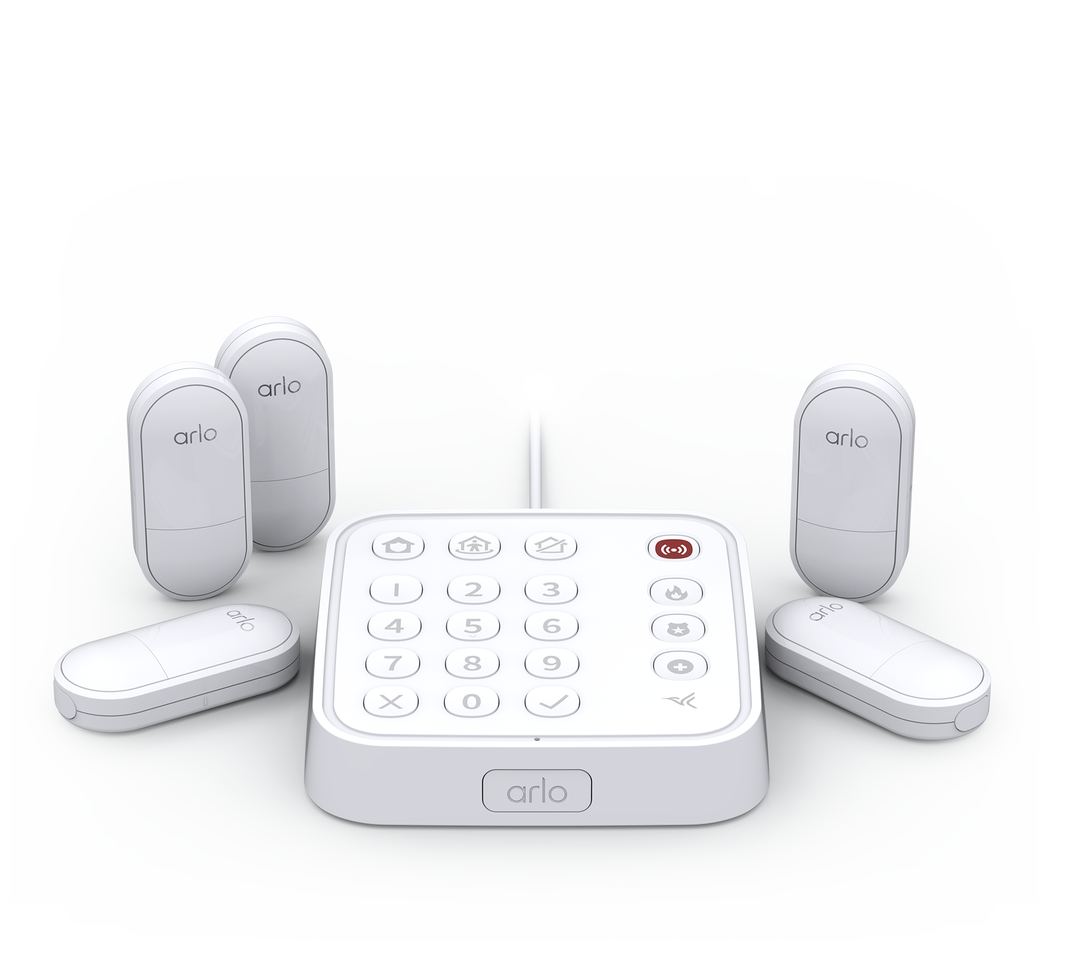
Receiving nearly continuous Arlo Secure notifications stating that the Keypad Sensor Hub for the Arlo Security System is offline, which appear to be false as the Arlo Secure app always shows all devices operating normally. Each offline notification is followed almost immediately by a notice that the Keypad Sensor Hub is back online. Hundreds of notifications can be received throughout the course of one day. All attempts to resolve this issue with Arlo Support have failed. System has been in place for 2 and 1/2 years with same router and network setup, with no such issue until about 4 days ago when these notices started raining down. All other non-Arlo devices on the wi-fi system are operating without issue. Hoping to learn whether any other user has experienced a similar problem.
- Mark as New
- Bookmark
- Subscribe
- Mute
- Subscribe to RSS Feed
- Permalink
- Report Inappropriate Content
Same problem here. It started early in the morning of July 24. Keypad sensor hub is offline/online notifications constantly. I tried a remote reset of the device, didn't work. Neither did unplugging it for a while, rebooting my router or even deleting the keypad from my devices. My wife's iphone isn't getting these notifications, since I'm the primary account holder, I get them only on mine. Keypad is currently deleted and unplugged but I still get constant notifications.

- Mark as New
- Bookmark
- Subscribe
- Mute
- Subscribe to RSS Feed
- Permalink
- Report Inappropriate Content
I am on Apple iOS – Arlo app version 6.36.0 (31343).
Security Hub firmware: 6.0.4_d249a61.
The issue is coming from the Security Hub only (no other cameras/devices).
Between 11 PM last night and 7 AM this morning, I received 59 online/offline notifications from the Security Hub.
Make it stop!
- Mark as New
- Bookmark
- Subscribe
- Mute
- Subscribe to RSS Feed
- Permalink
- Report Inappropriate Content
This should now be resolved. If you could please let me know if you are still seeing this same behavior that would be appreciated. Thank you.
- Mark as New
- Bookmark
- Subscribe
- Mute
- Subscribe to RSS Feed
- Permalink
- Report Inappropriate Content
We are still seeing these constant messages. I have also tried all of the trouble shooting items that were listed above.
- Mark as New
- Bookmark
- Subscribe
- Mute
- Subscribe to RSS Feed
- Permalink
- Report Inappropriate Content
Yes seems resolved for me! Been three hours without false notifications
- Mark as New
- Bookmark
- Subscribe
- Mute
- Subscribe to RSS Feed
- Permalink
- Report Inappropriate Content
Seems to be fixed on mine also. On iOS
- Mark as New
- Bookmark
- Subscribe
- Mute
- Subscribe to RSS Feed
- Permalink
- Report Inappropriate Content
@alpie are you still getting the notifications?
- Mark as New
- Bookmark
- Subscribe
- Mute
- Subscribe to RSS Feed
- Permalink
- Report Inappropriate Content
I have not had one now for 4-1/2 hours. The last one was 12:13 pm EST
-
Accessing Local Storage
1 -
Apple HomeKit
1 -
Apps
1 -
Arlo
2 -
Arlo app
2 -
Arlo Essential Spotlight
2 -
Arlo Mobile App
15 -
Arlo Pro 3 Floodlight
1 -
Arlo Pro 5S 2K
1 -
Arlo Secure
5 -
Arlo Secure 4.0
1 -
Arlo Smart
4 -
Arlo Smart Hub
1 -
Arlo Web and Mobile Apps
1 -
Before You Buy
15 -
customer service
2 -
door sensor
1 -
Eero
1 -
Features
16 -
Firmware Release Notes
1 -
google
1 -
home
2 -
home security
3 -
IFTTT
1 -
Installation
14 -
Keypad
3 -
Keypad Sensor Hub
4 -
mode
1 -
Modes and Rules
1 -
monitoring
2 -
Mount
1 -
MS1001
1 -
No Sound
1 -
old feed
1 -
PIN
1 -
Primary PIN
1 -
Public Key Required
1 -
RMA
1 -
Secondary PIN
1 -
Security
3 -
Security Keypad
1 -
Security System
2 -
Security System App
1 -
Sensor
1 -
Setting-up
1 -
Siren
1 -
support
1 -
System
1 -
Test Mode
1 -
Total Security Package
1 -
Troubleshooting
33 -
update
1 -
Wall
1 -
Website
1
- « Previous
- Next »
-
55 Replies
-
2026-07-25 07:40 AM
-
2030 Views
-
7 Likes
-
21 In Conversation
-