- Subscribe to RSS Feed
- Mark Topic as New
- Mark Topic as Read
- Float this Topic for Current User
- Bookmark
- Subscribe
- Printer Friendly Page
-
35 Replies
-
2025-12-16 02:15 PM
-
5160 Views
-
1 Like
-
4 In Conversation
-



- Mark as New
- Bookmark
- Subscribe
- Mute
- Subscribe to RSS Feed
- Permalink
- Report Inappropriate Content
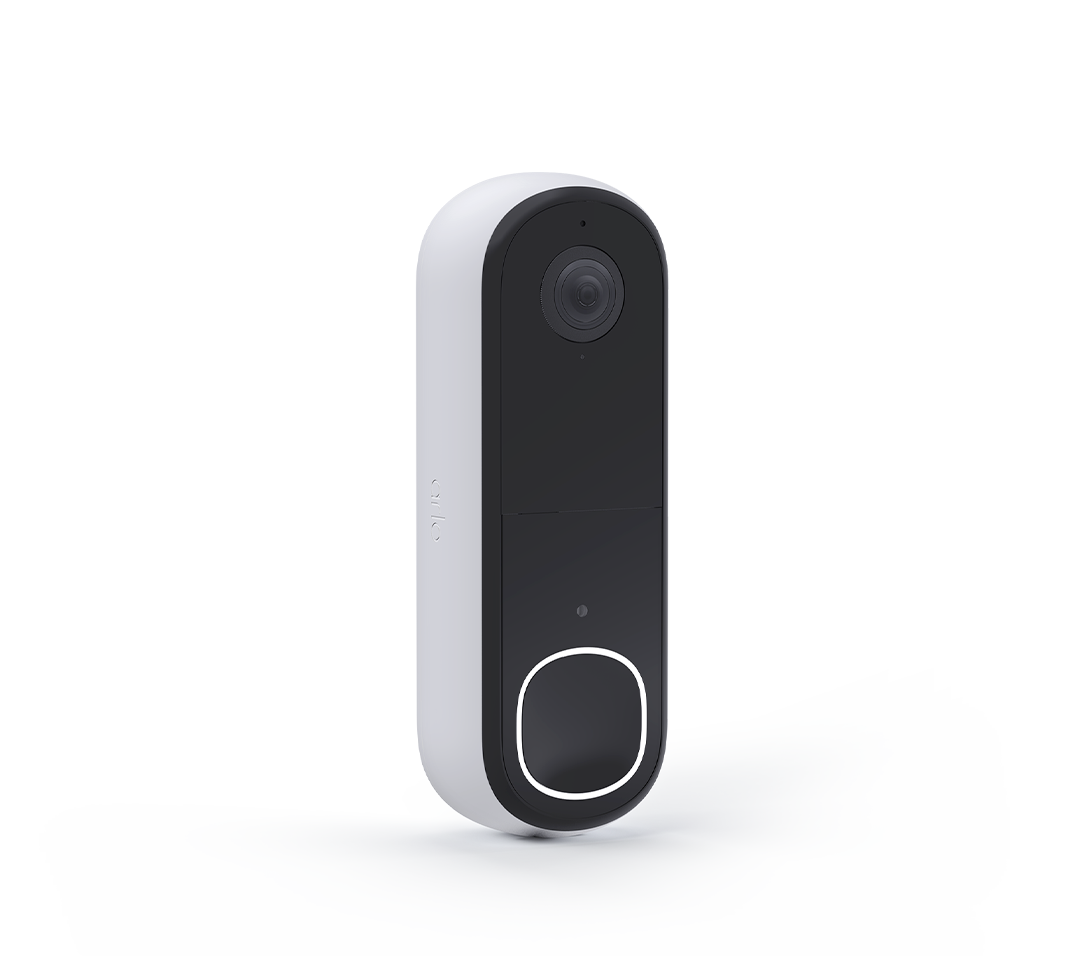
I just replaced my 1st generation wired Video Doorbell with the 2nd generation...connection is through the VMB5000 hub.
Resolution is set to 1944x1944, and everything looks great except live streaming on the web portal (which actually makes 480p SD video look good). Playback of recordings on the app & web portal, live streaming via the app and the still images on the Dashboard and the Devices pages all look great. I tried switching to 1536x1536 and 1080x1080 and it made no difference.
Note that the gen 2 is located in the same location as the gen 1, which had an excellent image when live streaming.
1st pic (below) shows live streaming the Doorbell and Front cams simultaneously...2nd pic shows the still images for comparison.


- Related Labels:
-
Troubleshooting
- Mark as New
- Bookmark
- Subscribe
- Mute
- Subscribe to RSS Feed
- Permalink
- Report Inappropriate Content
@BrookeN
Just downloaded a firmware update from 1.7.1_2122_3f617de to 1.8.0_2309_380b3e6 which I thought might solve this lousy live streaming video problem, but it made no difference whatsoever.
Note that it could only be installed with the app since, when I tried in the web portal, I would receive a message telling me "Upgrade Version Invalid"...just one more thing to deal with 🙄
EDIT: "it made no difference whatsoever" seems to only be true with the web portal...the Live Streaming on the app now looks great! 😁


- Mark as New
- Bookmark
- Subscribe
- Mute
- Subscribe to RSS Feed
- Permalink
- Report Inappropriate Content
I sent the images to Jeff to take a look at, I will update you as soon as possible.
- Mark as New
- Bookmark
- Subscribe
- Mute
- Subscribe to RSS Feed
- Permalink
- Report Inappropriate Content
@KachinaShadow I just wanted to follow up real quick and see if you are still seeing this behavior?
- Mark as New
- Bookmark
- Subscribe
- Mute
- Subscribe to RSS Feed
- Permalink
- Report Inappropriate Content
@BrookeN wrote:@KachinaShadowI just wanted to follow up real quick and see if you are still seeing this behavior?
Unfortunately, yes.
- Mark as New
- Bookmark
- Subscribe
- Mute
- Subscribe to RSS Feed
- Permalink
- Report Inappropriate Content
@BrookeN
Any word on if there's any updates on this?
Paul
- Mark as New
- Bookmark
- Subscribe
- Mute
- Subscribe to RSS Feed
- Permalink
- Report Inappropriate Content
I do not have any as of yet, I will reach out to Jeff.
- Mark as New
- Bookmark
- Subscribe
- Mute
- Subscribe to RSS Feed
- Permalink
- Report Inappropriate Content
@BrookeN
Just an FYI...tonight I received a notice that there was a firmware update for the Video Doorbell, so I installed it thinking that it would solve this issue, but it still remains the same.
- Mark as New
- Bookmark
- Subscribe
- Mute
- Subscribe to RSS Feed
- Permalink
- Report Inappropriate Content
Thank you for the update.
- Mark as New
- Bookmark
- Subscribe
- Mute
- Subscribe to RSS Feed
- Permalink
- Report Inappropriate Content
@BrookeN
I thought I'd try some different resolutions and zoom levels on my 2nd generation Video Doorbell to see if it made any difference with the awful live streaming image...it did not. However, I did notice that there was an increase in the amount of zoom while live streaming as opposed to the at rest image (the at rest image matches what I'd set the zoom at in the video settings). Note that none of my other cameras change the zoom level while live streaming and that this only happens, with the doorbell, in the web portal...the image on the app does not change the zoom while live streaming and that live stream image is focused and sharp.
I've included two screenshots with the corner of the door, in relation to the edge of the frame, circled so that you get an idea of the change in the amount of zoom. You can also see the same change in the two screenshots that I included in my initial post on this issue.




- Mark as New
- Bookmark
- Subscribe
- Mute
- Subscribe to RSS Feed
- Permalink
- Report Inappropriate Content
I'm surprised you replaced the first gen with the second gen one. The former offers the same, if not better, features than the latter, a replaceable battery (more eco friendly), local storage and a better detection range being a few to mention here. The resolution is also better, especially if you compare the first gen with the HD version, but I'd not quibble over 1.5k on the former vs 2k on the latter anyway. The second gen doorbell looks good, though.
I quite liked the innovative spirit of the old Arlo, with HD and Pro 2 cameras being excellent, and the audio doorbell characterised by a really small-size factor, while the first gen chime has much nicer looks than the second gen one. I love having my audio doorbell because of exactly how small and unobtrusive it is. I find that newer products are just repackaged versions of the existing ones, driven by consumers always wanting the newest.
This doesn't seem to be a feature of Arlo only. Netatmo, for example, did a similar thing with their second gen weather station. The first gen one is as functional and probably cheaper to get. The German router manufacturer Fritz! does the same, although being a good company, they support all their models, even those that are nearly 15 years old, with the latest firmware updates. They actually use this as a marketing feature because here in Europe, the drive and fashion is towards caring more about our precious planet (hence the European Commission's decision to use usb-c as standard and requirement of all new products to support it).
Just my personal views, of course.
- Mark as New
- Bookmark
- Subscribe
- Mute
- Subscribe to RSS Feed
- Permalink
- Report Inappropriate Content
Actually the 2k image on the 2nd generation (in the app) is much better that the best resolution on the 1st generation, hands down. Onboard battery stays charged between 60 & 75% with no issues.
Now, if they can just solve the live streaming picture quality on the web portal, everything will be just fine 😉


- Mark as New
- Bookmark
- Subscribe
- Mute
- Subscribe to RSS Feed
- Permalink
- Report Inappropriate Content
@Edinburgh_lad1 wrote:
I'm surprised you replaced the first gen with the second gen one. The former offers the same, if not better, features than the latter, a replaceable battery (more eco friendly), local storage and a better detection range being a few to mention here.
I think @KachinaShadow is talking about the wired doorbell (AVD1001), which does not have a replaceable battery. Only a very small internal battery which can smooth over power glitches. Also, the current doorbells can be paired with a smarthub, so local storage is available.
FWIW, I don't think longer detection range for a doorbell camera is always better. Lots of folks posted here saying that the AVD1001 and AVD2001 have too much range - triggering on people on street sidewalks and street traffic.
Personally I end up wth a lot of unwanted recordings with my AVD1001 . Since the doorbells can't be aimed, this can be hard to manage.
- Mark as New
- Bookmark
- Subscribe
- Mute
- Subscribe to RSS Feed
- Permalink
- Report Inappropriate Content
@BrookeN
Were you able to pass on the images that I included in message 10 of this thread?
- Mark as New
- Bookmark
- Subscribe
- Mute
- Subscribe to RSS Feed
- Permalink
- Report Inappropriate Content
@KachinaShadow I was thank you for providing those.
- Mark as New
- Bookmark
- Subscribe
- Mute
- Subscribe to RSS Feed
- Permalink
- Report Inappropriate Content
Since it's been 3 months since I first installed, found the problem and posted it the next day, but have seen no progress on a resolution whatsoever...then maybe someone could send me a new 2nd generation Wired Doorbell so I could at least feel like something's being done by someone (me).
Note that the first generation, that I replaced, did not have this problem... I did it to upgrade to a 2K image. Unfortunately what I now have is a much worse image.
- Mark as New
- Bookmark
- Subscribe
- Mute
- Subscribe to RSS Feed
- Permalink
- Report Inappropriate Content
Let me look into this @KachinaShadow and I will reach back out to you.
- Mark as New
- Bookmark
- Subscribe
- Mute
- Subscribe to RSS Feed
- Permalink
- Report Inappropriate Content
@BrookeN
Thank you...although I'm not sure that a new doorbell would actually solve the problem since it's only on the web portal and everything works good on the app, but at this point I'm not sure what else to try.
One other thing...yesterday I got this notification (pic below) a few times, while trying to live stream the doorbell, so now this whole thing is even more confusing...not to mention frustrating.
Also note that about 20% of the time, when I try to live stream the doorbell on the web portal, the waiting/connecting circle just keeps spinning...something that does not happen on the app.

- Mark as New
- Bookmark
- Subscribe
- Mute
- Subscribe to RSS Feed
- Permalink
- Report Inappropriate Content
We are aware of the behavior you were seeing in the screenshot.
- Mark as New
- Bookmark
- Subscribe
- Mute
- Subscribe to RSS Feed
- Permalink
- Report Inappropriate Content
This whole doorbell thing is getting crazier and crazier...I thought I'd check the doorbell image to see if anything's improved and this is what I got.
While the tiles (when livestreaming in both Dashboard & Devices) in their small frame seem to look a little better, when I expand the frame, I get a really bad image and a different frame resolution in Dashboard (pic 1) than in Devices (pic 2).
The other thing (pic 3) is that for at least 20 minutes after checking that in the web portal, I was unable to livestream the doorbell on the app because it thought that that camera was in use elsewhere...it was not!


- Mark as New
- Bookmark
- Subscribe
- Mute
- Subscribe to RSS Feed
- Permalink
- Report Inappropriate Content
Thank you for providing those pictures. I will update you soon.
- Mark as New
- Bookmark
- Subscribe
- Mute
- Subscribe to RSS Feed
- Permalink
- Report Inappropriate Content
@BrookeN
Not sure if this will help anyone or not but when I live stream the doorbell camera in the Alexa app on my phone, I get the same bad image as I get on the web portal...note that my four other cameras, when live streamed in the Alexa app, have a clear image just like in the Arlo app or web portal.
Yet, when I live stream the doorbell camera on the Echo Show Five screen, it is crystal clear just like when viewed in the Arlo app.
- Mark as New
- Bookmark
- Subscribe
- Mute
- Subscribe to RSS Feed
- Permalink
- Report Inappropriate Content
@KachinaShadow are you seeing any improvements with this behavior?
- Mark as New
- Bookmark
- Subscribe
- Mute
- Subscribe to RSS Feed
- Permalink
- Report Inappropriate Content
@BrookeN
No improvement whatsoever, same crummy image on the web portal...still looks great in the app 😉
- Mark as New
- Bookmark
- Subscribe
- Mute
- Subscribe to RSS Feed
- Permalink
- Report Inappropriate Content
Can you find out what's going on with this issue? It seems like anything to do with the web portal gets put on the back burner and is basically just ignored. This has been going on since mid-December and I've heard or seen nothing.
Also, in mid-December you sent the images to Jeff, who I've worked with before, but I never heard anything from him. And in mid-March you had said "We are aware of the behavior you were seeing in the screenshot" but if they're aware then why haven't they done anything or at least kept you up to date on any progress so that you could pass that on to me?
Maybe the web portal isn't important to Arlo but like @Captain_Trips said in another post, regarding a web portal issue, "I don’t think they realize how many people chose Arlo Technologies specifically because you can access your cameras from a PC. That was the main reason I picked Arlo over other options"...he's certainly correct on this!
-
Accessories
4 -
Activity Zones
1 -
Amazon Alexa
1 -
Apple HomeKit
2 -
Apple TV App
9 -
Applications mobile et en ligne
1 -
Apps
4 -
Arlo Go
3 -
Arlo Mobile App
864 -
Arlo Pro
36 -
Arlo Pro 2
1 -
Arlo Q (Plus)
3 -
Arlo Smart
235 -
Arlo Web and Mobile Apps
18 -
Arlo Wire-Free
30 -
base station
1 -
Batteries
529 -
Before You Buy
979 -
Can't view cameras live at all
1 -
Dépannage
1 -
Détection de mouvements
1 -
Features
1,188 -
Fehlerbehebung
1 -
Firmware Release Notes
93 -
Google Assistant
1 -
Hardware
1 -
home security
1 -
IFTTT (If This Then That)
105 -
Installation
2,086 -
Iphone 14 pro
1 -
Live view
1 -
Modes and Rules
1 -
Motion Detection
2 -
Object Recognition
3 -
Online and Mobile Apps
983 -
Online und mobile Apps
1 -
Order Not Going Through... help please!
1 -
Other Discussions
1 -
Partner Integrations
4 -
Security
1 -
Service and Storage
14 -
Smart Subscription
3 -
SmartThings
71 -
Troubleshooting
9,343 -
Videos
233 -
Vidéo
2 -
Warranty & Contracts
2
- « Previous
- Next »
-
35 Replies
-
2025-12-16 02:15 PM
-
5161 Views
-
1 Like
-
4 In Conversation
-