- Subscribe to RSS Feed
- Mark Topic as New
- Mark Topic as Read
- Float this Topic for Current User
- Bookmark
- Subscribe
- Printer Friendly Page
- « Previous
-
- 1
- 2
- Next »
-
39 Replies
-
2025-12-18 07:34 AM
-
4749 Views
-
13 Likes
-
7 In Conversation
-




- Mark as New
- Bookmark
- Subscribe
- Mute
- Subscribe to RSS Feed
- Permalink
- Report Inappropriate Content
Hello,
Last night, I upgraded my Arlo Secure app in old iPhone 12 mini (iOS v18.7.2). This early morning, I got an e-mail and app notification to tell me about Arlo Secure App upgrade. I noticed major changes and got a free trial (I didn't want it!). However, I could not see my shared Pro 2 cameras and their base station that I used to see.
I logged out my original account and into my Pro 2 account, and it was using the old design. It also couldn't see my other shared Arlo cameras and their base station (Pro 2). I even tried upgrading account to the new design since Arlo already forced it in my other account so I might as well, but that made no differences.
How do I get my shared accounts back in both accounts? I already tried adding a new Pro 5s camera with a smarthub (it found Pro 2's base station, no updated, ). It failed to find anything obviously, but still don't see my other shared account's cameras.
Thank you for reading and hopefully answering soon to fix this.

- Related Labels:
-
Arlo Mobile App
-
Features
-
Troubleshooting
- Mark as New
- Bookmark
- Subscribe
- Mute
- Subscribe to RSS Feed
- Permalink
- Report Inappropriate Content
I guess Arlo forum removed the old feedback subforum. It used to let forum users vote for Arlo ideas. This was like almost a decade ago. You should bring that old feedback subforum back to let people post, vote, etc.


- Mark as New
- Bookmark
- Subscribe
- Mute
- Subscribe to RSS Feed
- Permalink
- Report Inappropriate Content
@StephenB wrote:Each account shows up as its own location in the app. If you press the profile icon in the top left of the app, you can see the locations listed there. By default they are all called "Home", so you do need to rename them to avoid confusion.
Stephen, I don't see an obvious way to rename each account and location to avoid that bit of confusion you mention. When you have a second, could you explain whether that can be done after the invitation is sent and accepted and, if so, how? Many thanks! 🙏
- Mark as New
- Bookmark
- Subscribe
- Mute
- Subscribe to RSS Feed
- Permalink
- Report Inappropriate Content
@BrookeN wrote:... if you want to create a new post regarding the locations, I can send it to the development team as a feature request.
Brooke, when you have the time I'd be grateful if you could send these ideas to the development team to consider as future feature requests. Thank you!
1. There is no explicit "accept" option visible on the successful Invite and Accept cycles I've been able to achieve so far. You just click on the invite email, log into the invited account, and then -- if you know where to look -- the access is (at least possibly) available there. An explicit, "XYZ has invited you, click this button to say Yes and hit this other button to say No Thanks" would seem both simple and helpful, especially with the swirl of other potentially confusing issues already at play.
2. It would be great if widgets for ALL cameras available via a user's Profile, including (1) the cameras native to that original Profile and (2) any additional cameras now visible within that Profile by virtue of an invitation and acceptance, could all be placed collectively inside a single Dashboard. That would go a long way to restoring at least part of the (a) ease of function and (b) ease of visibility attributes that were huge pluses in the old Library ecosystem, but which are not available so far in the new Feed paradigm.
- Mark as New
- Bookmark
- Subscribe
- Mute
- Subscribe to RSS Feed
- Permalink
- Report Inappropriate Content
@StephenB , I don't see an obvious way to rename each account and location to avoid that bit of confusion you mention. When you have a second, could you explain whether that can be done after the invitation is sent and accepted and, if so, how? Many thanks! 🙏
Stephen I just got that sorted on my own and wanted to save you the time, so here we go:
For anyone that wants to make this kind of name change, the path is Dashboard > Settings > Locations and Plans. From there, click on the location you want to rename and the first option at the top of that next page will be "Location Name" which is fully editable.
One twist is that even if you gave full access rights to the other accounts and profiles that you have invited to view your secondary account(s) and profile(s), you still have to make those name changes by logging into each original account and profile you control. Once you do that, the new names will immediately populate on every other account and profile that you previously shared access with.


- Mark as New
- Bookmark
- Subscribe
- Mute
- Subscribe to RSS Feed
- Permalink
- Report Inappropriate Content
@Camily wrote:
I don't see an obvious way to rename each account and location
You rename locations shown in your account, not accounts (which only have the username of the owner).
Press the profile icon in the top left of the app, then press the location (e.g., "Home"). Then press the "Location Name" field between "Plan" and "Address". From there you can change the name.


- Mark as New
- Bookmark
- Subscribe
- Mute
- Subscribe to RSS Feed
- Permalink
- Report Inappropriate Content
When the account with my Pro 2 cameras were forced to update back in December 2025, they continued to record.
I have two other accounts with Arlo Q;s and Arlo Baby's that were forced to update this past Monday and Tuesday. I just checked on those accounts, and now none of the Arlo Qs or Arlo Baby cameras will record. They stopped recording when the accounts were forced to updgrade to the new app, with a free trial.
Short version is that they do live view, and I've spent over an hour going over the settings over and over again. I've walked directly in front of the cameras, but they won't record or send a notification. I've tried rebooting the cameras.
They are all set on Armed. Set to record when any motion is detected. I've checked that there are activity zones in place. Recording times are set to fixed (2 minutes). Etc.
What else can I try? Help?
Edited to add: I did try to contact Support through the Android app, but the "Next" button is greyed out, and it won't allow me to select a camera. So, I guess I am not able to contact Support....


- Mark as New
- Bookmark
- Subscribe
- Mute
- Subscribe to RSS Feed
- Permalink
- Report Inappropriate Content
Take one of the cameras from the account and add it baack on and see if that resolves the behavior you are seeing.
- Mark as New
- Bookmark
- Subscribe
- Mute
- Subscribe to RSS Feed
- Permalink
- Report Inappropriate Content
Thank you for your quick reply!
I'll describe here what I figured out in case anyone else is having this problem and also so that you can let the developers know about a potential coding logic issue.
I spent much of the weekend trying to get things to work but was afraid to uninstall a camera for fear that it may not re-install. So, based on your suggestion, I did finally delete and re-add an Arlo Q camera, and it did start recording.
I noticed that the re-added camera (GR) looked different in the "Arm Away" settings.
1) All other cameras: "Motion --> 3 Actions" (This is how it looked when the app updated.)
2) GR: "Motion -> Record & Notify" (This is after deleting and re-adding).
I did not quite understand what was meant by "3 Actions" because all I had set previously was Record and Notify.
Then after drilling down on the settings for each camera, I noticed that the original "Edit Device Rules" from the forced update had a "Adjust Device Settings" at the bottom of the screen. I just assumed that it was supposed to be like that. However, the camera that had been deleted and re-added (GR) did not have this "Adjust Device Settings."
So, after I deleted all the "Adjust Device Settings" from all the other cameras that were forced update last week, they started recording and notifying.
Another odd thing is that the Pro 2's that were force updated in December have in the Armed settings a mixture of "3 Actions," "Record & Notfiy," and "Record" on the Android tablet (Samsung) version 6.13.0_6130002 released 01/29/26. This is how is came through the forced udpate app last week. I did not change any settings, and the Pro 2's seem to still work OK. While on the Android cellphone (Samsung) app version 6.3.8_6030805 released 8/28/25, all Pro 2's showed up in December forced update as "Record & Notify" in the Armed Away setting, which is how it was set up for Library. And it worked immediately.
So, strange how the two Android app and device versions handled conversions differently and how the Pro 2's did not have issues, but the Qs and Babys would not record or notify when transitioned.
Those are the things that I noticed. I will try to attach screenshots--not sure if they will be posted.
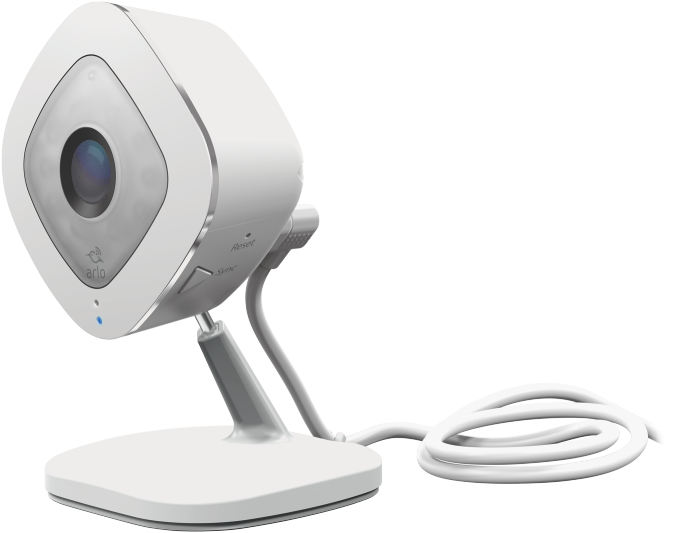
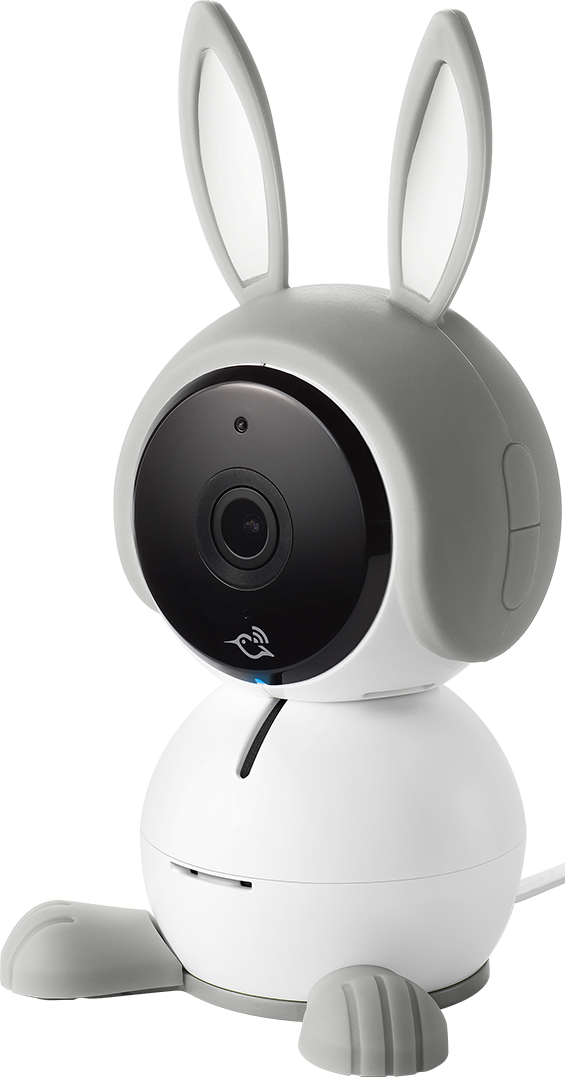
- Mark as New
- Bookmark
- Subscribe
- Mute
- Subscribe to RSS Feed
- Permalink
- Report Inappropriate Content
How do I include screenshots?
I keep getting the following error when I try to paste or include even one screenshot.
"Message cannot exceed 20,000 characters."
EDITED to add: I posted two (blurry) screenshots below in two separate messages.
- Mark as New
- Bookmark
- Subscribe
- Mute
- Subscribe to RSS Feed
- Permalink
- Report Inappropriate Content

- Mark as New
- Bookmark
- Subscribe
- Mute
- Subscribe to RSS Feed
- Permalink
- Report Inappropriate Content


- Mark as New
- Bookmark
- Subscribe
- Mute
- Subscribe to RSS Feed
- Permalink
- Report Inappropriate Content
I should of never listened to this. My camera was working just not recording. I removed the camera and now it won't even add back into the app. Fml
- Mark as New
- Bookmark
- Subscribe
- Mute
- Subscribe to RSS Feed
- Permalink
- Report Inappropriate Content
I did this and now the camera won't add back in. I now have a useless camera. I'm so mad right now. It was working fine just didn't record and alert.
- Mark as New
- Bookmark
- Subscribe
- Mute
- Subscribe to RSS Feed
- Permalink
- Report Inappropriate Content
I am so sorry that your Arlo camera won't add back.
I was also afraid of that as well, which is why I tried to post a detailed description of perhaps how to avoid removing the camera and get it to record. Was that not clear in the description?
For my Arlo Q, when I first held down the Sync button to add back the camera, I only got a flashing Amber light, and the camera would not read the QR code. I had to hold the Sync button longer to finally get the flashing blue button to successfully read the QR code to add back the camera.
Also, I have found that the Arlo cameras sometimes have difficulty reading the QR code off my cellphone, when I am trying to use the cellphone app. Using the Arlo app on a tablet provides a much larger QR code, and my Arlo Q had no problems reading the QR code off the tablet.
- Mark as New
- Bookmark
- Subscribe
- Mute
- Subscribe to RSS Feed
- Permalink
- Report Inappropriate Content
@AngryArloGuy which camera are you not able to add back onto the account? What behavior are you seeing when you are trying to add it?
- « Previous
-
- 1
- 2
- Next »
-
Accessories
4 -
Activity Zones
1 -
Amazon Alexa
1 -
Apple HomeKit
2 -
Apple TV App
9 -
Applications mobile et en ligne
1 -
Apps
4 -
Arlo Go
3 -
Arlo Mobile App
822 -
Arlo Pro
36 -
Arlo Pro 2
1 -
Arlo Q (Plus)
3 -
Arlo Smart
221 -
Arlo Web and Mobile Apps
18 -
Arlo Wire-Free
30 -
base station
1 -
Batteries
529 -
Before You Buy
961 -
Can't view cameras live at all
1 -
Dépannage
1 -
Détection de mouvements
1 -
Features
1,125 -
Fehlerbehebung
1 -
Firmware Release Notes
93 -
Google Assistant
1 -
Hardware
1 -
home security
1 -
IFTTT (If This Then That)
105 -
Installation
2,063 -
Iphone 14 pro
1 -
Live view
1 -
Modes and Rules
1 -
Motion Detection
2 -
Object Recognition
3 -
Online and Mobile Apps
983 -
Online und mobile Apps
1 -
Order Not Going Through... help please!
1 -
Other Discussions
1 -
Partner Integrations
4 -
Security
1 -
Service and Storage
14 -
Smart Subscription
3 -
SmartThings
71 -
Troubleshooting
9,236 -
Videos
233 -
Vidéo
2 -
Warranty & Contracts
2
- « Previous
- Next »
-
39 Replies
-
2025-12-18 07:34 AM
-
4750 Views
-
13 Likes
-
7 In Conversation
-