-
1 Reply
-
2025-03-28 02:47 AM
-
890 Views
-
1 Like
-
2 In Conversation
-



- Mark as New
- Bookmark
- Subscribe
- Mute
- Subscribe to RSS Feed
- Permalink
- Report Inappropriate Content
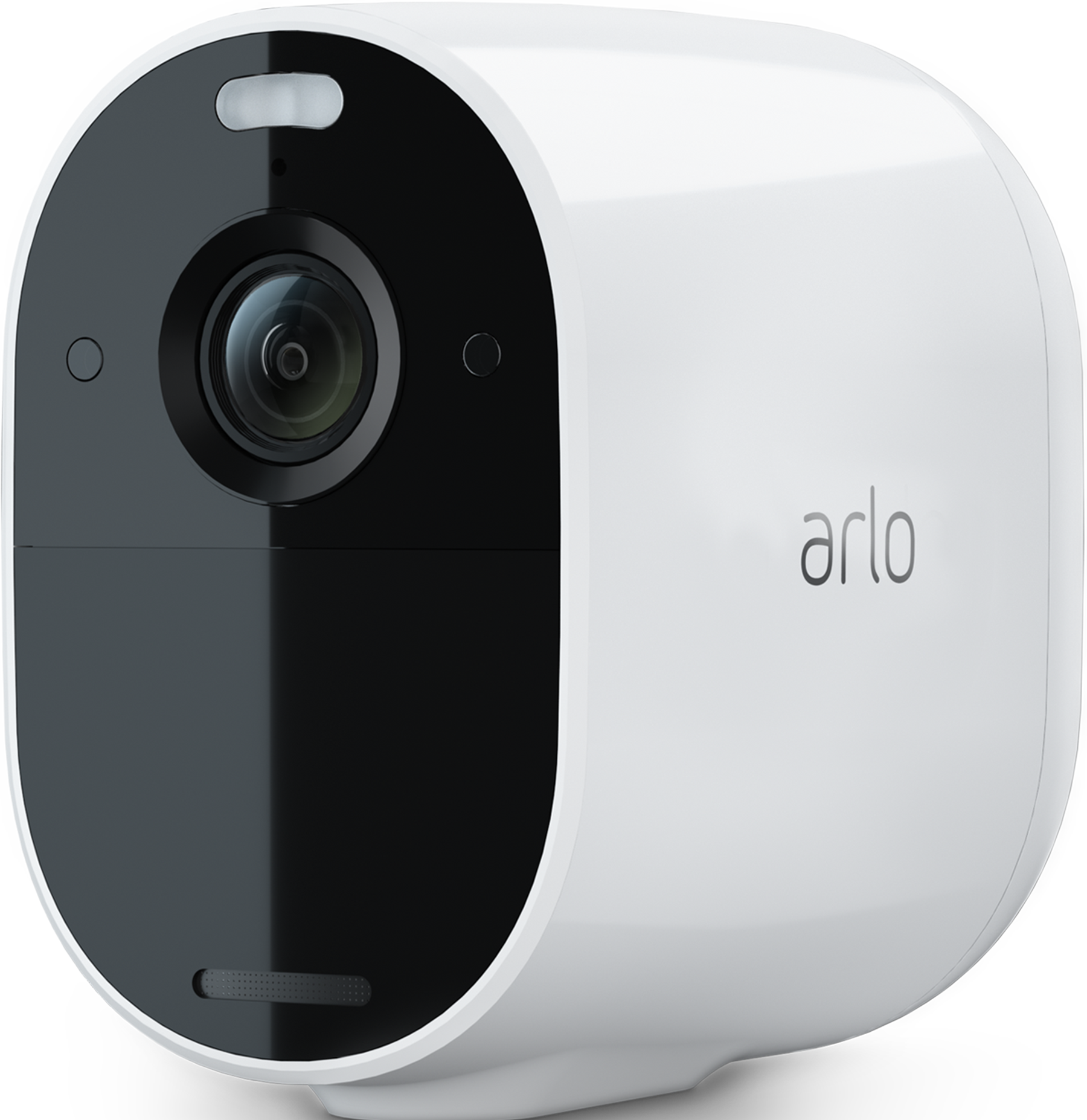
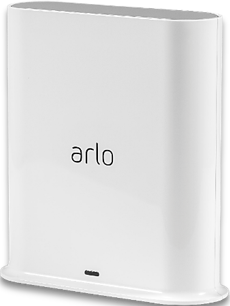
I have a smarthub and several cameras, pro 3. camera & essential outdoor cameras.
I was having range issues, and thank to help on this forum, I have now installed an access point.
It has been configured etc and is working and giving good signal where we need it. However, we can't connect the 2 cameras to it that require the help of the access point.
Installed is a TP-LINK OMADA EAP650-OUTDOOR DUAL-BAND INDOOR/OUTDOOR WiFi ACCESS POINT
The home signal runs 3 cameras, but the other 2 would need to connect to the access point, but they won't connect? You can see the the wifi option but it won't connect.
I assume that if the camera isn't connected to the smarthub that you can connect to a different network if configured to do so?
Hopefully someone can help and can understand my explanation ha ha
Solved! Go to Solution.

- Related Labels:
-
Troubleshooting
 890
890
Accepted Solutions


- Mark as New
- Bookmark
- Subscribe
- Mute
- Subscribe to RSS Feed
- Permalink
- Report Inappropriate Content
@TtotheC wrote:
I assume that if the camera isn't connected to the smarthub that you can connect to a different network if configured to do so?
Yes. If you see "Library" in your app menu, the process is described here:
If instead you see "Feed" and "Dashboard", then look here:
You can also remove the cameras from your account, do a hardware reset, and add them back.
@TtotheC wrote:
Installed is a TP-LINK OMADA EAP650-OUTDOOR DUAL-BAND INDOOR/OUTDOOR WiFi ACCESS POINT
The home signal runs 3 cameras, but the other 2 would need to connect to the access point, but they won't connect? You can see the the wifi option but it won't connect.
Just to clarify this - are you wanting to connect your Essential cameras to the outdoor access point? The Pro 3 cameras have to be connected to your Arlo hub.
Best answers
-
@TtotheC wrote:
I assume that if the camera isn't connected to the smarthub that you can connect to a different network if configured to do so?
Yes. If you see "Library" in your app menu, the process is described here:
If instead you see "Feed" and "Dashboard", then look here:
You can also remove the cameras from your account, do a hardware reset, and add them back.
@TtotheC wrote:
Installed is a TP-LINK OMADA EAP650-OUTDOOR DUAL-BAND INDOOR/OUTDOOR WiFi ACCESS POINT
The home signal runs 3 cameras, but the other 2 would need to connect to the access point, but they won't connect? You can see the the wifi option but it won't connect.
Just to clarify this - are you wanting to connect your Essential cameras to the outdoor access point? The Pro 3 cameras have to be connected to your Arlo hub.


- Mark as New
- Bookmark
- Subscribe
- Mute
- Subscribe to RSS Feed
- Permalink
- Report Inappropriate Content
@TtotheC wrote:
I assume that if the camera isn't connected to the smarthub that you can connect to a different network if configured to do so?
Yes. If you see "Library" in your app menu, the process is described here:
If instead you see "Feed" and "Dashboard", then look here:
You can also remove the cameras from your account, do a hardware reset, and add them back.
@TtotheC wrote:
Installed is a TP-LINK OMADA EAP650-OUTDOOR DUAL-BAND INDOOR/OUTDOOR WiFi ACCESS POINT
The home signal runs 3 cameras, but the other 2 would need to connect to the access point, but they won't connect? You can see the the wifi option but it won't connect.
Just to clarify this - are you wanting to connect your Essential cameras to the outdoor access point? The Pro 3 cameras have to be connected to your Arlo hub.