This topic has been closed to new posts due to inactivity. We hope you'll join the conversation by posting to an open topic or starting a new one.
Arlo Secure 2.o Invitation
- Subscribe to RSS Feed
- Mark Topic as New
- Mark Topic as Read
- Float this Topic for Current User
- Bookmark
- Subscribe
- Printer Friendly Page
-
1 Reply
-
2025-11-22 02:02 PM
-
586 Views
-
0 Likes
-
2 In Conversation
-



- Mark as New
- Bookmark
- Subscribe
- Mute
- Subscribe to RSS Feed
- Permalink
- Report Inappropriate Content
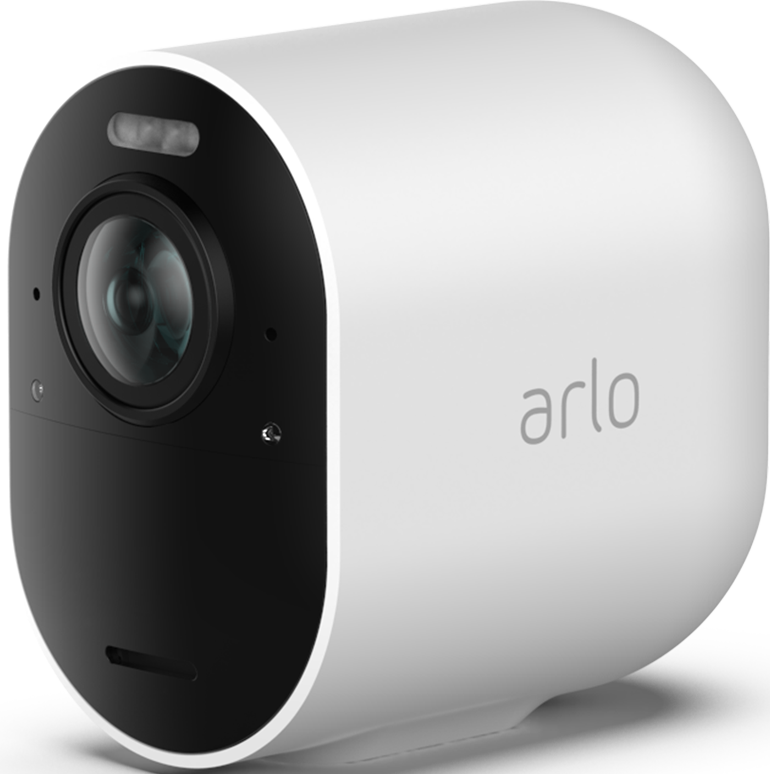
It is extremely unsatisfactory when a customer pays almost 900.€ for a complete Arlo system and then also has to deal with something banal. I sent an invitation to my husband so that he also has access to our new system on his cell phone. First, according to Arlo, he cannot accept the invitation via mobile phone email app, and has to switch to a computer. "Almost zero people" use PCs nowadays except children and gamers! I was almost burned in anger. Secondly, after he clicked on the invitation link, it referred us back 'to the app' which in turn is only available on 'the mobile phone' to confirm. Tell me what's that?! And then back to logging in, logging in didn't work despite the whole back and forth! And now I'm seriously wondering what this mess is about? I want my husband and children to get access to the security system of our house without having to play a round of Pathfinder on Playstation first! I'm pissed off at the moment, to put it mildly. It should be clear that most consumers of this product are mobile phone owners and not PC users and you can really exaggerate it with the confusion! We need real help to finally solve this cell phone, PC, laptop Bullsh*t problem for people who do not have a PC or use it, please! What good is a house system if there are 5 family members and only one of them has access because you have designed 'the invitation system' at Arlo so stupidly that no other family member can participate in it! A simple update would have to be made: invite, click, accept and done.
- Related Labels:
-
Arlo Mobile App


- Mark as New
- Bookmark
- Subscribe
- Mute
- Subscribe to RSS Feed
- Permalink
- Report Inappropriate Content
Hi @AGL2
Thanks for the feedback! You can use your credentials on another phone (multiple devices), giving everyone the same access, with one simple login, This feature also allows you to bypass the shared access feature.
-
Arlo Mobile App
258 -
Arlo Smart
167 -
Arlo Ultra 2
1 -
Before You Buy
273 -
Features
355 -
Installation
297 -
Prima di acquistare
1 -
Troubleshooting
1,039
-
1 Reply
-
2025-11-22 02:02 PM
-
587 Views
-
0 Likes
-
2 In Conversation
-