This topic has been closed to new posts due to inactivity. We hope you'll join the conversation by posting to an open topic or starting a new one.
Battery in casing will not come out?
- Subscribe to RSS Feed
- Mark Topic as New
- Mark Topic as Read
- Float this Topic for Current User
- Bookmark
- Subscribe
- Printer Friendly Page
-
1 Reply
-
2025-09-17 12:39 PM
-
653 Views
-
0 Likes
-
2 In Conversation
-


- Mark as New
- Bookmark
- Subscribe
- Mute
- Subscribe to RSS Feed
- Permalink
- Report Inappropriate Content
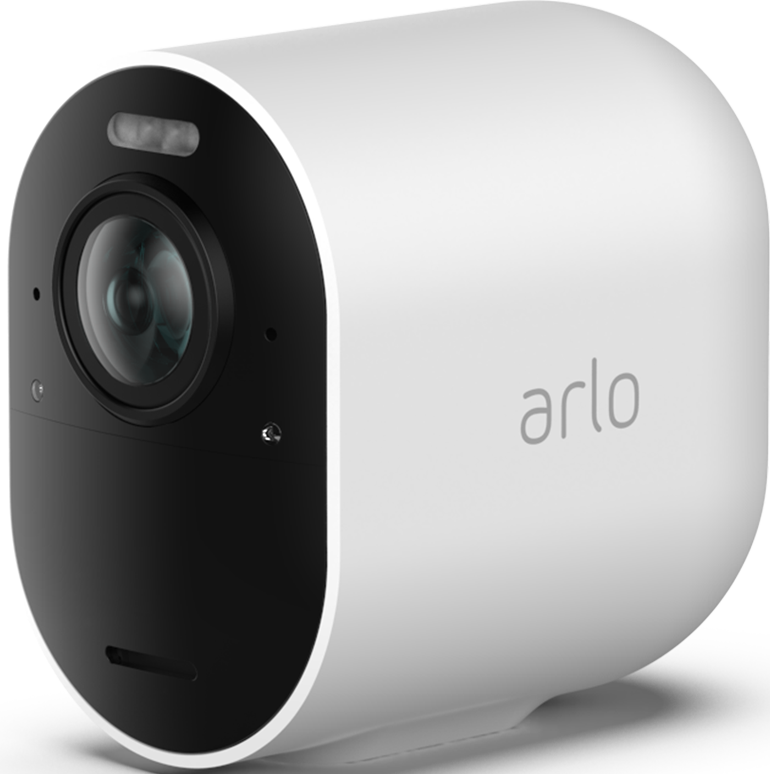
I have the Pro Series 4.
I am trying to remove the casing, so that I can swap out the battery.
Every time I use the security key to turn it for it to pop out, all you hear is the "click" but it won't fully release for me to pull it out.
Since it is flush, it is not like I can stick anything to help pry it out.
Any advice on how to remove it?
Thanks in advance.
- Related Labels:
-
Troubleshooting


- Mark as New
- Bookmark
- Subscribe
- Mute
- Subscribe to RSS Feed
- Permalink
- Report Inappropriate Content
If you're careful, you could use a thin tool (jeweler's screwdriver?) to gently insert a small distance between the case and camera face to see if you can pry the camera out a bit so you can then grab it. While it's out, inspect the o-ring to ensure you didn't damage it and then use a small amount of silicone grease on it to help with the "stickage".
-
Arlo Mobile App
488 -
Arlo Pro 3
1 -
Arlo Pro 4
2 -
Arlo Secure
3 -
Arlo Smart
226 -
Arlo Wire-Free
1 -
Before You Buy
352 -
Dépannage
1 -
Features
459 -
Installation
450 -
labels
1 -
Samsung SmartThings
1 -
Troubleshooting
1,890
-
1 Reply
-
2025-09-17 12:39 PM
-
654 Views
-
0 Likes
-
2 In Conversation
-