- Subscribe to RSS Feed
- Mark Topic as New
- Mark Topic as Read
- Float this Topic for Current User
- Bookmark
- Subscribe
- Printer Friendly Page
-
6 Replies
-
2026-06-03 06:56 PM
-
936 Views
-
0 Likes
-
2 In Conversation
-



- Mark as New
- Bookmark
- Subscribe
- Mute
- Subscribe to RSS Feed
- Permalink
- Report Inappropriate Content
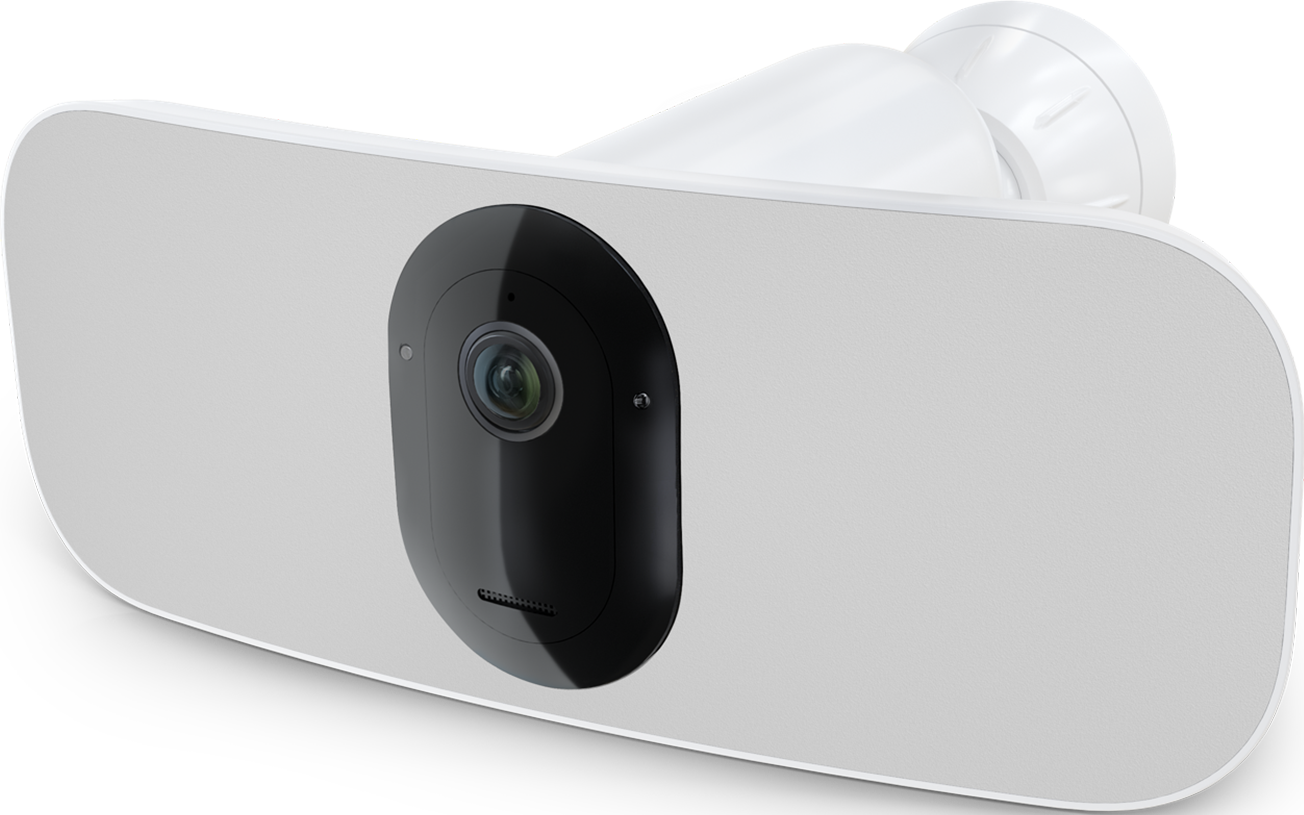
cannot reconnect Pro3 floodlight to my renamed network (same asus router). tried everything advised including factory reset of floodlight camera, deleting and reinstalling the app, creating a separate 2.4 GHz. No VPN or sim card on my iPhone 17. Set up gets through every step including connecting to wi-fi and then Error 1. Phone call to support had nothing new to say - just made me go through every step again and will "escalate" and get back to me. Had no problem with the doorbell.
- Related Labels:
-
Troubleshooting


- Mark as New
- Bookmark
- Subscribe
- Mute
- Subscribe to RSS Feed
- Permalink
- Report Inappropriate Content
Do you have a mesh network? Does your network Name and password contain a space or special characters?
- Mark as New
- Bookmark
- Subscribe
- Mute
- Subscribe to RSS Feed
- Permalink
- Report Inappropriate Content
yes it does but my arlo doorbell connected to it no problem
- Mark as New
- Bookmark
- Subscribe
- Mute
- Subscribe to RSS Feed
- Permalink
- Report Inappropriate Content
Which one there is a mesh network or there is space or special characters?
- Mark as New
- Bookmark
- Subscribe
- Mute
- Subscribe to RSS Feed
- Permalink
- Report Inappropriate Content
I have mesh network but only the asus router hooked up for now. I did have a special character in my password but changed it and tried again after I recharged the floodlight battery to 100%. still not working. argh
- Mark as New
- Bookmark
- Subscribe
- Mute
- Subscribe to RSS Feed
- Permalink
- Report Inappropriate Content
PS I am doing all of this in the same room as the router
- Mark as New
- Bookmark
- Subscribe
- Mute
- Subscribe to RSS Feed
- Permalink
- Report Inappropriate Content
Can you please dm me a callback number as well as a good time to call. That way I can have support look into this further. You send a dm by clicking on the envelope icon on the top right of the forum page.If you don't see it, then go into your profile settings and select preferences, then "Private Messenger." Then select "Turn on private messages" if it is turned off.
-
Arlo Mobile App
449 -
Arlo Pro 3
7 -
Arlo Secure
2 -
Arlo Smart
321 -
Before You Buy
304 -
Features
411 -
Firmware Release Notes
4 -
Installation
366 -
Online and Mobile Apps
15 -
Service and Storage
17 -
Troubleshooting
1,946
-
6 Replies
-
2026-06-03 06:56 PM
-
937 Views
-
0 Likes
-
2 In Conversation
-