- Subscribe to RSS Feed
- Mark Topic as New
- Mark Topic as Read
- Float this Topic for Current User
- Bookmark
- Subscribe
- Printer Friendly Page
-
4 Replies
-
2025-12-15 04:02 PM
-
686 Views
-
5 Likes
-
3 In Conversation
-



- Mark as New
- Bookmark
- Subscribe
- Mute
- Subscribe to RSS Feed
- Permalink
- Report Inappropriate Content
As previously posted, my app was updated in the middle of the night to a new version that I'm have serious issues with.
Besides those issues, can someone tell me where the videos are stored? I do not have a plan. I was using the free video storage that only keeps a few days. Do you have to have a plan to see video recordings in the new app?
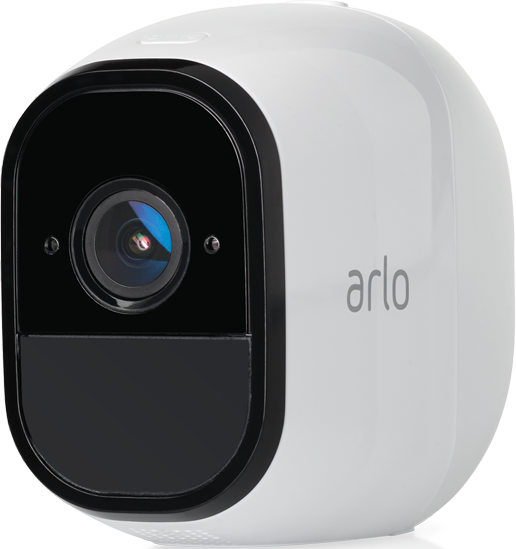
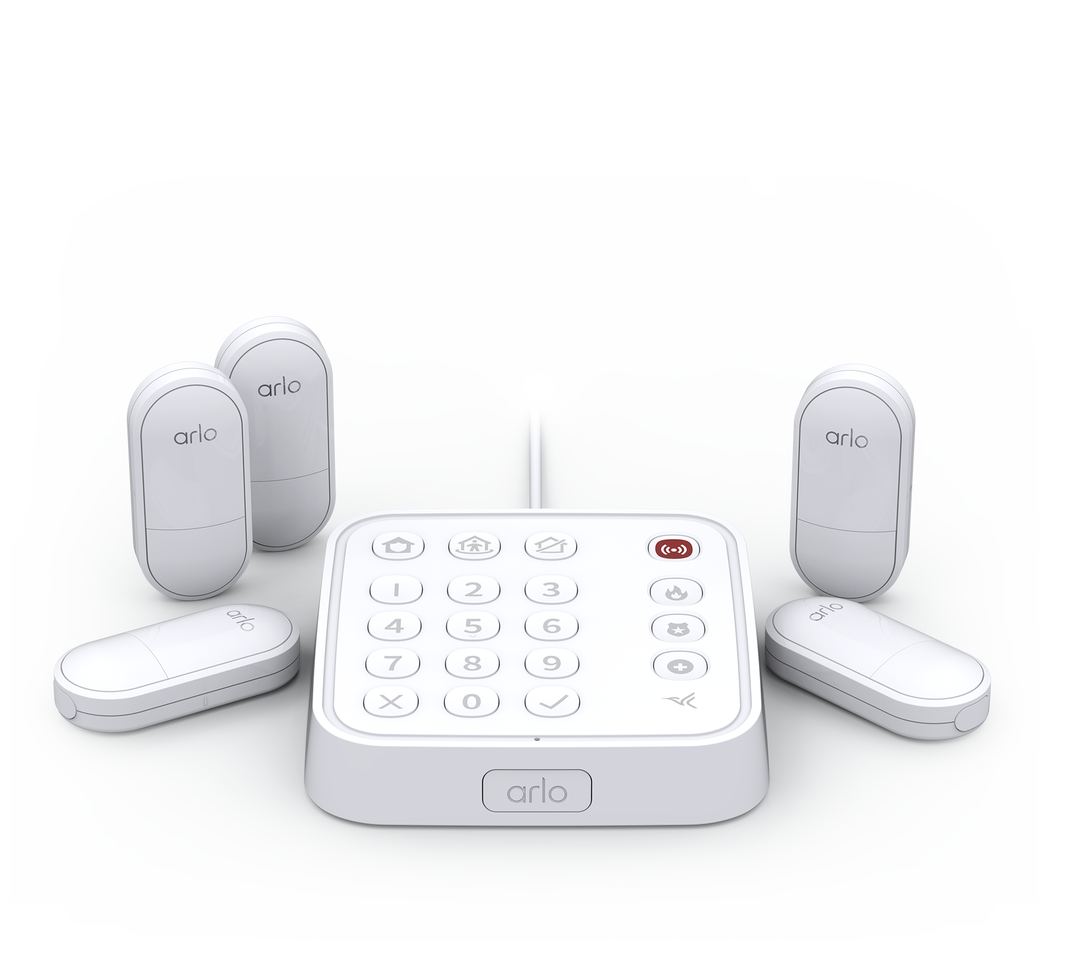
Arlo Pro Arlo Pro 2 Arlo Home Security System
Solved! Go to Solution.

- Related Labels:
-
Arlo Mobile App
Accepted Solutions


- Mark as New
- Bookmark
- Subscribe
- Mute
- Subscribe to RSS Feed
- Permalink
- Report Inappropriate Content
Any recordings should show in Feed. You may want to verify that your various modes (in Routines) have appropriate rules and that an appropriate mode is selected in Dashboard. Read this FAQ to see if it helps:
https://kb.arlo.com/000062777/About-Arlo-Routines-Modes-Rules-and-Automations
- Mark as New
- Bookmark
- Subscribe
- Mute
- Subscribe to RSS Feed
- Permalink
- Report Inappropriate Content
Any recordings should show in Feed. You may want to verify that your various modes (in Routines) have appropriate rules and that an appropriate mode is selected in Dashboard. Read this FAQ to see if it helps:
https://kb.arlo.com/000062777/About-Arlo-Routines-Modes-Rules-and-Automations

- Mark as New
- Bookmark
- Subscribe
- Mute
- Subscribe to RSS Feed
- Permalink
- Report Inappropriate Content
This might be a better place to start:
- Mark as New
- Bookmark
- Subscribe
- Mute
- Subscribe to RSS Feed
- Permalink
- Report Inappropriate Content
"Feed" appears to be a daily user and system log.
Mine has what I think is the number of times I recently tried to Arm the system since this app update, though I didn't record the time of day or keep all iphone notifications before I gave up trying to arm it. And it also shows the "Standby Activated" what I originally thought was hacked or by it self. Turns out I have "Automations | Schedules" through out the day that automatically put the system in Standby. (WITHOUT ANY NOTIFICATIONS)
I'm looking for the Library where videos are stored for 7 days.
I guess I can look on the local USB drive I have plugged in the base unit.
- Mark as New
- Bookmark
- Subscribe
- Mute
- Subscribe to RSS Feed
- Permalink
- Report Inappropriate Content
Corrected, after deleting the "Schedules" that were putting the system in "Standby Mode" but without sending notifications, I able to Arm the system and trigger a "motion" which I can see in the "FEED" now that it is not just a log of user/system messages. Sounds strange to look for Video Recordings in your "Feed"
It also has advertisements on the "FEED" page, which after this forced app update, is so surprising that arlo would think that anyone would spend money on this system.
-
Arlo Mobile App
672 -
Arlo Pro 2
11 -
Arlo Smart
189 -
Before You Buy
1,006 -
Features
462 -
Firmware Release Notes
57 -
Google Assistant
1 -
IFTTT (If This Then That)
24 -
Installation
1,168 -
Online and Mobile Apps
865 -
Service and Storage
317 -
SmartThings
37 -
Troubleshooting
6,408
-
4 Replies
-
2025-12-15 04:02 PM
-
687 Views
-
5 Likes
-
3 In Conversation
-