- Subscribe to RSS Feed
- Mark Topic as New
- Mark Topic as Read
- Float this Topic for Current User
- Bookmark
- Subscribe
- Printer Friendly Page
-
5 Replies
-
2026-01-12 01:37 PM
-
481 Views
-
1 Like
-
2 In Conversation
-



- Mark as New
- Bookmark
- Subscribe
- Mute
- Subscribe to RSS Feed
- Permalink
- Report Inappropriate Content
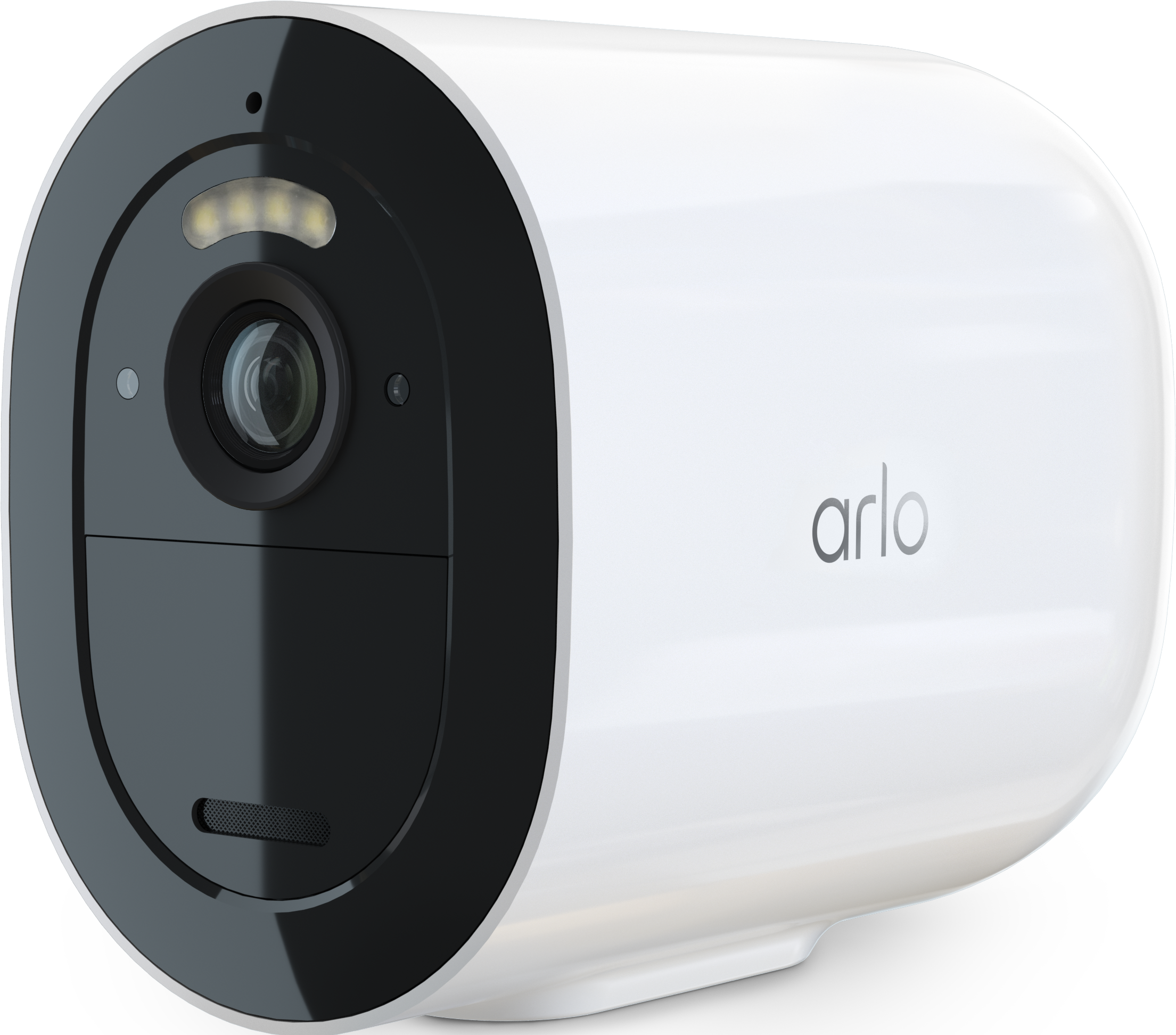
It seems from the support article (https://kb.arlo.com/000062618/How-to-select-between-Wi-Fi-or-Mobile-LTE-connection-for-Arlo-Go-2#:~:...) that my Arlo Go 2 camera should automatically reconnect to wifi from LTE once my router comes back online, but the Arlo Secure app does not have the 'Set as Default Connection' toggle available in the network connection menu like the article says, so my camera stays on LTE even with full wifi signal strength.
Is this option hidden somewhere else in the app, or does the camera need to be manually re-synced after wifi network interruption?
- Related Labels:
-
Arlo Mobile App
-
Arlo Secure
-
Features
-
Troubleshooting


- Mark as New
- Bookmark
- Subscribe
- Mute
- Subscribe to RSS Feed
- Permalink
- Report Inappropriate Content
Thanks for The feedback. Let me look into this and I'll let you know what I find as soon as possible.
- Mark as New
- Bookmark
- Subscribe
- Mute
- Subscribe to RSS Feed
- Permalink
- Report Inappropriate Content
- Mark as New
- Bookmark
- Subscribe
- Mute
- Subscribe to RSS Feed
- Permalink
- Report Inappropriate Content


- Mark as New
- Bookmark
- Subscribe
- Mute
- Subscribe to RSS Feed
- Permalink
- Report Inappropriate Content
Thanks, Let me look into this and I'll update you as soon as possible.
- Mark as New
- Bookmark
- Subscribe
- Mute
- Subscribe to RSS Feed
- Permalink
- Report Inappropriate Content
I have escalated your case & someone from support will be reaching out to you as soon as possible.
-
Arlo Mobile App
65 -
Arlo Secure
115 -
Arlo Smart
18 -
Before You Buy
67 -
Features
87 -
Installation
65 -
Troubleshooting
230
-
5 Replies
-
2026-01-12 01:37 PM
-
482 Views
-
1 Like
-
2 In Conversation
-