- Subscribe to RSS Feed
- Mark Topic as New
- Mark Topic as Read
- Float this Topic for Current User
- Bookmark
- Subscribe
- Printer Friendly Page
-
2 Replies
-
2025-08-24 02:09 PM
-
336 Views
-
0 Likes
-
2 In Conversation
-




- Mark as New
- Bookmark
- Subscribe
- Mute
- Subscribe to RSS Feed
- Permalink
- Report Inappropriate Content
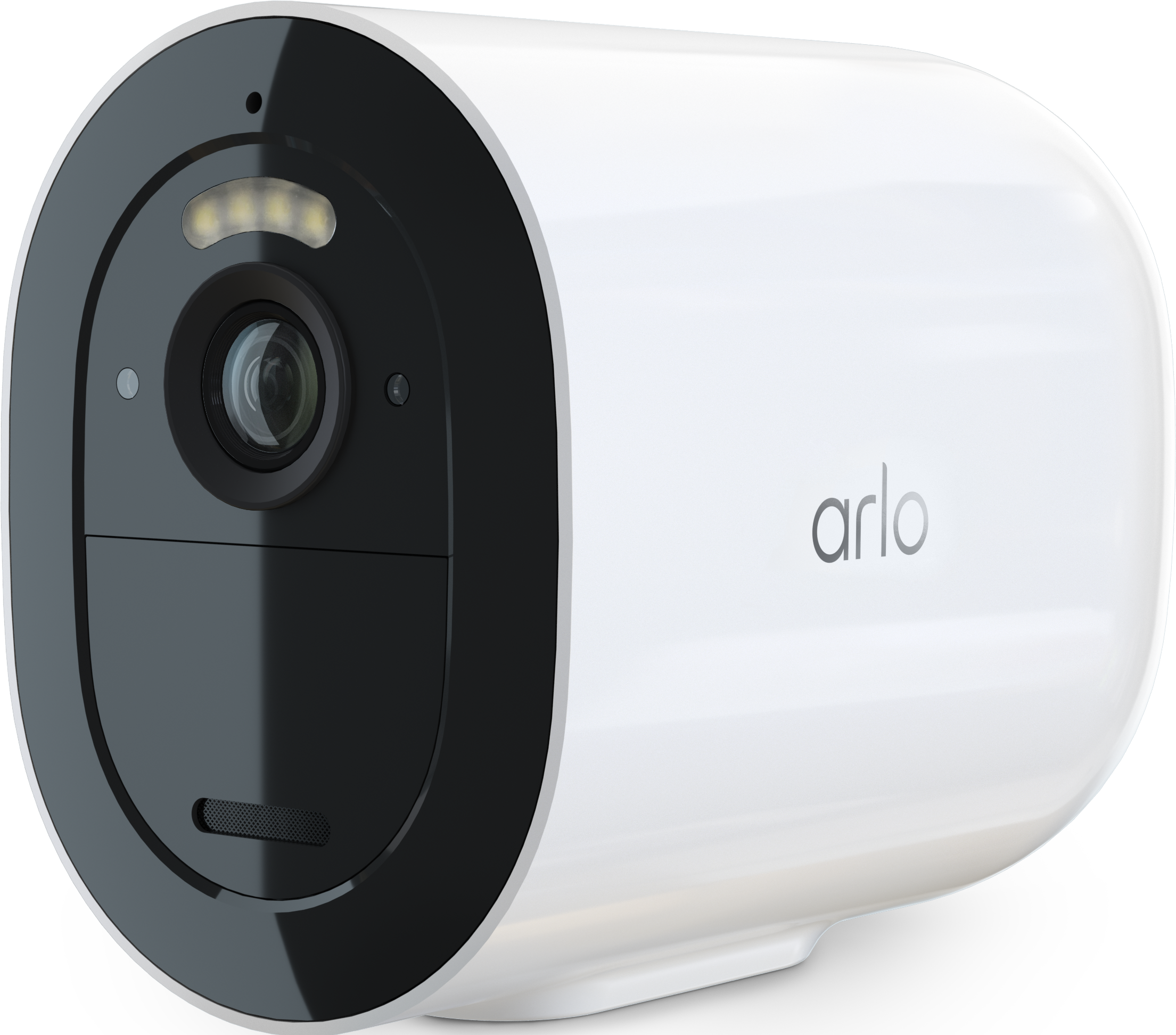
Is anyone else seeing this with their Arlo Go 2 LTE cameras?
I’ve got two separate cameras on different accounts, in different states (Ventura County, CA + Manhattan, KS), on Google Fi LTE — and both broke the exact same way this week:
What’s broken:
Red “LTE Not Connected” dot on the dashboard
No motion-triggered recordings
No push notifications
Live view fails from the main device view
What still works perfectly:
Battery levels, LTE bars, and charging status update
I can adjust brightness/rotation in settings and watch a real-time preview
I can flip the camera 180° remotely and the video feed responds instantly
Basically, the cameras are online — the app can talk to them — but Arlo’s backend isn’t authorizing the media/event channel.
This looks like a backend LTE registration mismatch:
Control plane = ✅ alive
Media/event plane = ❌ dead
Two devices, two locations, same failure = not hardware, not SIMs, not carrier.
Feels like an Arlo server issue that broke event triggers, notifications, and recordings for LTE Go 2 models.
If you’re seeing the same thing, please reply so Arlo engineering can escalate this.
Frontline support is only offering “factory reset + re-add” scripts, which don’t solve a backend problem when the cameras are 1,500 miles away.
- Related Labels:
-
Troubleshooting


- Mark as New
- Bookmark
- Subscribe
- Mute
- Subscribe to RSS Feed
- Permalink
- Report Inappropriate Content
I apologize for the delay in my response. The behavior you are seeing is currently being investigated. I will update the community as soon as possible.
- Mark as New
- Bookmark
- Subscribe
- Mute
- Subscribe to RSS Feed
- Permalink
- Report Inappropriate Content
@AviCohen are you still seeing this same behavior?
-
Arlo Mobile App
58 -
Arlo Secure
105 -
Arlo Smart
17 -
Before You Buy
64 -
Features
85 -
Installation
62 -
Troubleshooting
219
-
2 Replies
-
2025-08-24 02:09 PM
-
337 Views
-
0 Likes
-
2 In Conversation
-