- Subscribe to RSS Feed
- Mark Topic as New
- Mark Topic as Read
- Float this Topic for Current User
- Bookmark
- Subscribe
- Printer Friendly Page
-
136 Replies
-
2026-06-28 02:52 PM
-
5231 Views
-
33 Likes
-
39 In Conversation
-






- Mark as New
- Bookmark
- Subscribe
- Mute
- Subscribe to RSS Feed
- Permalink
- Report Inappropriate Content
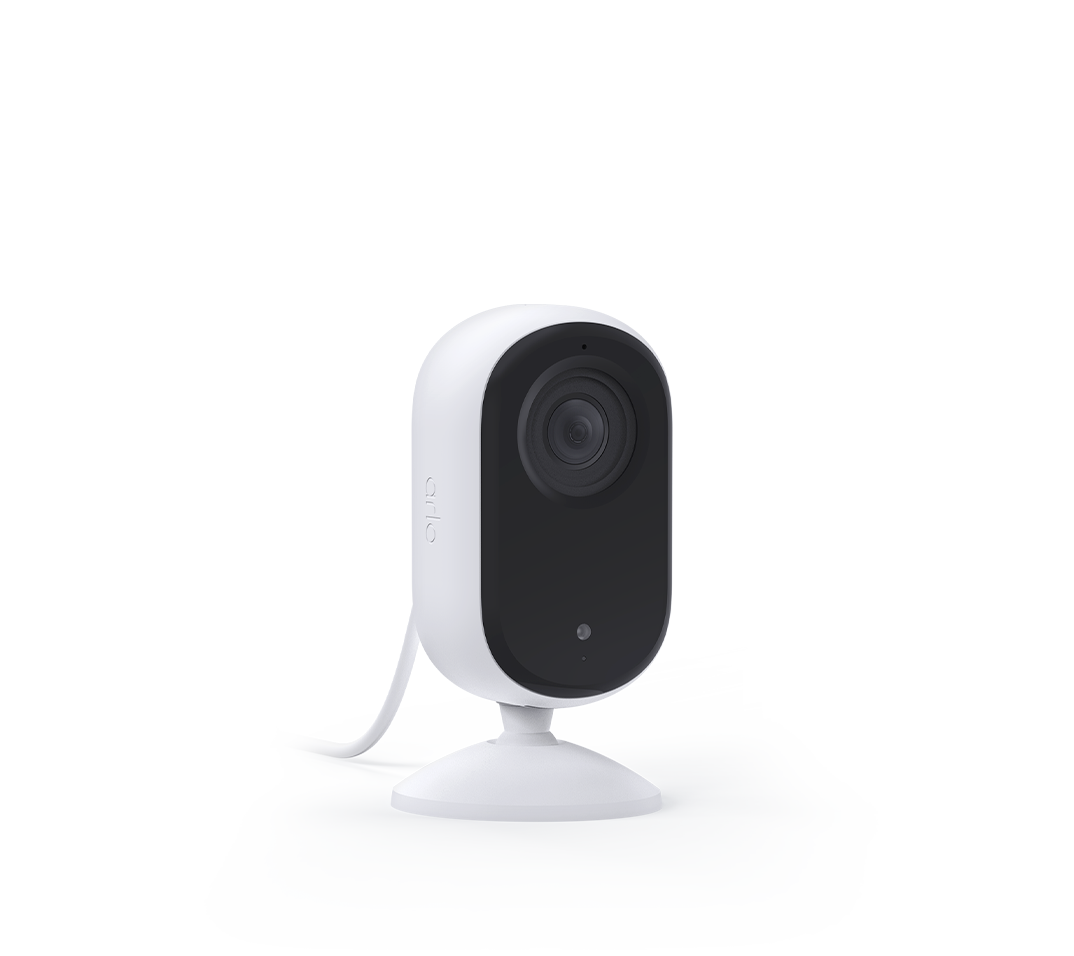
I have 2 essential indoor cameras that keep go offline within 24 hrs they are permanently plugged in and one is next to router. I have 13 cameras of various arlo models and these are the only ones I have issue with. I have to unplug and plug them back in every time I need them to work.
Best answers
-
The development team is currently investigating a recent firmware release that has resulted in a small number of users experiencing intermittent offline behavior. We will continue to work with users who experience this issue by rolling back this firmware update to alleviate the offline symptoms. We apologize for any frustration this issue has caused and hope to provide a full resolution soon.



- Mark as New
- Bookmark
- Subscribe
- Mute
- Subscribe to RSS Feed
- Permalink
- Report Inappropriate Content
Hi @BrookeN
Thanks again.
I have a different model that also has the disconnection issue, but less frequently.
Is a similar type of experimental firmware available?
- Essential Security Camera (3rd Gen)
- 10.1.6_8d821ab
- VMC3080Aerl.2


- Mark as New
- Bookmark
- Subscribe
- Mute
- Subscribe to RSS Feed
- Permalink
- Report Inappropriate Content
@Betaloy I have seen a few users seeing this with their 3rd generation. However, this is still being investigated.
- Mark as New
- Bookmark
- Subscribe
- Mute
- Subscribe to RSS Feed
- Permalink
- Report Inappropriate Content
Thanks @BrookeN

- Mark as New
- Bookmark
- Subscribe
- Mute
- Subscribe to RSS Feed
- Permalink
- Report Inappropriate Content
Yes Brooke. Do whatever needs to be done for this constant problem. Thank you

- Mark as New
- Bookmark
- Subscribe
- Mute
- Subscribe to RSS Feed
- Permalink
- Report Inappropriate Content
@BrookeN i have reboot it but the firm ware is still the same. Is that correct?
- Mark as New
- Bookmark
- Subscribe
- Mute
- Subscribe to RSS Feed
- Permalink
- Report Inappropriate Content
@Sheriffbobk can you please try rebooting that device again.
- Mark as New
- Bookmark
- Subscribe
- Mute
- Subscribe to RSS Feed
- Permalink
- Report Inappropriate Content
I was able to move over two cameras, those will need to be rebooted to receive the firmware. The living room labeled camera is offline and I cannot move it over tell it is online. Please let me know when it is online and I will have that one done as well.
- Mark as New
- Bookmark
- Subscribe
- Mute
- Subscribe to RSS Feed
- Permalink
- Report Inappropriate Content
Hi @BrookeN it has been online since the reboot yesterday. If it goes down I will reboot again! I have 2 other cameras that I am currently not using or in my device list. When I confirm this one is working I will set up the other 2 and ask you to rollback those for me as well. Thanks
- Mark as New
- Bookmark
- Subscribe
- Mute
- Subscribe to RSS Feed
- Permalink
- Report Inappropriate Content
@BrookeN i just had a look and the firmware has been rolled back! That’s why it’s working. Must took a while for the rollback to occur. Anyway thank you so much. I will set up the other 2 cameras and let you know to rollback for me.
btw would the camera auto update the firmware? If I reboot? If I remove or add it as a device?
- Mark as New
- Bookmark
- Subscribe
- Mute
- Subscribe to RSS Feed
- Permalink
- Report Inappropriate Content
No, you should be good with the firmware that I added on, it shouldn't change.
- Mark as New
- Bookmark
- Subscribe
- Mute
- Subscribe to RSS Feed
- Permalink
- Report Inappropriate Content
Hi @BrookeN i have now added the other 2 cameras without renaming them. Could you please rollback the firmware on them as well. Thanks
- Mark as New
- Bookmark
- Subscribe
- Mute
- Subscribe to RSS Feed
- Permalink
- Report Inappropriate Content
the living room one is now on. Let me know when I can reboot it and what it consists of. Do I just need to unplug them or remove them and pair them again??

- Mark as New
- Bookmark
- Subscribe
- Mute
- Subscribe to RSS Feed
- Permalink
- Report Inappropriate Content
Hi @BrookeN , can you please roll my firmware back too? Its my only VMC3060 camera on my account (labelled Nest - new). Firmware 10.0.2509_e400417. Serial no AG76587WD06D2. I'm in NZ and this is quite time sensitive, as I have to pay someone to reset the camera each time because it's in a different city to where i live. (...hence the need for a camera...) so can you please do it now? The camera is currently online with good connection. I dont know how long it will stay online
i tried doing this through arlo "support" yesterday and it went terribly awry. So hoping this goes smoother! Thank you
- Mark as New
- Bookmark
- Subscribe
- Mute
- Subscribe to RSS Feed
- Permalink
- Report Inappropriate Content
@KelleyC121 - I was having to have my three affected cameras on smart sockets so I could isolate them from power and restart them remotely. Now that they're on the experimental firmware they have been rock solid for three days. I hope you've got yours sorted
- Mark as New
- Bookmark
- Subscribe
- Mute
- Subscribe to RSS Feed
- Permalink
- Report Inappropriate Content
Hi @BrookeN - I have 2 Essentials Indoor cameras with the same issue. Could you please update to the experimental firmware to resolve ASAP please? 🙏
- Mark as New
- Bookmark
- Subscribe
- Mute
- Subscribe to RSS Feed
- Permalink
- Report Inappropriate Content
Hi @BrookeN. hope you had a good weekend. I have rebooted my other 2 cameras. They are the same camera as the one that you assisted me with previously. if you could assist me by rolling back the firmware for those 2 that will be greatly appreciated. Thanks
- Mark as New
- Bookmark
- Subscribe
- Mute
- Subscribe to RSS Feed
- Permalink
- Report Inappropriate Content
@Sheriffbobk I have added the experimental build on those cameras. Go ahead and reboot within the hour.
@vieuxhommes I was unable to move yours over as it is offline. Once it is online let me know and I will get that software added.
@KelleyC121 I was unable to move yours over as it is offline. Once it is online let me know and I will get that software added.
@toddcope I was unable to move yours over as it is offline. Once it is online let me know and I will get that software added.
- Mark as New
- Bookmark
- Subscribe
- Mute
- Subscribe to RSS Feed
- Permalink
- Report Inappropriate Content
@BrookeN Could you add me to that list please.
- Mark as New
- Bookmark
- Subscribe
- Mute
- Subscribe to RSS Feed
- Permalink
- Report Inappropriate Content
@Calle14g22 yours are the Gen 3 these are only for the Essential 2 indoor cameras. The behavior with what you are seeing is still being investigated.
- Mark as New
- Bookmark
- Subscribe
- Mute
- Subscribe to RSS Feed
- Permalink
- Report Inappropriate Content
I am sorry, but your 3 cameras that I have installed at home, even after the upgrade or whatever experimental stuff you sent me, they still paly "musical" cameras. They keep on going online and offline all the times. Adding to all this that I cannot reset or restart your cameras remotely, it makes it a joke when I get told by your troubleshooting staff that I need to be home to reset the cameras, which defeat the main purpose of the use of these cameras: to be able to see what is going on at my place when I am not at home. Why would I need those cameras if I am at home? The idea is to have an efficient product that I can rely when I am not at home. A bit of a joke if you ask me. Also everytime I get an email from you, is followed by a "feedback" email which I cannot answer. You need to get your system and products in working order. I have now about 7 of your emails and, guess what? No solution! If you need my feedback I'll give it to you here: it is a very very below standard product what you had and I can see many other customers have the same issues, You should promise what You can't deliver! It is extremely frustrating!
- Mark as New
- Bookmark
- Subscribe
- Mute
- Subscribe to RSS Feed
- Permalink
- Report Inappropriate Content
Thank you @BrookeN someone will be there in 2hrs to reset the power again. I’ll let you know as soon as it’s back online.
and great idea @Betaloy with the smart plugs. I had thought of that too. Unfortunately I’d have to fly down there to install the smart plug, and I was only at the property just last week. Ideally I’ll get this sorted without another day off work and cost of flights, airport parking, transfers, etc. 🙈
- Mark as New
- Bookmark
- Subscribe
- Mute
- Subscribe to RSS Feed
- Permalink
- Report Inappropriate Content
@vieuxhommes I was able to move the one labeled bedroom over as well. It does need to be rebooted to get the firmware. The camera labeled living room, is still offline so that one cannot be moved tell it is online. Once it is online let me know and I would be more than happy to add the firmware to it.
- Mark as New
- Bookmark
- Subscribe
- Mute
- Subscribe to RSS Feed
- Permalink
- Report Inappropriate Content
Hey @BrookeN - Both cameras are back online - Garage Inside & Lounge Room. Thanks for your help!
- Mark as New
- Bookmark
- Subscribe
- Mute
- Subscribe to RSS Feed
- Permalink
- Report Inappropriate Content
@toddcope Got them! I was able to move them over, please reboot within the hour.
- Mark as New
- Bookmark
- Subscribe
- Mute
- Subscribe to RSS Feed
- Permalink
- Report Inappropriate Content
Hi @BrookeN - the camera is online now. It’s called Nest - new. Can you do the firmware change before it goes offline again? Thank you!
-
136 Replies
-
2026-06-28 02:52 PM
-
5232 Views
-
33 Likes
-
39 In Conversation
-