- Subscribe to RSS Feed
- Mark Topic as New
- Mark Topic as Read
- Float this Topic for Current User
- Bookmark
- Subscribe
- Printer Friendly Page
-
1 Reply
-
2026-06-10 01:35 AM
-
831 Views
-
0 Likes
-
2 In Conversation
-



- Mark as New
- Bookmark
- Subscribe
- Mute
- Subscribe to RSS Feed
- Permalink
- Report Inappropriate Content
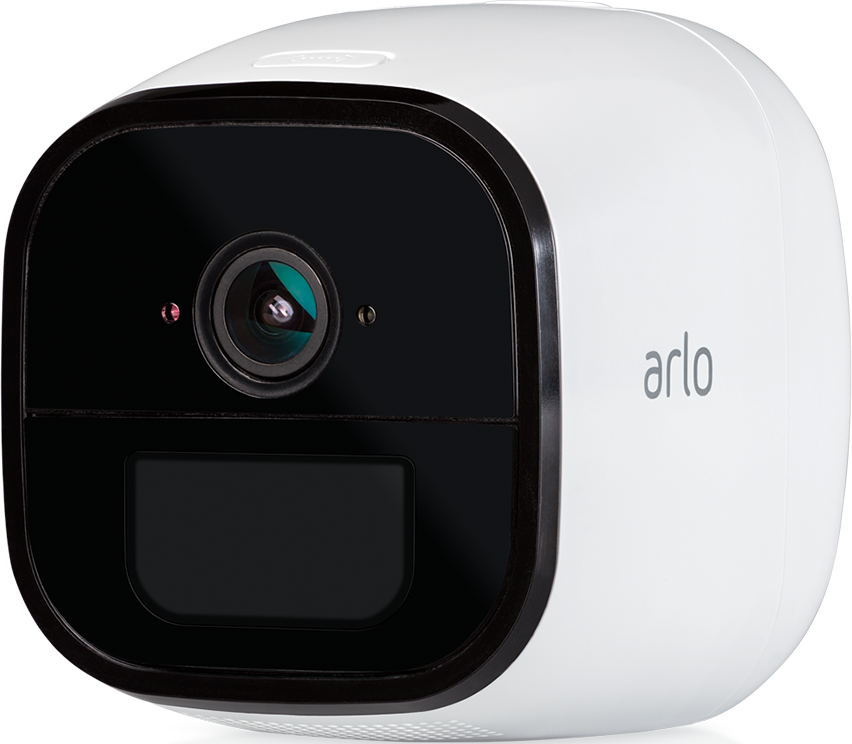
Hello Arlo Support team,I am experiencing a critical interface block on my Arlo Go (VML4030) setup after the transition to the new Arlo Secure 4.0 App interface. I do not have a paid Arlo Secure subscription (running on the legacy free plan), and the cloud backend seems to be completely blocking my access to function configurations.The Issue:My camera is physically connected and working properly, and its hardware motion detection test passes successfully. However, it completely refuses to capture motion or send push notifications when the system state is set to "Arm Away". When inspecting the mode details via the Arlo app or on the desktop web version (my.arlo.com), the "Device Rules" section is empty. More importantly, the "Add Device Rule" option is completely greyed out and unclickable. I also cannot use custom routines because the UI blocks it with a compatibility error message.I have already performed a complete system cache wipe, removed the device from my account, performed a factory reset via the QR code scanning routine, and synchronized it as a brand new hardware device. The rule panel remains hard-blocked and empty on Arlo's backend server side.As I am unable to access the internal app ticketing center due to my subscription tier restrictions, please open a direct support ticket for my account so that a technical support agent can manually adjust or refresh my cloud interface configuration profile.Thank you, I appreciate your assistance.
Solved! Go to Solution.
- Related Labels:
-
Troubleshooting
Accepted Solutions


- Mark as New
- Bookmark
- Subscribe
- Mute
- Subscribe to RSS Feed
- Permalink
- Report Inappropriate Content
Can you try to reset the camera as well as uninstall and reinstall the app and see if the behavior changes?
https://kb.arlo.com/1202749/How-do-I-factory-reset-my-Arlo-Go-camera
- Mark as New
- Bookmark
- Subscribe
- Mute
- Subscribe to RSS Feed
- Permalink
- Report Inappropriate Content
Can you try to reset the camera as well as uninstall and reinstall the app and see if the behavior changes?
https://kb.arlo.com/1202749/How-do-I-factory-reset-my-Arlo-Go-camera
-
Accessories
4 -
Activity Zones
1 -
Amazon Alexa
1 -
Apple HomeKit
2 -
Apple TV App
9 -
Applications mobile et en ligne
1 -
Apps
4 -
Arlo Go
3 -
Arlo Mobile App
865 -
Arlo Pro
36 -
Arlo Pro 2
1 -
Arlo Q (Plus)
3 -
Arlo Smart
237 -
Arlo Web and Mobile Apps
18 -
Arlo Wire-Free
30 -
base station
1 -
Batteries
529 -
Before You Buy
979 -
Can't view cameras live at all
1 -
Dépannage
1 -
Détection de mouvements
1 -
Features
1,192 -
Fehlerbehebung
1 -
Firmware Release Notes
93 -
Google Assistant
1 -
Hardware
1 -
home security
1 -
IFTTT (If This Then That)
105 -
Installation
2,087 -
Iphone 14 pro
1 -
Live view
1 -
Modes and Rules
1 -
Motion Detection
2 -
Object Recognition
3 -
Online and Mobile Apps
983 -
Online und mobile Apps
1 -
Order Not Going Through... help please!
1 -
Other Discussions
1 -
Partner Integrations
4 -
Security
1 -
Service and Storage
14 -
Smart Subscription
3 -
SmartThings
71 -
Troubleshooting
9,351 -
Videos
233 -
Vidéo
2 -
Warranty & Contracts
2
- « Previous
- Next »
-
1 Reply
-
2026-06-10 01:35 AM
-
832 Views
-
0 Likes
-
2 In Conversation
-