- English
- /
- Doorbells
- /
- Arlo Video Doorbell 2nd Gen
- /
- Routines/modes to trigger chime/chimes problem sol...
Routines/modes to trigger chime/chimes problem solved
- Subscribe to RSS Feed
- Mark Topic as New
- Mark Topic as Read
- Float this Topic for Current User
- Bookmark
- Subscribe
- Printer Friendly Page
-
0 Replies
-
2025-08-11 06:18 AM
-
303 Views
-
0 Likes
-
1 In Conversation
-


- Mark as New
- Bookmark
- Subscribe
- Mute
- Subscribe to RSS Feed
- Permalink
- Report Inappropriate Content
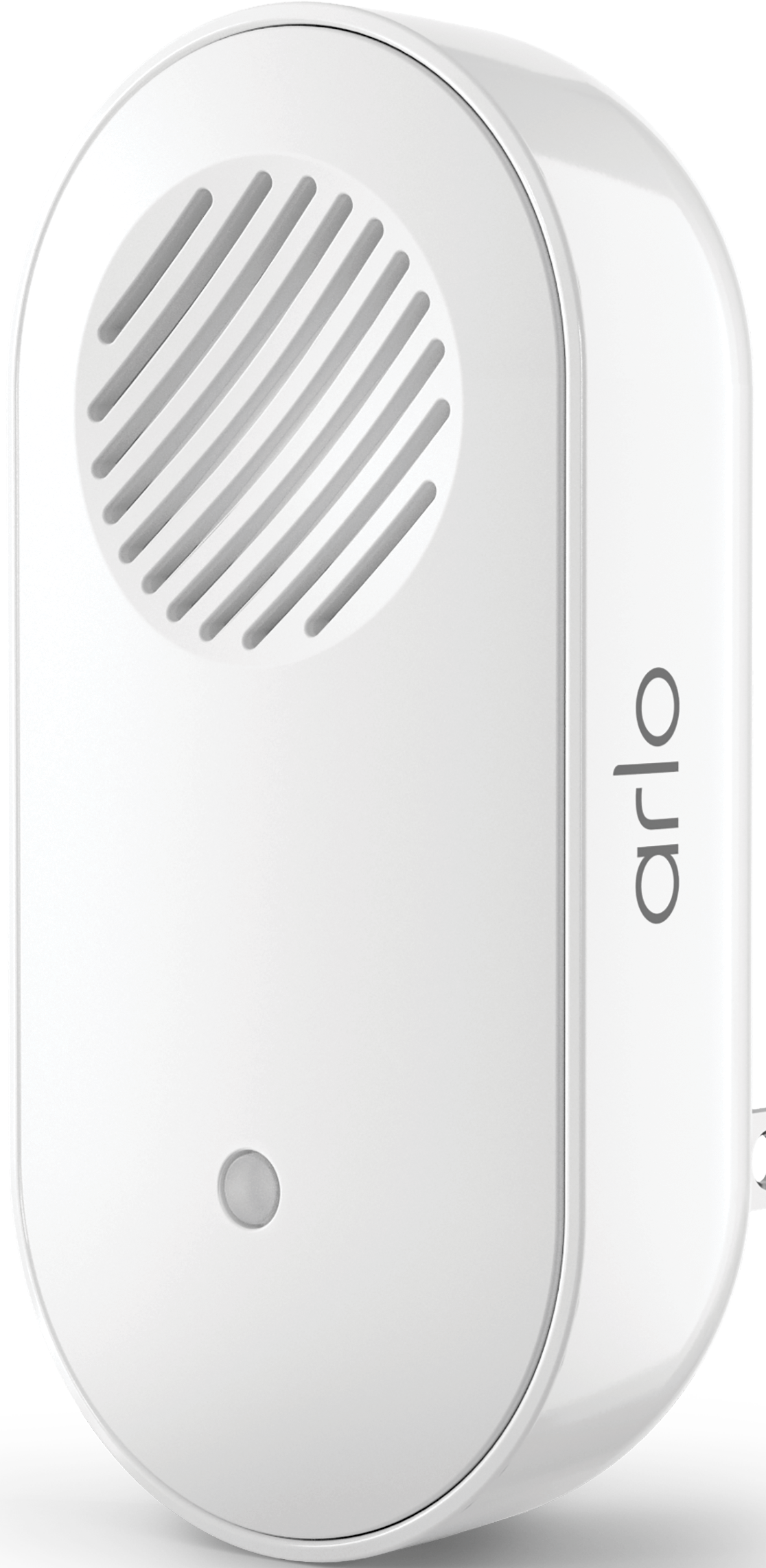
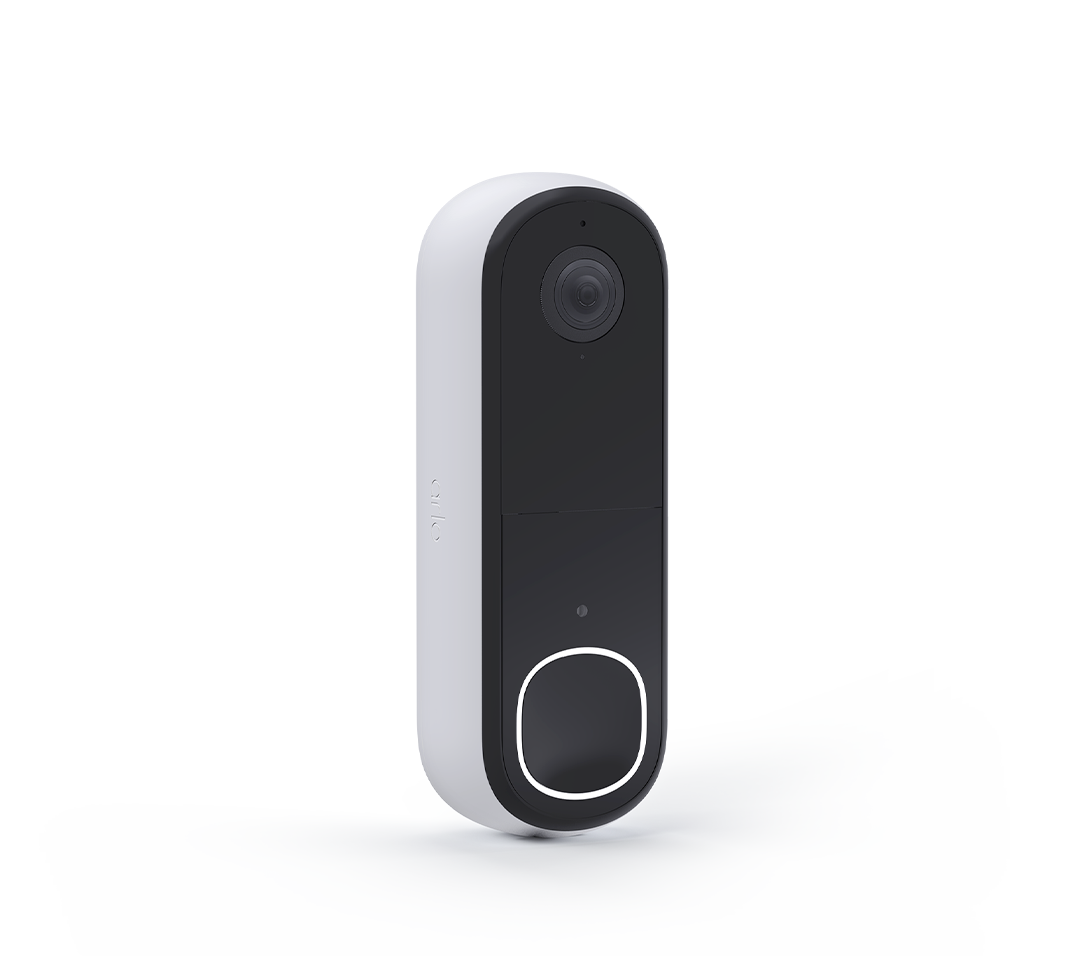
After some frustrating hours of trying to get my Ultra 2 cameras and wireless doorbell (gen 2) to trigger my chime 2 and chime 1 i finally figured it out and am writing this in hope to save somebody the frustration.
So if you are having trouble getting your chime to play a melody/sound from motion triggered from cameras or doorbell, what worked for me i used the online version of Arlo and i also deleted the current modes that i had saved in my routines, started over then was able to properly SAVE the modes then they work as they should. One other thing i noticed after doing so is i then noticed the chimes appeared on my dashboard which they hadn't on my Arlo app.
Hope yous get it figured out because they are a good security system when they are working.
Thanks.


- Related Labels:
-
Troubleshooting
-
2nd Gen
2 -
Arlo 2nd Gen
1 -
Arlo Mobile App
22 -
Arlo Secure
1 -
Arlo Smart
3 -
Arlo Video Doorbell
6 -
audio
1 -
AVD3001
2 -
AVD4001
2 -
AVD4001-100AUS
1 -
Batteries
1 -
Before You Buy
6 -
communication
1 -
deta
1 -
Doorbell
2 -
drained battery
1 -
Features
10 -
Feedback
1 -
homekit
2 -
IFTTT
1 -
Installation
18 -
intermittent
1 -
Mechanical chime
1 -
Motion Detection
2 -
no app model
1 -
noise
1 -
Phonecall
1 -
reset
1 -
Secure Plus plan
1 -
Secure Trial Active
1 -
speaker
1 -
Talk
1 -
token
1 -
Troubleshooting
44 -
Video
1 -
wired
2 -
Wmb4540
1
- « Previous
- Next »
-
0 Replies
-
2025-08-11 06:18 AM
-
304 Views
-
0 Likes
-
1 In Conversation
-