- Subscribe to RSS Feed
- Mark Topic as New
- Mark Topic as Read
- Float this Topic for Current User
- Bookmark
- Subscribe
- Printer Friendly Page
-
10 Replies
-
2026-08-28 11:06 PM
-
744 Views
-
0 Likes
-
4 In Conversation
-




- Mark as New
- Bookmark
- Subscribe
- Mute
- Subscribe to RSS Feed
- Permalink
- Report Inappropriate Content
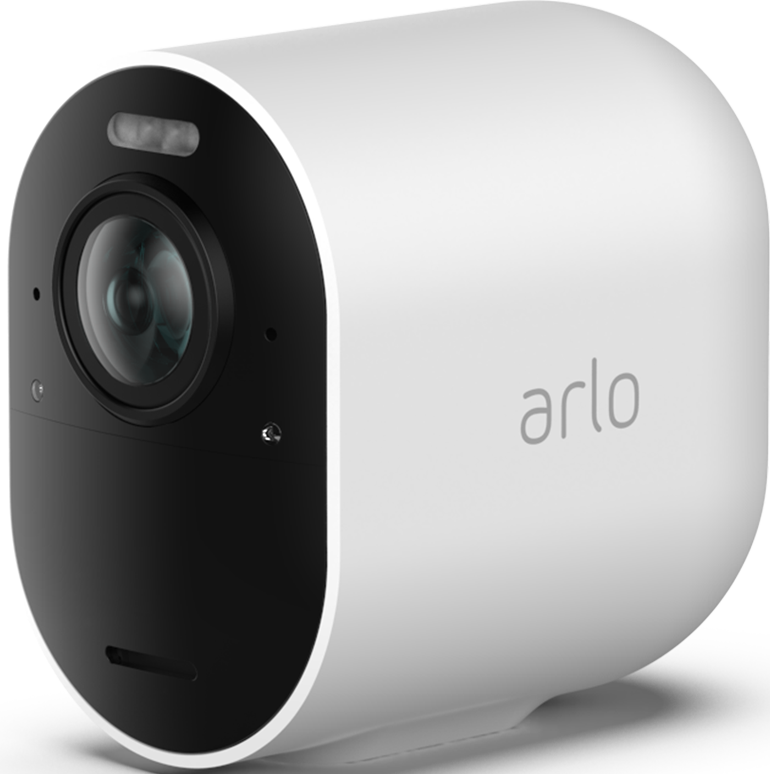
very disappointed with my 2 new ultra 2 cameras , one of them is faulty out of the box, it’s just so bright and overexposed even when my car is in complete shadow it’s showing as if it’s in bright sunlight, didn’t have this issue on my old pro 4 I’ve tried factory reset, resync, taking the battery out for 30minutes
turning off HDR, setting brightness in the app to darkest
nothing works

- Related Labels:
-
Troubleshooting

- Mark as New
- Bookmark
- Subscribe
- Mute
- Subscribe to RSS Feed
- Permalink
- Report Inappropriate Content
It could be faulty.
However, I've been in touch with support on here and in the traditional way to say that both my Ultra and Pro 2 show overexposure in my location. Red becomes white in the full sun. White and brown becomes super white. This has been the case for last year or so, so obviously they had done something to the settings, more specifically increased contrast. In the meanwhile, nighttime footage is dark, especially on rainy days.
Still not sure why so many things aren't user controlled to allow flexibility and customisation, as each setup and location is different. Would someone please explain?


- Mark as New
- Bookmark
- Subscribe
- Mute
- Subscribe to RSS Feed
- Permalink
- Report Inappropriate Content
@JoshT4 I would be more than happy to have support look into this. Can you please dm me a callback number as well as a good time to call. You send a dm by clicking on the envelope icon on the top right of the forum page.If you don't see it, then go into your profile settings and select preferences, then "Private Messenger." Then select "Turn on private messages" if it is turned off.
- Mark as New
- Bookmark
- Subscribe
- Mute
- Subscribe to RSS Feed
- Permalink
- Report Inappropriate Content
@JoshT4 Are you talking about all the white in the areas under the arches? If so, I have a similar issue. I have no idea what the development team fiddled with this time but on very bright days, I have the same problem.
- Mark as New
- Bookmark
- Subscribe
- Mute
- Subscribe to RSS Feed
- Permalink
- Report Inappropriate Content
Yes basically the image is so white and overexposed can’t even make out the features of someone who walks in through that driveway entrance. My car in the picture is also actually in complete shade but it’s bright white as you can see,
here’s an image without my car, never had this brightness issue on the old pro 4 camera which was in the exact same spot


- Mark as New
- Bookmark
- Subscribe
- Mute
- Subscribe to RSS Feed
- Permalink
- Report Inappropriate Content
@JoshT4: Did you try swapping the two new cameras, to see if the problem moves with the camera or not.
Also, are you using the "wide" field of view in the Ultra? That is closest to the 160 degree field of view in the Pro 4.
Reducing the field of view might help, as the backlit areas would be a higher percentage of the FoV.
- Mark as New
- Bookmark
- Subscribe
- Mute
- Subscribe to RSS Feed
- Permalink
- Report Inappropriate Content
@StephenB I don't think the problem is with cameras but with something that triggers very high contrast. Which will be a software issue.
I never had this problem on my ultra or pro 2 but it started occuring a few months ago (up to a year - I can't remember when exactly, and I'm reluctant to waste more time on this company by looking through my smart hub recordings from the past year).
It'd be interesting indeed if the two can be swapped round to see if the issue persists.
When the OP is referring to a different camera, is that camera still being actively used? If not, that's because an update of some kind did something to cause this kind overexposure in the meanwhile.
- Mark as New
- Bookmark
- Subscribe
- Mute
- Subscribe to RSS Feed
- Permalink
- Report Inappropriate Content
@Edinburgh_lad1 wrote:
I don't think the problem is with cameras but with something that triggers very high contrast. Which will be a software issue.
Normally I'd suspect firmware, as the cloud shouldn't be changing the compressed video. The issue appears to be only happening with very bright backlighting.
But the last firmware update on the Pro 2 was 5 years ago, so definitely not a firmware change in that camera. My own Pro 2 was just put in the current camera position a couple of months ago. Before then, it was in a spot where there wouldn't be any backlighting.
As far as the Ultra 2 goes, this could be a problem with HDR (or a combination of HDR and the brightness setting). So once the camera itself is ruled out, it might be useful to toggle the HDR setting.
Note that "HDR" has a specific meaning when applied to TVs. Arlo is using the term differently - they use it to describe an algorithm that automatically reduces contrast.
- Mark as New
- Bookmark
- Subscribe
- Mute
- Subscribe to RSS Feed
- Permalink
- Report Inappropriate Content
I’ve toggled the HDR on & off didn’t make a difference
I’ll swap the 2 ultra cameras around on the weekend to try to isolate the issue but if that doesn’t work might just put the old pro 4 back up
As you can see the other ultra 2 is working perfectly even with my car in direct line of sight it has no problems adjusting

- Mark as New
- Bookmark
- Subscribe
- Mute
- Subscribe to RSS Feed
- Permalink
- Report Inappropriate Content
Well looks like it’s a faulty camera , switching location didn’t help either
- Mark as New
- Bookmark
- Subscribe
- Mute
- Subscribe to RSS Feed
- Permalink
- Report Inappropriate Content
@JoshT4 wrote:
Well looks like it’s a faulty camera , switching location didn’t help either
Are you saying that both Ultra cameras behave the same way in both scenes?
Or that the problem camera is over-exposed in both locations?
-
Arlo Mobile App
258 -
Arlo Smart
168 -
Arlo Ultra 2
1 -
Before You Buy
273 -
Features
355 -
Installation
297 -
Prima di acquistare
1 -
Troubleshooting
1,041
-
10 Replies
-
2026-08-28 11:06 PM
-
745 Views
-
0 Likes
-
4 In Conversation
-