- Subscribe to RSS Feed
- Mark Topic as New
- Mark Topic as Read
- Float this Topic for Current User
- Bookmark
- Subscribe
- Printer Friendly Page
-
16 Replies
-
2026-05-14 10:30 AM
-
1569 Views
-
0 Likes
-
7 In Conversation
-




- Mark as New
- Bookmark
- Subscribe
- Mute
- Subscribe to RSS Feed
- Permalink
- Report Inappropriate Content
Hello,
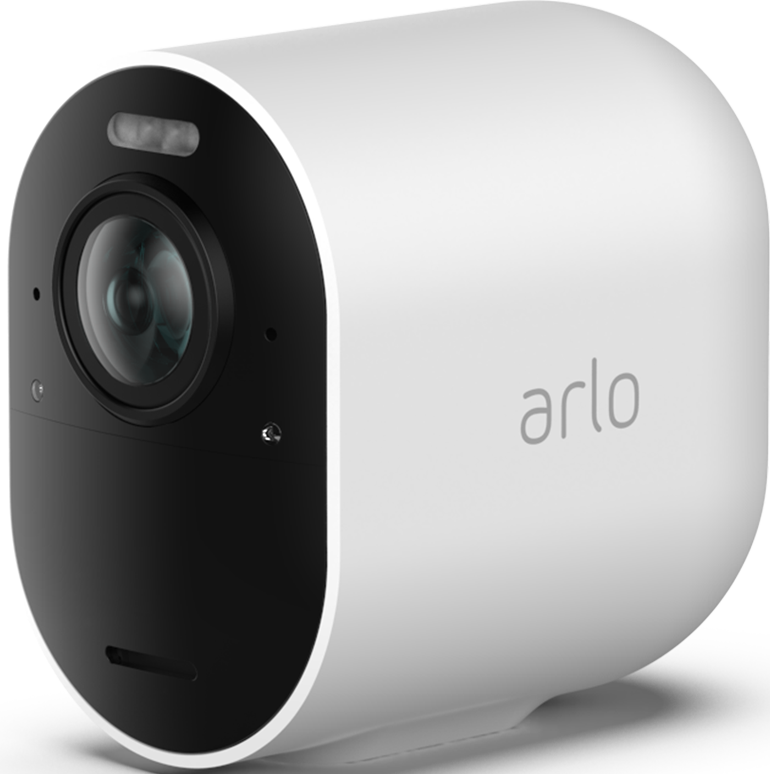
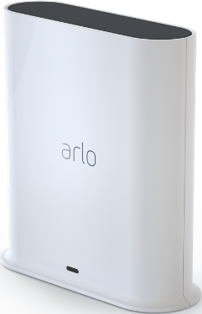
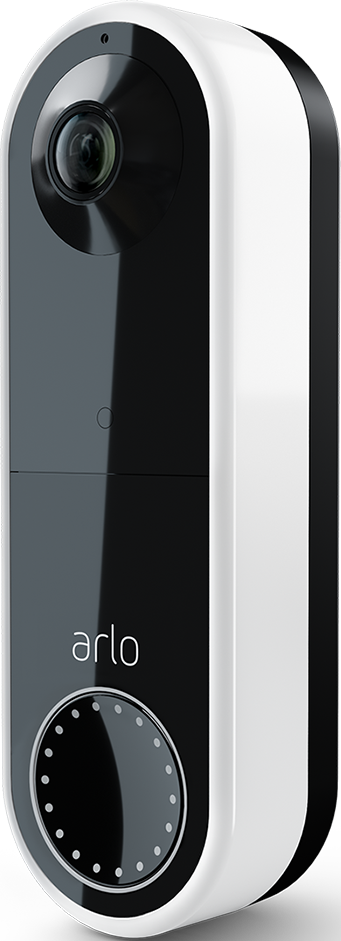
Today I lost connection to all devices (3 ultra 2 cameras, doorbell and vmb5000 hub) and restarting the hub does not work. It has continuous blue light on, restarted, synced and tried to be added as device again, nothing works. Other devices cannot be added as well. No issue with wifi or internet. Anyone has a solution? @ShayneS
- Related Labels:
-
Arlo Mobile App
-
Troubleshooting
- Mark as New
- Bookmark
- Subscribe
- Mute
- Subscribe to RSS Feed
- Permalink
- Report Inappropriate Content
Same for me today.
What happened?
- Mark as New
- Bookmark
- Subscribe
- Mute
- Subscribe to RSS Feed
- Permalink
- Report Inappropriate Content
^ edit for OP:
Ok, I resolved the issue by resetting the base station first. The cameras didn’t need to be reset. After pairing the hub with the Arlo App, i removed and reinserted the batteries in all three of my Ultra 2 cameras, then reconnected them by adding them to the hub again. They started working normally.
- Mark as New
- Bookmark
- Subscribe
- Mute
- Subscribe to RSS Feed
- Permalink
- Report Inappropriate Content
^ Edit for OP: I resolved the issue by resetting the base station first. The cameras didn’t need to be reset. After pairing the hub with the app again, I removed and reinserted the batteries in all three of my Ultra 2 cameras, then reconnected them by adding them to the hub again. They started working normally.
- Mark as New
- Bookmark
- Subscribe
- Mute
- Subscribe to RSS Feed
- Permalink
- Report Inappropriate Content
I have the same issue lost an Ultra 2 dropped off the system and now I cannot reinstall. I have also tried resetting the hub and also tried a second ultra 2 camera which also failed to add to the system. Have you got your camera re added?


- Mark as New
- Bookmark
- Subscribe
- Mute
- Subscribe to RSS Feed
- Permalink
- Report Inappropriate Content
Did you happen to receive a reset notification to your mobile device?
- Mark as New
- Bookmark
- Subscribe
- Mute
- Subscribe to RSS Feed
- Permalink
- Report Inappropriate Content
I got below message from Arlo. Apparently, that is a bad mistake from their side. After resetting hub and connecting devices again, it works now.
Dear Arlo Customer,
We would like to inform you that you may have been affected by an issue that has affected the connection between certain Arlo cameras and their associated app accounts.
The disconnection was caused by an error in an internal returns process where the serial numbers of certain devices were incorrectly marked for factory reset. As a result, the devices were disconnected from user accounts and previously saved video recordings were deleted.
We would like to assure you that the error has not led to unauthorized access, account compromise, or a security breach. This incident has not affected the privacy of your personal information, including recordings, login details, or payment information.
The connection error can be resolved by installing and reconnecting other products through the app. Please follow this step-by-step guide to reinstall your camera.
As a security company, we take situations like this very seriously and we apologize for any inconvenience this may have caused. We have taken appropriate measures to minimize any negative impacts and continue to improve our processes to prevent similar incidents from occurring in the future.
The Arlo Team
- Mark as New
- Bookmark
- Subscribe
- Mute
- Subscribe to RSS Feed
- Permalink
- Report Inappropriate Content
Hi, I have had the same problem.
Are you able to post the step by step guide they referred to ?
- Mark as New
- Bookmark
- Subscribe
- Mute
- Subscribe to RSS Feed
- Permalink
- Report Inappropriate Content
I pressed reset in the app for the hub. I can now play live my arlo cameras , Floodlight and doorbell.
The hub has now moved from solid blue to flashing amber. If I click in the app on devices it shows the hub as online but if I tap the icon so I can go to the storage it does not respond. Any help much appreciated.
- Mark as New
- Bookmark
- Subscribe
- Mute
- Subscribe to RSS Feed
- Permalink
- Report Inappropriate Content
@RuthM Did you perform a factory reset or just a reboot?
Please reach out to the Support Team to further investigate this symptom you are experiencing. You can find several options for contacting support though the Arlo Mobile App by navigating to the Profile icon > Support Center > Select device > contact or https://www.arlo.com/en_eu/support
- Mark as New
- Bookmark
- Subscribe
- Mute
- Subscribe to RSS Feed
- Permalink
- Report Inappropriate Content
I just did a reboot. My understanding is that if I do a reset then I will have to add each camera, Floodlight, door bell and chime again and reconfigure settings for each ?


- Mark as New
- Bookmark
- Subscribe
- Mute
- Subscribe to RSS Feed
- Permalink
- Report Inappropriate Content
Correct. You would also need to remove all devices from your account before re-adding them.
- Mark as New
- Bookmark
- Subscribe
- Mute
- Subscribe to RSS Feed
- Permalink
- Report Inappropriate Content
Thanks. Is there a step by step guide somewhere on how to do all of this ? I also have port forwarding .
- Mark as New
- Bookmark
- Subscribe
- Mute
- Subscribe to RSS Feed
- Permalink
- Report Inappropriate Content
I used the reset button in the app on the device information screen.
I have just returned home.
The current situation is now that the basestation is now a solid blue . All cameras , doorbell and floodlight are working as they should and I can now access the hub and local storage from WiFi at home and also when away from home as the port forwarding is working. I will wait a couple of days to see if it continues that way.
- Mark as New
- Bookmark
- Subscribe
- Mute
- Subscribe to RSS Feed
- Permalink
- Report Inappropriate Content
@RuthM wrote:
Thanks. Is there a step by step guide somewhere on how to do all of this ? I also have port forwarding .
For the hub:
For the cameras:
https://kb.arlo.com/000062880/How-do-I-factory-reset-and-re-sync-my-Arlo-camera-Arlo-Secure-4-0

- Mark as New
- Bookmark
- Subscribe
- Mute
- Subscribe to RSS Feed
- Permalink
- Report Inappropriate Content
@jguerdat wrote:
For the cameras:
https://kb.arlo.com/000062880/How-do-I-factory-reset-and-re-sync-my-Arlo-camera-Arlo-Secure-4-0
I suggest using the hardware reset method (holding down the sync button inside the camera).
- Mark as New
- Bookmark
- Subscribe
- Mute
- Subscribe to RSS Feed
- Permalink
- Report Inappropriate Content
Thanks. It all seems to be working ok. I found on another thread that other people were having the same issue and that Arlo has made a fix to the software.
If I get any issues in the next couple of days I will try your approach as above.
-
Arlo Mobile App
258 -
Arlo Smart
167 -
Arlo Ultra 2
1 -
Before You Buy
272 -
Features
352 -
Installation
297 -
Prima di acquistare
1 -
Troubleshooting
1,039
-
16 Replies
-
2026-05-14 10:30 AM
-
1570 Views
-
0 Likes
-
7 In Conversation
-