- Subscribe to RSS Feed
- Mark Topic as New
- Mark Topic as Read
- Float this Topic for Current User
- Bookmark
- Subscribe
- Printer Friendly Page
-
5 Replies
-
2026-06-26 10:47 AM
-
622 Views
-
0 Likes
-
3 In Conversation
-




- Mark as New
- Bookmark
- Subscribe
- Mute
- Subscribe to RSS Feed
- Permalink
- Report Inappropriate Content
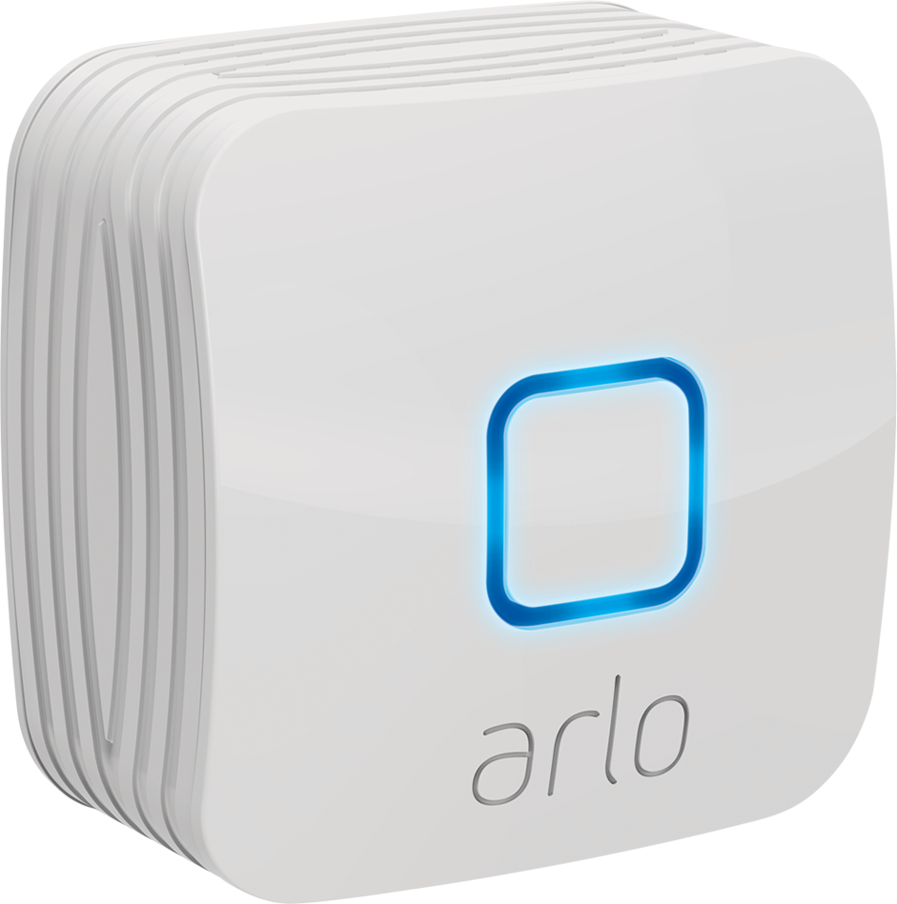
Security lights are connected to the arlo lights bridge, I can see them online in the app, but will not detect motion. I can manually turn on the light from the app, but they will not turn on automatically when motion should be detected.
- Related Labels:
-
Arlo Mobile App


- Mark as New
- Bookmark
- Subscribe
- Mute
- Subscribe to RSS Feed
- Permalink
- Report Inappropriate Content
@rudie12 wrote:
Security lights are connected to the arlo lights bridge, I can see them online in the app, but will not detect motion. I can manually turn on the light from the app, but they will not turn on automatically when motion should be detected.
Are there rules for the lights in the modes you are using?


- Mark as New
- Bookmark
- Subscribe
- Mute
- Subscribe to RSS Feed
- Permalink
- Report Inappropriate Content
Which mode is this affecting, I see you only have rules for it to send a push notification in the Arm away mode when motion is detected.
You can try adjusting the sensitivity as well, per this article: https://kb.arlo.com/000062052
- Mark as New
- Bookmark
- Subscribe
- Mute
- Subscribe to RSS Feed
- Permalink
- Report Inappropriate Content
The Home mode is the one that is active. I have my cameras and now the security lights added to that mode. Now another problem has arisen. The security lights now come on, but during the day. How do I get them to only turn on during the night? I created an automation and put one light in to test. But it is not night yet, so gotta wait on that one. If I set the security light to come on at sunset, it will only come on when motion is detected correct? This whole problem started with app update, never had any problems before. Please let the progamng team know so they can to address this. Please file this as a official complaint. Before the update I could add a security light and it would just come on at dark, easy peasy. Why should I have to go throught so many steps just to get a light to work?
- Mark as New
- Bookmark
- Subscribe
- Mute
- Subscribe to RSS Feed
- Permalink
- Report Inappropriate Content
Also, I forgot tomention they come on when motion is detected, during the day also. I also lowered the sensitivity on the security lights. That did not help.
- Mark as New
- Bookmark
- Subscribe
- Mute
- Subscribe to RSS Feed
- Permalink
- Report Inappropriate Content
To prevent your security lights from turning on during the day, you'll need to adjust the Dusk to Dawn Sensor setting:
- Launch the Arlo Secure App or log in to my.arlo.com
- Tap or click Settings > My Devices
- Select your Arlo Security Light
- Tap or click Light Settings > Dusk to Dawn Sensor
- Move the slider toward the left ("Dark") this ensures your light only turns on when motion is detected and it's dark enough outside
By default, the ambient light sensor measures the brightness of the light's surroundings and determines whether the light should activate when motion is detected. If it's bright outside, the light won't turn on, but you'll still receive motion detection notifications.
For more information, please see these articles:
-
5 Replies
-
2026-06-26 10:47 AM
-
623 Views
-
0 Likes
-
3 In Conversation
-