This topic has been marked solved and closed to new posts due to inactivity. We hope you'll join the conversation by posting to an open topic or starting a new one.
- Subscribe to RSS Feed
- Mark Topic as New
- Mark Topic as Read
- Float this Topic for Current User
- Bookmark
- Subscribe
- Printer Friendly Page
-
31 Replies
-
2025-12-01 07:48 AM
-
3483 Views
-
4 Likes
-
11 In Conversation
-



- Mark as New
- Bookmark
- Subscribe
- Mute
- Subscribe to RSS Feed
- Permalink
- Report Inappropriate Content
Today I started seeing red explanation marks on all my cameras except my doorbell. When I click on the explanation mark, I get the message "CVR is currently disabled. AC power has been disconnected from this device. Please reconnect the power source to the device."

My subscription is an annual Home Plus Unlimited plan.
I did add a new Essential Pan-Tilt Camera to my setup this weekend.
I believe I don't have CVR on this plan, what's up?
Solved! Go to Solution.

- Related Labels:
-
Arlo Secure
-
Troubleshooting
Accepted Solutions


- Mark as New
- Bookmark
- Subscribe
- Mute
- Subscribe to RSS Feed
- Permalink
- Report Inappropriate Content
Yes, this has been resolved. If anyone is still seeing this please reach out to me directly.
- Mark as New
- Bookmark
- Subscribe
- Mute
- Subscribe to RSS Feed
- Permalink
- Report Inappropriate Content
Can you please log out of the account and log back in and see if the same message appears.

- Mark as New
- Bookmark
- Subscribe
- Mute
- Subscribe to RSS Feed
- Permalink
- Report Inappropriate Content
I am also having this issue.
- Mark as New
- Bookmark
- Subscribe
- Mute
- Subscribe to RSS Feed
- Permalink
- Report Inappropriate Content
I have passed this information onto our development team. Do you mind providing the following information:
Platforms: [iOS/Android/Web]
Firmware Version: [If applicable]
- Mark as New
- Bookmark
- Subscribe
- Mute
- Subscribe to RSS Feed
- Permalink
- Report Inappropriate Content
Same problem here. I'm seeing it on Safari / macOS.
- Mark as New
- Bookmark
- Subscribe
- Mute
- Subscribe to RSS Feed
- Permalink
- Report Inappropriate Content
Platforms: Android => App works fine
Platforms: Web => Windows, exclamations marks appear in Edge, Chrome and Firefox.
- Mark as New
- Bookmark
- Subscribe
- Mute
- Subscribe to RSS Feed
- Permalink
- Report Inappropriate Content
Thank you for providing that. We are currently looking into this behavior.
- Mark as New
- Bookmark
- Subscribe
- Mute
- Subscribe to RSS Feed
- Permalink
- Report Inappropriate Content
Are you still able to use the cameras as intended on the web browser. Can you see live stream?
- Mark as New
- Bookmark
- Subscribe
- Mute
- Subscribe to RSS Feed
- Permalink
- Report Inappropriate Content
Everything appears to be OK, just the red exclamation mark appears on each camera window.

- Mark as New
- Bookmark
- Subscribe
- Mute
- Subscribe to RSS Feed
- Permalink
- Report Inappropriate Content
Arlo must have fixed something, my red exclamation marks are gone now.
- Mark as New
- Bookmark
- Subscribe
- Mute
- Subscribe to RSS Feed
- Permalink
- Report Inappropriate Content
Yes, this has been resolved. If anyone is still seeing this please reach out to me directly.

- Mark as New
- Bookmark
- Subscribe
- Mute
- Subscribe to RSS Feed
- Permalink
- Report Inappropriate Content
The error shows despite settings showing power connected. Deleting and adding device corrected the error but as soon as CVR was reconnected, it appeared and disabled CVR.
- Mark as New
- Bookmark
- Subscribe
- Mute
- Subscribe to RSS Feed
- Permalink
- Report Inappropriate Content
Which camera do you see the behavior with the CVR disabled?

- Mark as New
- Bookmark
- Subscribe
- Mute
- Subscribe to RSS Feed
- Permalink
- Report Inappropriate Content
Hello, this issue is not resolved for me, all my 3 Arlo Pro 5s cameras shows the same message but only on the web view, I don't see that warning on my Arlo app on my iPhone but, CVR timeline is empty, cameras are getting motion and recording in the cloud but not showing on the timeline. I have created a support request yesterday, A9M33876D109D_CVR
- Mark as New
- Bookmark
- Subscribe
- Mute
- Subscribe to RSS Feed
- Permalink
- Report Inappropriate Content
I do not see a CVR subscription plan on the account. Do you have more then one account?
- Mark as New
- Bookmark
- Subscribe
- Mute
- Subscribe to RSS Feed
- Permalink
- Report Inappropriate Content
I received the Arlo Ultra SmartHub and setup it on my Arlo account.
I cancelled all the 3 Arlo CVR subscription for those cameras.
I removed all my 3 Arlo Pro 5s cameras from the old Arlo Base Station, VMB4000r3.
I added the 3 Arlo Pro 5s cameras to the new Arlo Ultra SmartHub.
No warning on any of the 3 Arlo Pro 5s cameras: “AC power has been disconnected…”
I subscribed again the 3 Arlo Pro 5s cameras to Arlo CVR plan, 14 days.
Since just a few seconds later, all the 3 Arlo Pro 5s cameras started showing on the Web, https://www.my.arlo.com the warning: “AC power has been disconnected…”
I just give-up, I cancelled the CVR subscription, removed the cameras from the new Arlo Ultra SmartHub and removed it from my account, packed it and start a return on Amazon.
I added back all my 3 Arlo Pro 5s cameras to the old Arlo Base Station, VMB4000r3 and no more warning, “AC power has been disconnected…”
I will wait until Arlo fix all the issues with CVR to subscribe again to the CVR plan.
- Mark as New
- Bookmark
- Subscribe
- Mute
- Subscribe to RSS Feed
- Permalink
- Report Inappropriate Content
I am having the same problem with the CVR on my cameras. How did you fix this issue?
- Mark as New
- Bookmark
- Subscribe
- Mute
- Subscribe to RSS Feed
- Permalink
- Report Inappropriate Content
After multiple calls, the issue is not resolved. The warning of CVR disabled shows on this one camera but I am able to access the CVR, which appears to be working normally.
- Mark as New
- Bookmark
- Subscribe
- Mute
- Subscribe to RSS Feed
- Permalink
- Report Inappropriate Content
Also, if you removed the device and added it back, CVR has to be re-established as if for a new camera, which customer support can help with.
- Mark as New
- Bookmark
- Subscribe
- Mute
- Subscribe to RSS Feed
- Permalink
- Report Inappropriate Content
i am having the same issue
- Mark as New
- Bookmark
- Subscribe
- Mute
- Subscribe to RSS Feed
- Permalink
- Report Inappropriate Content
Can you please send me screenshots of what you are seeing?
- Mark as New
- Bookmark
- Subscribe
- Mute
- Subscribe to RSS Feed
- Permalink
- Report Inappropriate Content
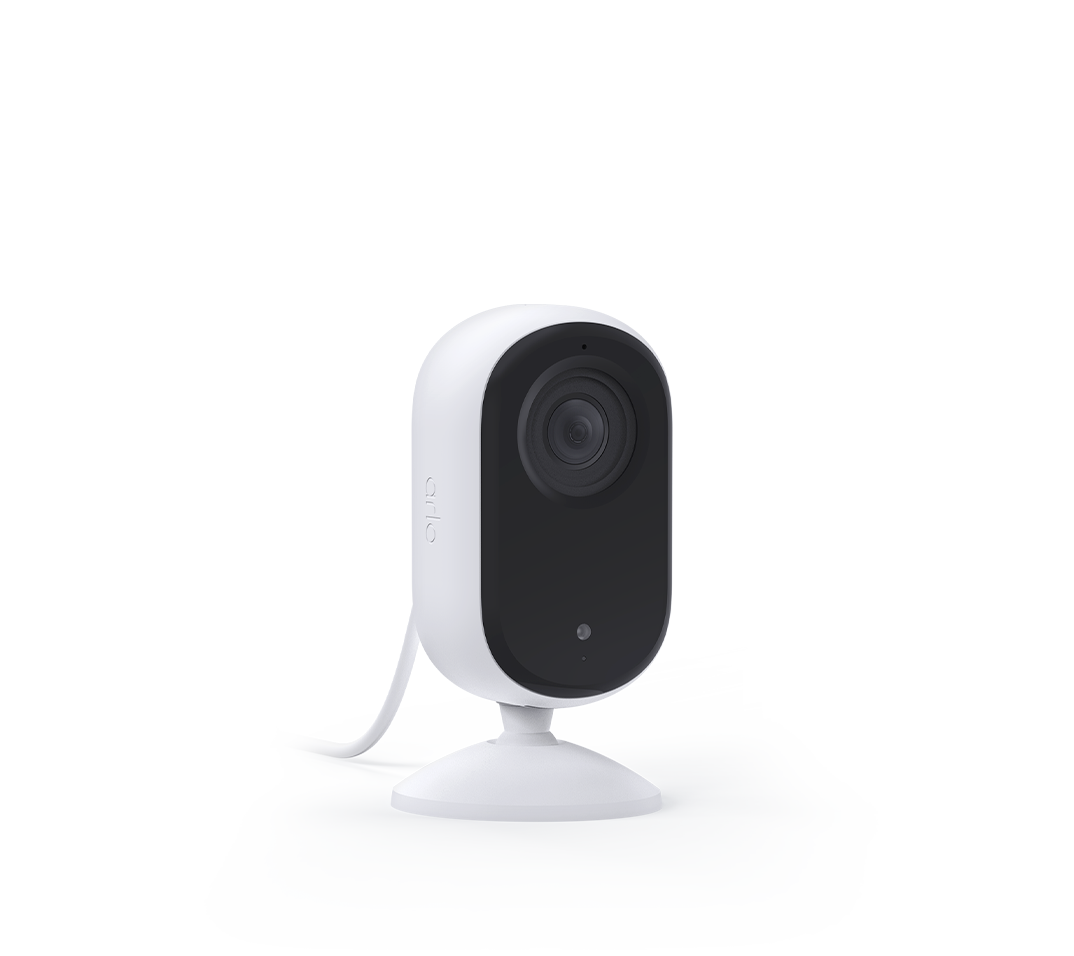
Same issue here, trying to set up CVR for the first time tonight and getting the "AC power has been disconnected from this device" message on Firefox/Windows while using an Indoor Essential 2 - which is also shutting its privacy shield even though the Android app says "CVR Plan is now activated. The Privacy Shield on this device will remain open regardless of mode changes". CVR feed remains empty on both Firefox and the Android app.

Have restarted the camera, my router and my phone. App and firmware are up to date.
- Mark as New
- Bookmark
- Subscribe
- Mute
- Subscribe to RSS Feed
- Permalink
- Report Inappropriate Content
I have canceled my ARLO CVR plan but before I was getting the same error on all my 3 ARLO Pro 5S cameras
- Mark as New
- Bookmark
- Subscribe
- Mute
- Subscribe to RSS Feed
- Permalink
- Report Inappropriate Content
Can you please provide the following information
App Version: [Version]
Platforms: [iOS/Android/Web]
Firmware Version: [If applicable]
- Mark as New
- Bookmark
- Subscribe
- Mute
- Subscribe to RSS Feed
- Permalink
- Report Inappropriate Content
Info and screenshot of message can be found here:
Your Case Details
Case Number: 45272506
Subject: A6P1087AAD712_CVR
Product: VMC4040P
-
Activity Zones
1 -
Applications mobile et en ligne
2 -
Arlo 4.1 App release notes
1 -
Arlo app
1 -
Arlo Mobile App
385 -
arlo not working
2 -
Arlo Pro 5
1 -
Arlo Pro 5S 2K
1 -
Arlo Secure
1,316 -
Arlo Secure 4.0
2 -
Arlo Smart
121 -
Automation
1 -
Before You Buy
92 -
cameras
1 -
custom modes
2 -
Features
158 -
Friend
1 -
Geofencing
1 -
Grant Access
1 -
IFTTT
1 -
Installation
63 -
Modes and Rules
1 -
my.arlo.com
1 -
notifications
2 -
Pro 5s
1 -
Security System App
1 -
Smart Subscription
1 -
Temporary disable
1 -
Troubleshooting
420 -
Vacation override
1
- « Previous
- Next »
-
31 Replies
-
2025-12-01 07:48 AM
-
3484 Views
-
4 Likes
-
11 In Conversation
-