- Subscribe to RSS Feed
- Mark Topic as New
- Mark Topic as Read
- Float this Topic for Current User
- Bookmark
- Subscribe
- Printer Friendly Page
-
4 Replies
-
2026-06-03 02:48 PM
-
692 Views
-
0 Likes
-
3 In Conversation
-



- Mark as New
- Bookmark
- Subscribe
- Mute
- Subscribe to RSS Feed
- Permalink
- Report Inappropriate Content
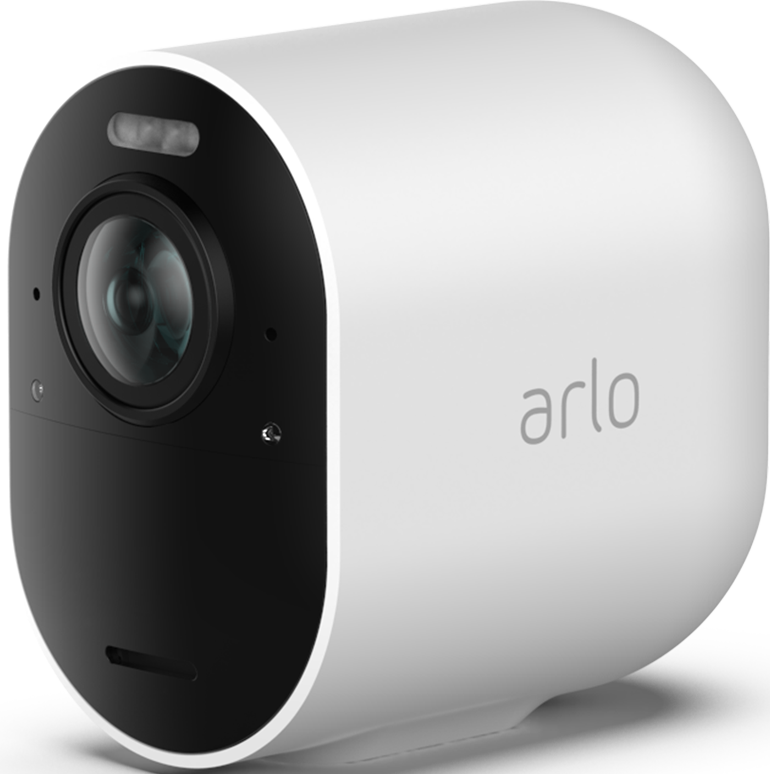
- Arlo Pro 4 Wireless Security Camera is frequently disconnecting from Arlo Secure app. It works for a couple of days but then stops sending recordings to the app and I can't view live from the app. The camera seems to continue picking things up, it's lighting up and I'm getting notifications with no previews on my phone, but nothing is coming through on the app. Taking out the battery and putting back in again solves the problem for a day or two. But then I miss a load of activity again because it spontaneously disconnects without warning. I've tried uninstalling and reinstalling the app without success, clearing the cache etc.

- Related Labels:
-
Arlo Mobile App


- Mark as New
- Bookmark
- Subscribe
- Mute
- Subscribe to RSS Feed
- Permalink
- Report Inappropriate Content
What happens if you swap cameras around (assuming you have more than one)? You can bring the camera closer to your hub/router for testing, too.
- Mark as New
- Bookmark
- Subscribe
- Mute
- Subscribe to RSS Feed
- Permalink
- Report Inappropriate Content
Thanks for taking the time to respond. I only have one camera so can't try swapping. It's about 4 metres from the router and has been working without problems in the same position for years. Only in the last month or 2 it has started disconnecting.
- Mark as New
- Bookmark
- Subscribe
- Mute
- Subscribe to RSS Feed
- Permalink
- Report Inappropriate Content
Still worth trying bringing the camera closer (or a different location).

- Mark as New
- Bookmark
- Subscribe
- Mute
- Subscribe to RSS Feed
- Permalink
- Report Inappropriate Content
@samba145 wrote:
Thanks for taking the time to respond. I only have one camera so can't try swapping. It's about 4 metres from the router and has been working without problems in the same position for years.
Are you using a smarthub? Or is the camera directly connected to your home wifi?
Is the camera outdoors? If so, what is the wall construction? Stucco is often applied to a metal mesh, concrete usually has metal rebar. Some wooden construction uses metal foil flashing. All of that can impair wifi. (Obviously the camera was working before, but it is helpful for us to have a few more details).
Another thing you could try is measuring the wifi speed using your phone at the camera location. Turn off mobile data during the test, to make sure you are using your wifi. Upload speed is what matters here, not the download speed.
-
Arlo Mobile App
490 -
Arlo Pro 3
1 -
Arlo Pro 4
2 -
Arlo Secure
3 -
Arlo Smart
226 -
Arlo Wire-Free
1 -
Before You Buy
352 -
Dépannage
1 -
Features
459 -
Installation
450 -
labels
1 -
Samsung SmartThings
1 -
Troubleshooting
1,891
-
4 Replies
-
2026-06-03 02:48 PM
-
693 Views
-
0 Likes
-
3 In Conversation
-