This topic has been closed to new posts due to inactivity. We hope you'll join the conversation by posting to an open topic or starting a new one.
- Subscribe to RSS Feed
- Mark Topic as New
- Mark Topic as Read
- Float this Topic for Current User
- Bookmark
- Subscribe
- Printer Friendly Page
-
15 Replies
-
2026-04-07 09:33 AM
-
2674 Views
-
3 Likes
-
4 In Conversation
-




- Mark as New
- Bookmark
- Subscribe
- Mute
- Subscribe to RSS Feed
- Permalink
- Report Inappropriate Content
I've had these cameras for a few years and the work really well. However, I just noticed today that when I try to adjust my Activity Zones, it says I must plug them into AC power. When did this feature change? I have always used the Activity Zones without issue on these wireless cameras. If this is a feature update recently, that will be unfortunate. Thanks for any advice

- Related Labels:
-
Troubleshooting



- Mark as New
- Bookmark
- Subscribe
- Mute
- Subscribe to RSS Feed
- Permalink
- Report Inappropriate Content
@Gsanders wrote:
I've had these cameras for a few years and the work really well. However, I just noticed today that when I try to adjust my Activity Zones, it says I must plug them into AC power. When did this feature change?
When the camera is in a subscription plan, the activity zone is processed in the Arlo Cloud.
When the camera is not in a subscription plan, the activity zone is processed in the camera itself. That requires power, so Arlo requires the camera to be connected to AC power.
This is not new.
- Mark as New
- Bookmark
- Subscribe
- Mute
- Subscribe to RSS Feed
- Permalink
- Report Inappropriate Content
So does my Plus Unlimited monthly subscription no longer apply?
- Mark as New
- Bookmark
- Subscribe
- Mute
- Subscribe to RSS Feed
- Permalink
- Report Inappropriate Content
@Gsanders wrote:
So does my Plus Unlimited monthly subscription no longer apply?
It does, and you shouldn't be seeing this message if the camera is in that subscription plan.

- Mark as New
- Bookmark
- Subscribe
- Mute
- Subscribe to RSS Feed
- Permalink
- Report Inappropriate Content
The user experience "upgrade" forced me to switch to the Secure plan and I'm seeing the info about Activity Zones not working without AC power as well.
I can rename the Zone, move its borders but there's no option to delete the zone.


- Mark as New
- Bookmark
- Subscribe
- Mute
- Subscribe to RSS Feed
- Permalink
- Report Inappropriate Content
@Natom_cz wrote:
but there's no option to delete the zone.
Swipe left on the zone details (not the outline on the image).
This is another indication that the camera is no longer in a subscription plan.
- Mark as New
- Bookmark
- Subscribe
- Mute
- Subscribe to RSS Feed
- Permalink
- Report Inappropriate Content

- Mark as New
- Bookmark
- Subscribe
- Mute
- Subscribe to RSS Feed
- Permalink
- Report Inappropriate Content
As to my Pro 4 behaving like not being in a plan - that's weird. Arlo shows it's included in Secure plan. And definitely has billed me 😉


This is how livestream UI looks - no Record button:

- Mark as New
- Bookmark
- Subscribe
- Mute
- Subscribe to RSS Feed
- Permalink
- Report Inappropriate Content
@Natom_cz wrote:As to my Pro 4 behaving like not being in a plan - that's weird. Arlo shows it's included in Secure plan. And definitely has billed me 😉
I agree it's weird. You could try removing the camera from the account and re-adding it.
Or maybe just contact paid support. I'm tagging the mods in case they can help - @BrookeN , @JamesC , @ShayneS


- Mark as New
- Bookmark
- Subscribe
- Mute
- Subscribe to RSS Feed
- Permalink
- Report Inappropriate Content
Thank you for reporting this. I notified the team regarding the symptom, and I'm waiting for more feedback at the moment.
- Mark as New
- Bookmark
- Subscribe
- Mute
- Subscribe to RSS Feed
- Permalink
- Report Inappropriate Content
Are you receiving the same error messaging on the wired floodlight camera? and do you also receive the Activity Zones are currently disabled message, AC power has been disconnected from this device?
- Mark as New
- Bookmark
- Subscribe
- Mute
- Subscribe to RSS Feed
- Permalink
- Report Inappropriate Content
For me, the wired camera does not display the error about Activity Zones.


The Record button is available in livestream. Manual recording works and shows in the Feed.

Another instance of Secure plan is used for it.

It's strange that for the same type of plan, it behaves differently on each of the 2 cameras.
- Mark as New
- Bookmark
- Subscribe
- Mute
- Subscribe to RSS Feed
- Permalink
- Report Inappropriate Content
@Natom_cz wrote:
For me, the wired camera does not display the error about Activity Zones.
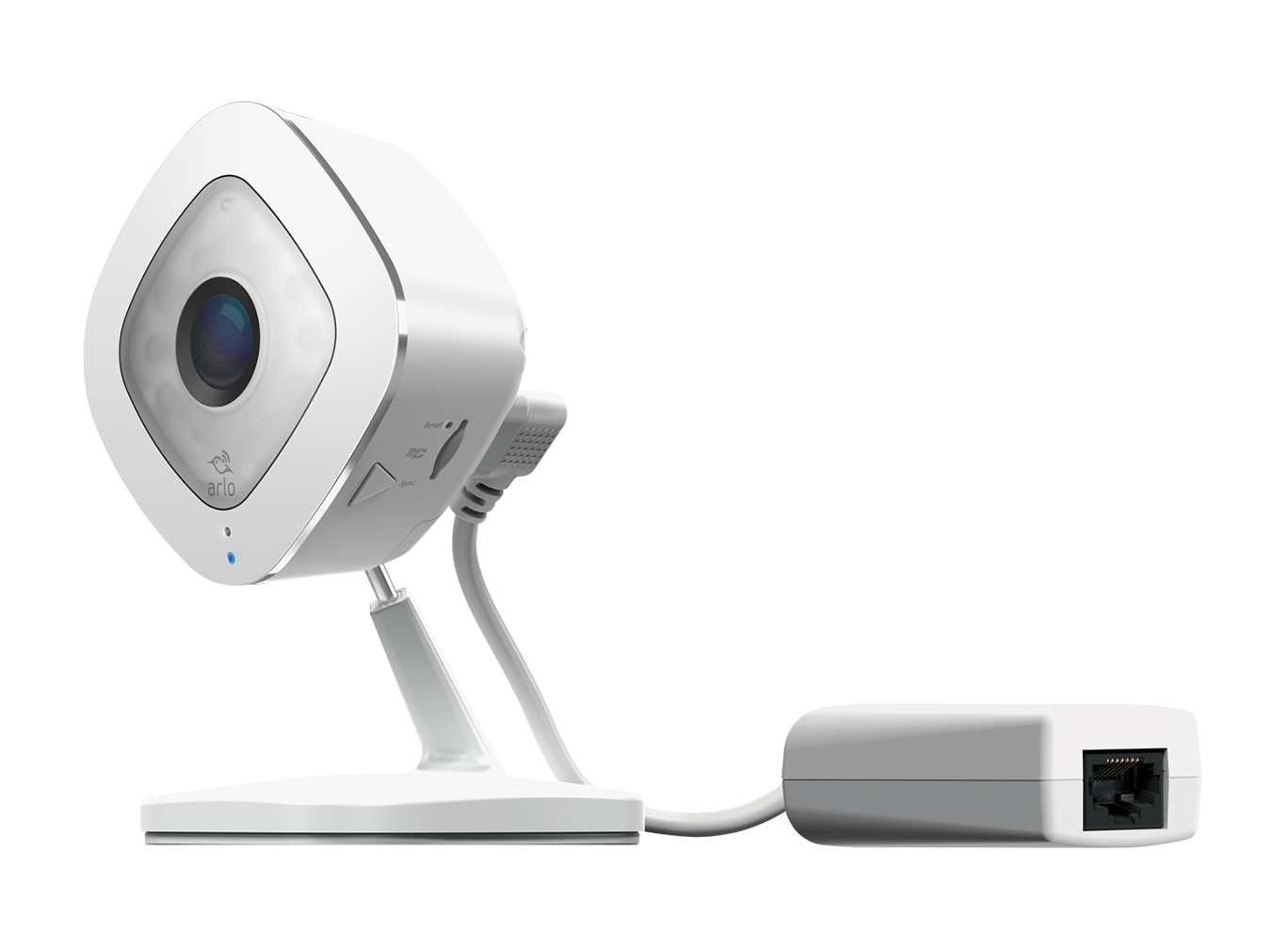
That is because it is powered. It looks like a Q camera - if so they also have 7-day free storage (assuming 5 or fewer unsubscribed cameras in the account).
- Mark as New
- Bookmark
- Subscribe
- Mute
- Subscribe to RSS Feed
- Permalink
- Report Inappropriate Content
The Arlo development team is currently investigating reports of this behavior. We will provide an update as soon as we have more information to share with the community.
- Mark as New
- Bookmark
- Subscribe
- Mute
- Subscribe to RSS Feed
- Permalink
- Report Inappropriate Content
Hi @Gsanders
Are you seeing the same error message on your Wired Floodlight camera as well? Also, are you getting a message that says "Activity Zones are currently disabled AC power has been disconnected from this device"?
- Mark as New
- Bookmark
- Subscribe
- Mute
- Subscribe to RSS Feed
- Permalink
- Report Inappropriate Content
@ShayneS update on my situation, issue solved.
When checking the plan details, I've discovered that for the problematic location, although covered by plan, my Pro 4 assigned to this location is shown as "No plan selected".

I've tried to cancel my plan and set it up again and it solved the issue.

Now I see the Record button in the live stream...

And the recording shows in the Feed...

My issue is solved now.
Seems there was some error with the migration to the new user experience, configuring locations, plans and device assignments.
-
Arlo Mobile App
492 -
Arlo Pro 3
1 -
Arlo Pro 4
2 -
Arlo Secure
3 -
Arlo Smart
226 -
Arlo Wire-Free
1 -
Before You Buy
352 -
Dépannage
1 -
Features
459 -
Installation
450 -
labels
1 -
Samsung SmartThings
1 -
Troubleshooting
1,892
-
15 Replies
-
2026-04-07 09:33 AM
-
2675 Views
-
3 Likes
-
4 In Conversation
-