This topic has been marked solved and closed to new posts due to inactivity. We hope you'll join the conversation by posting to an open topic or starting a new one.
- Subscribe to RSS Feed
- Mark Topic as New
- Mark Topic as Read
- Float this Topic for Current User
- Bookmark
- Subscribe
- Printer Friendly Page
-
5 Replies
-
2025-12-30 06:08 PM
-
1344 Views
-
0 Likes
-
2 In Conversation
-




- Mark as New
- Bookmark
- Subscribe
- Mute
- Subscribe to RSS Feed
- Permalink
- Report Inappropriate Content
Hello,
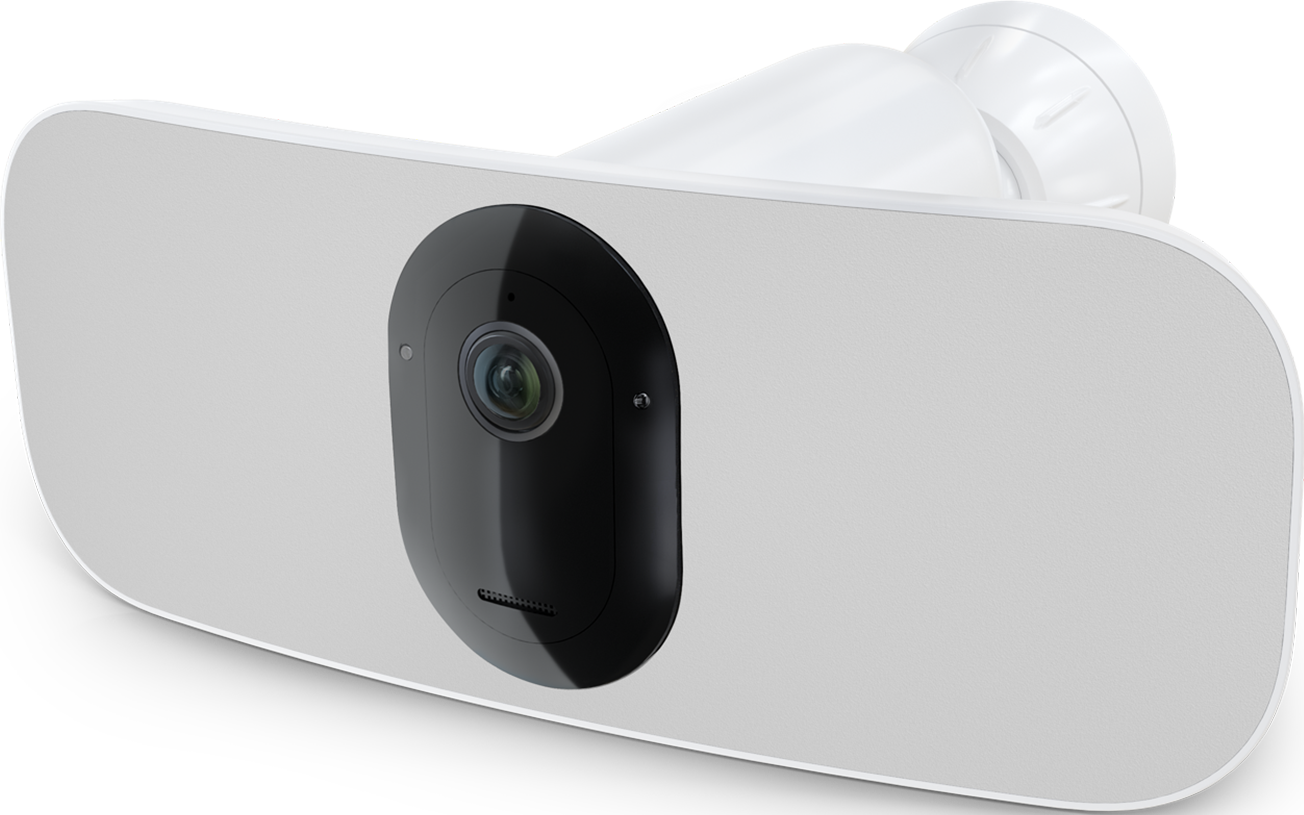
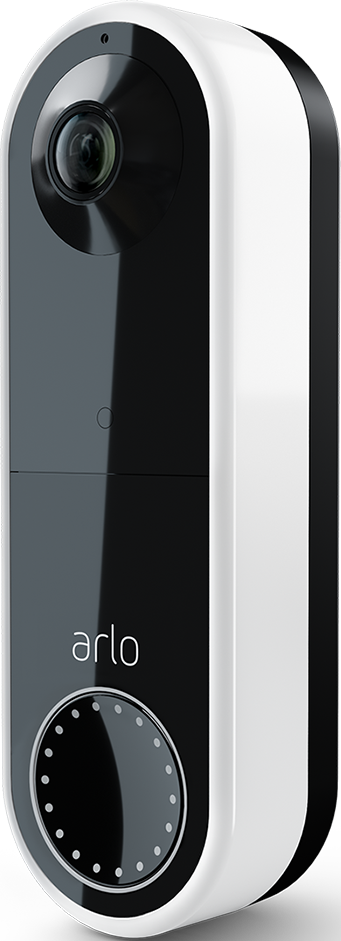
I have a combination of Arlo Pro 3 floodlight cameras, Pro 4 cameras, and wire-free video doorbell cameras. On one computer running Microsoft Edge Version 143.0.3650.96 (Official build) (64-bit) on Windows 11 Pro Version 25H2 OS build 26200.7462 Experience Pack 1000.26100.275.0, Arlo Pro 3 and Pro 4 cameras display a solid white video during live video streaming. Wireless doorbells display a solid black video while live video streaming. This is only occurring on one computer. On another computer also running Windows 11 Pro and Edge, the live video playback works as expected.
Thanks,
Joe

Solved! Go to Solution.

- Related Labels:
-
Troubleshooting
Accepted Solutions


- Mark as New
- Bookmark
- Subscribe
- Mute
- Subscribe to RSS Feed
- Permalink
- Report Inappropriate Content
@AverageJoe76 wrote:
Control if audio and video play automatically on sites
Media will play depending on how you've visited the page and whether you interacted with media in the past. Refresh the page to see changes to this setting.
This was set to Block. After changing this setting to Allow and restarting Edge, live streaming video worked again for the Pro 3 and Pro 4 cameras. I further adjusted this setting to "Limit", and live streaming still works.
Thx for sharing the fix! Other users will certainly run in to this.
- Mark as New
- Bookmark
- Subscribe
- Mute
- Subscribe to RSS Feed
- Permalink
- Report Inappropriate Content
@AverageJoe76 wrote:
Arlo Pro 3 and Pro 4 cameras display a solid white video during live video streaming. Wireless doorbells display a solid black video while live video streaming. This is only occurring on one computer. On another computer also running Windows 11 Pro and Edge, the live video playback works as expected.
Do you see any issues with watching recordings from my.arlo.com? Or are these rendered properly?
This sounds like it might be PC hardware related. Can you give some more details about the PC (Processor, and if it has a GPU, the GPU model).
- Mark as New
- Bookmark
- Subscribe
- Mute
- Subscribe to RSS Feed
- Permalink
- Report Inappropriate Content
Good morning and thank you for the reply, StephenB.
Video playback is rendered properly. I should have mentioned that I also have two older Alro Baby cameras and two Arlo Indoor Essential cameras, and the live streaming video is rendered correctly with both of these cameras - just not the Pro 3 floodlight, Pro 4, or Wire-Free Doorbell cameras on just the one Windows 11 Pro computer through Microsoft Edge.
The computer is an HP EliteBook 840 G8 laptop with an 11th Gen Intel Core i7-1185G7 processor with integrated Intel Iris Xe Graphics and 64GB of RAM.
Thanks for the help!
- Mark as New
- Bookmark
- Subscribe
- Mute
- Subscribe to RSS Feed
- Permalink
- Report Inappropriate Content
@AverageJoe76 wrote:
The computer is an HP EliteBook 840 G8 laptop with an 11th Gen Intel Core i7-1185G7 processor with integrated Intel Iris Xe Graphics and 64GB of RAM.
Thx. So a few years old, but still quite capable.
Are there any differences in internet security software between this laptop and the system that renders correctly? Or perhaps a VPN in use?
Is the PC that renders correctly using WiFi? Or is it connected with ethernet?
Though it seems unlikely to be wifi speed, it would be good to rule that out using https://speedtest.cloudflare.com
@AverageJoe76 wrote:
I should have mentioned that I also have two older Alro Baby cameras and two Arlo Indoor Essential cameras, and the live streaming video is rendered correctly with both of these cameras - just not the Pro 3 floodlight, Pro 4, or Wire-Free Doorbell cameras on just the one Windows 11 Pro computer through Microsoft Edge.
All of these should be streaming at 1080p to the PC (even if 2K livestreaming is enabled in the app). Though if you have 2K livestreaming enabled on these cameras, try turning that off on one, and see if that makes any difference.
Are the cameras that don't render connected to your home wifi? Or are they connected to an Arlo hub?
- Mark as New
- Bookmark
- Subscribe
- Mute
- Subscribe to RSS Feed
- Permalink
- Report Inappropriate Content
@StephenB thanks for the help! I figured out the issue. There is a setting in Microsoft Edge that was causing the issue.
Control if audio and video play automatically on sites
Media will play depending on how you've visited the page and whether you interacted with media in the past. Refresh the page to see changes to this setting.
This was set to Block. After changing this setting to Allow and restarting Edge, live streaming video worked again for the Pro 3 and Pro 4 cameras. I further adjusted this setting to "Limit", and live streaming still works.
Again, thanks for your help!

- Mark as New
- Bookmark
- Subscribe
- Mute
- Subscribe to RSS Feed
- Permalink
- Report Inappropriate Content
@AverageJoe76 wrote:
Control if audio and video play automatically on sites
Media will play depending on how you've visited the page and whether you interacted with media in the past. Refresh the page to see changes to this setting.
This was set to Block. After changing this setting to Allow and restarting Edge, live streaming video worked again for the Pro 3 and Pro 4 cameras. I further adjusted this setting to "Limit", and live streaming still works.
Thx for sharing the fix! Other users will certainly run in to this.
-
Arlo Mobile App
449 -
Arlo Pro 3
7 -
Arlo Secure
2 -
Arlo Smart
321 -
Before You Buy
304 -
Features
411 -
Firmware Release Notes
4 -
Installation
366 -
Online and Mobile Apps
15 -
Service and Storage
17 -
Troubleshooting
1,947
-
5 Replies
-
2025-12-30 06:08 PM
-
1345 Views
-
0 Likes
-
2 In Conversation
-