- Subscribe to RSS Feed
- Mark Topic as New
- Mark Topic as Read
- Float this Topic for Current User
- Bookmark
- Subscribe
- Printer Friendly Page
-
62 Replies
-
2026-04-19 03:38 PM
-
1838 Views
-
2 Likes
-
12 In Conversation
-




- Mark as New
- Bookmark
- Subscribe
- Mute
- Subscribe to RSS Feed
- Permalink
- Report Inappropriate Content
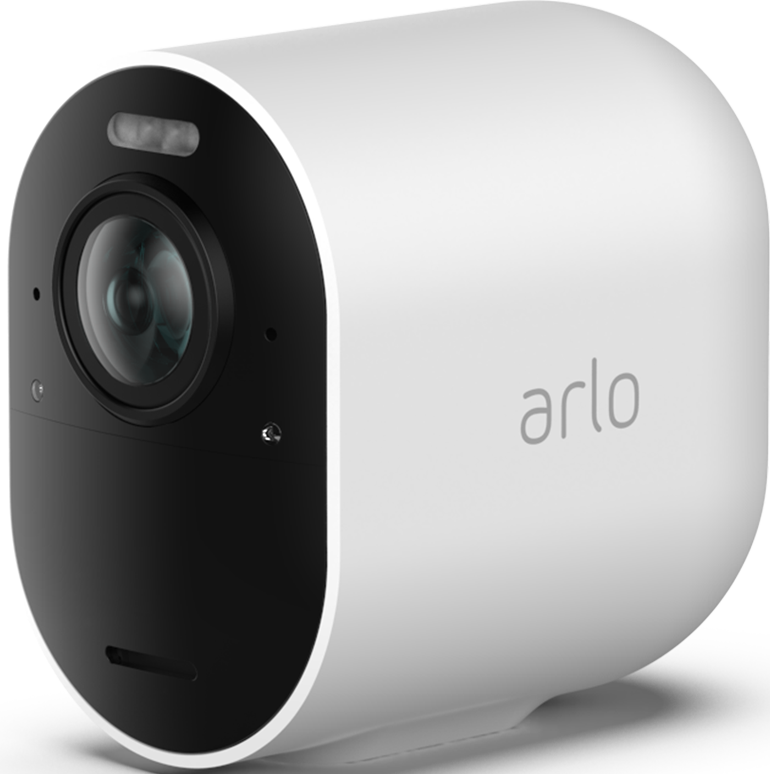
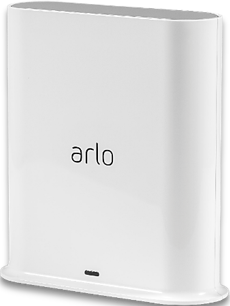
Recently my Pro 3 cameras will not update the video settings screen picture or activity zone screen picture, even though the live view, motion detection, and recording still functions. (however, be aware that the snapshot and recording icons are unavailable if you have 2K selected) SmartHub is VMB4540r3 firmware 1.29.1.0_1949_7ee40c0. Pro 3 cameras are firmware 34.100.3_62d111c. I have tried unplugging the SmartHub for 30 seconds and restarting, have also tried the screen snapshot or video recording reset fix, the picture 180 swap fix, from both the PC and iphone app. I have also reformatted the usb storage of the SmartHub, and also deleted the iPhone Arlo app and reinstalled. I have also tried removing the Pro 3 cameras and adding them again as new devices. My one Pro 5s that is connected to this SmartHub still works as it should and refreshes the video settings and activity screen fine. (Note: By design, even the Pro 5s will also not display snapshot or record icons if 2K is selected while connected to this Smart Hub). Is it time to ditch the Pro 3 cameras in order to have video setting and activity zone screen refreshing work again as it does with newer cameras? I am assuming the latest firmware upgrade is to blame forcing us to buy new cameras. Using the PC, the Pro 3 video settings and activity zones show no picture at all, while the iPhone app Pro 3 settings shows the incorrect non updating pictures from the historic past.
- Related Labels:
-
Features
-
Troubleshooting
Best answers
-
The devices have been migrated to a field trial. Can you please check and see if you see a change in the behavior you were seeing.
@Bex26 your devices were not moved over as they are offline. As soon as they are online can you let me know. And I will get those onto the field trial as well.



- Mark as New
- Bookmark
- Subscribe
- Mute
- Subscribe to RSS Feed
- Permalink
- Report Inappropriate Content
My cameras came back online yesterday evening all by themselves.
- Mark as New
- Bookmark
- Subscribe
- Mute
- Subscribe to RSS Feed
- Permalink
- Report Inappropriate Content
Unbelievable, cameras offline again! Arlo fix your **bleep**!
- Mark as New
- Bookmark
- Subscribe
- Mute
- Subscribe to RSS Feed
- Permalink
- Report Inappropriate Content
My Pro 3 cameras also started working today, 5/4/26. Regarding the frozen screen views in video settings and activity zones, everything suddenly started working as it should.


- Mark as New
- Bookmark
- Subscribe
- Mute
- Subscribe to RSS Feed
- Permalink
- Report Inappropriate Content
Is everyone seeing this as resolved? Is anyone within the thread still seeing the same behavior?

- Mark as New
- Bookmark
- Subscribe
- Mute
- Subscribe to RSS Feed
- Permalink
- Report Inappropriate Content
Well, cameras worked for me, Arlo Pro 3, even before app upgrade.
it is the activity zones, the video does not refresh. Just trying but same old freeze picture.
- Mark as New
- Bookmark
- Subscribe
- Mute
- Subscribe to RSS Feed
- Permalink
- Report Inappropriate Content
BrookeN, My pro 3 cameras still don’t work correctly. My last statement that noted they had started working again was incorrect because I had mistakenly grabbed a pro 5 camera that I was also testing for a moisture problem. The pro 3 cameras issue is NOT resolved.
- Mark as New
- Bookmark
- Subscribe
- Mute
- Subscribe to RSS Feed
- Permalink
- Report Inappropriate Content
@Perry_H do you have your Pro 3 on a different account? I do not see any on the account. Can you dm me the serial numbers of the Pro 3 you are seeing this behavior with.
- Mark as New
- Bookmark
- Subscribe
- Mute
- Subscribe to RSS Feed
- Permalink
- Report Inappropriate Content
I have removed all six of my pro 3 cameras because Arlo will not fix this problem. Arlo’s repair suggestion is always “buy more cameras”. One by one, I was forced to replace all six of my pro 3 cameras with pro 5 cameras (and one pro 6 with poor color quality). This is the only way to fix the active zone and video settings problem. I reinstalled one of the pro 3 cameras again last night to make sure the problem is still there, and it is. I don’t see an obvious way to “dm” you the serial number of that camera that I added back to my account last night for testing. How do I direct message you?
- Mark as New
- Bookmark
- Subscribe
- Mute
- Subscribe to RSS Feed
- Permalink
- Report Inappropriate Content
I sent you a dm to respond to, please let me know if you do not see it.
- Mark as New
- Bookmark
- Subscribe
- Mute
- Subscribe to RSS Feed
- Permalink
- Report Inappropriate Content
Nothing resolved completely on my end of things. Cameras are fine for some hours, than like clockwork, go offline again in the afternoon, through the evening and into the night. And I absolutely NEED them in the nightime!
- Mark as New
- Bookmark
- Subscribe
- Mute
- Subscribe to RSS Feed
- Permalink
- Report Inappropriate Content
- Mark as New
- Bookmark
- Subscribe
- Mute
- Subscribe to RSS Feed
- Permalink
- Report Inappropriate Content
Our development team is currently investigating this. I will reach out with an update as soon as possible.
- Mark as New
- Bookmark
- Subscribe
- Mute
- Subscribe to RSS Feed
- Permalink
- Report Inappropriate Content
Thankyou for the update.
- Mark as New
- Bookmark
- Subscribe
- Mute
- Subscribe to RSS Feed
- Permalink
- Report Inappropriate Content
- Mark as New
- Bookmark
- Subscribe
- Mute
- Subscribe to RSS Feed
- Permalink
- Report Inappropriate Content
I have the exact same problem.
I’m on 6.24.1 (23April update) and both the devices and dashboard views are not updating with a snapshot of the latest activity.
Feed is showing the recorded videos without issues.
I’ve tried removing and re-adding the widgets to the dashboard, also tried logout and login.
I should also note that the problem occurs both in iPhone and iPad no matter the power settings.
- Mark as New
- Bookmark
- Subscribe
- Mute
- Subscribe to RSS Feed
- Permalink
- Report Inappropriate Content
Our team is currently investigating this behavior, I will update the community soon.
- Mark as New
- Bookmark
- Subscribe
- Mute
- Subscribe to RSS Feed
- Permalink
- Report Inappropriate Content
This is being investigated. I will reach out to the community soon.
- Mark as New
- Bookmark
- Subscribe
- Mute
- Subscribe to RSS Feed
- Permalink
- Report Inappropriate Content
I am experiencing the same issue with the Pro3 cameras. My whole system went offline after the last update. When it finally came back, all of my views in the video settings and activity zones were frozen on an old image. I've tried reinstalling everyone multiple times. I've reinstalled the app. I've tried every suggestion for turning on and off wifi and changing all the settings in the video settings as suggested. Nothing has fixed this issue.
- Mark as New
- Bookmark
- Subscribe
- Mute
- Subscribe to RSS Feed
- Permalink
- Report Inappropriate Content
Are any of you using Apple Home?
- Mark as New
- Bookmark
- Subscribe
- Mute
- Subscribe to RSS Feed
- Permalink
- Report Inappropriate Content
I am not using Apple Home.
- Mark as New
- Bookmark
- Subscribe
- Mute
- Subscribe to RSS Feed
- Permalink
- Report Inappropriate Content
No
- Mark as New
- Bookmark
- Subscribe
- Mute
- Subscribe to RSS Feed
- Permalink
- Report Inappropriate Content
FYI
App updated to 6.27.0 but issue still persists.
Interestingly out of 5 cameras one of them does actually show an up to date activity preview in the Devices tab. All others still don’t.
All cameras are in firmware version 34.100.3_62d111c
4 cameras are H9 hardware and one of them is H10… although the one that appears to be working correctly in one of the H9.
- Mark as New
- Bookmark
- Subscribe
- Mute
- Subscribe to RSS Feed
- Permalink
- Report Inappropriate Content
Just downloaded software Ver 6.28.0
Made no difference. Still have same problem
- Mark as New
- Bookmark
- Subscribe
- Mute
- Subscribe to RSS Feed
- Permalink
- Report Inappropriate Content
Is there an update? Please let us know what is going on. Is there a fix? Should we cancel our account?
- Mark as New
- Bookmark
- Subscribe
- Mute
- Subscribe to RSS Feed
- Permalink
- Report Inappropriate Content
I’ve got exactly the same problem with my Arlo PRO 3 cameras except my Arlo PRO 3 Floodlight camera which has a different firmware. So I definately relate this to a firmware update issue.
I have also tried to remove and add the cameras + base station once and then factory reset of all cameras, restarted base station + router and still no success.
-
Arlo Mobile App
446 -
Arlo Pro 3
7 -
Arlo Secure
2 -
Arlo Smart
320 -
Before You Buy
303 -
Features
408 -
Firmware Release Notes
4 -
Installation
365 -
Online and Mobile Apps
15 -
Service and Storage
17 -
Troubleshooting
1,925
-
62 Replies
-
2026-04-19 03:38 PM
-
1839 Views
-
2 Likes
-
12 In Conversation
-