- Subscribe to RSS Feed
- Mark Topic as New
- Mark Topic as Read
- Float this Topic for Current User
- Bookmark
- Subscribe
- Printer Friendly Page
-
13 Replies
-
2026-05-30 12:05 AM
-
1924 Views
-
1 Like
-
3 In Conversation
-



- Mark as New
- Bookmark
- Subscribe
- Mute
- Subscribe to RSS Feed
- Permalink
- Report Inappropriate Content
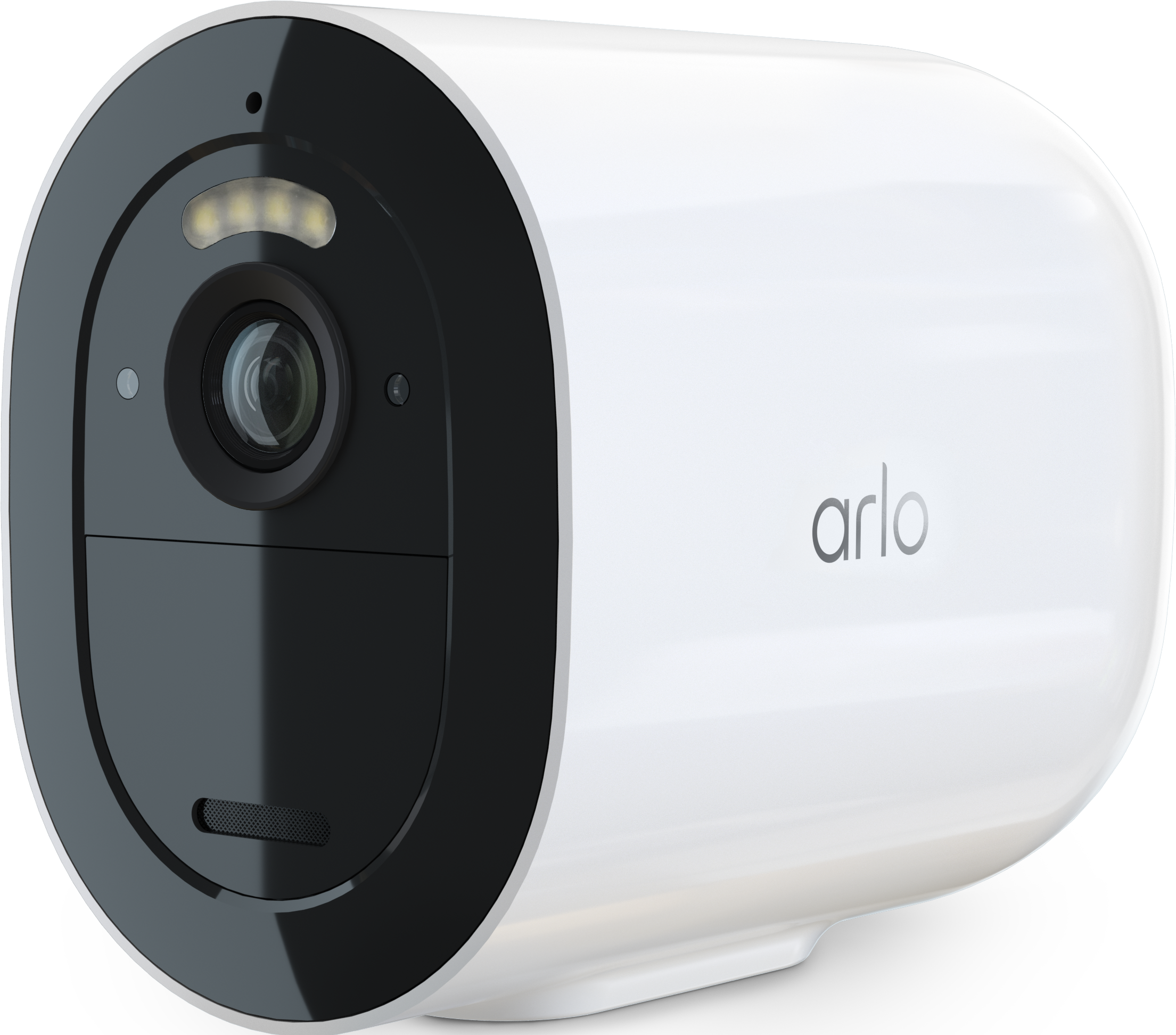
I have a problem with both my ArloGo2 cameras simultaneously. Yesterday morning I turned the Arm Away on and although all day people were walking in their view they didn't record anything until I realized it late in the evening. Then I took out the baterries, waited 10 sec, put them back in, waited more, turned them on and off via the App and then finally they started working.
Then during the night 1 video was recorded. And now today although they're still Armed, they stopped motion sensoring again!
They are both connected to mobile network and there is no problem with the network.
Cameras just stop reacting to motion. What is going on????
Solved! Go to Solution.
- Related Labels:
-
Troubleshooting
Accepted Solutions


- Mark as New
- Bookmark
- Subscribe
- Mute
- Subscribe to RSS Feed
- Permalink
- Report Inappropriate Content
Have you tried to reset the camera to see if that resolved the behavior you are seeing:
https://kb.arlo.com/000062880/How-do-I-factory-reset-and-re-sync-my-Arlo-camera-Arlo-Secure-4-0
- Mark as New
- Bookmark
- Subscribe
- Mute
- Subscribe to RSS Feed
- Permalink
- Report Inappropriate Content
Are you using Geofencing?
- Mark as New
- Bookmark
- Subscribe
- Mute
- Subscribe to RSS Feed
- Permalink
- Report Inappropriate Content
Nope.
- Mark as New
- Bookmark
- Subscribe
- Mute
- Subscribe to RSS Feed
- Permalink
- Report Inappropriate Content
Can you double check that everything is set up correctly under the modes
https://www.arlo.com/en_eu/support/faq/1201789/How-do-I-create-a-mode-for-my-Arlo-Go-camera
- Mark as New
- Bookmark
- Subscribe
- Mute
- Subscribe to RSS Feed
- Permalink
- Report Inappropriate Content
Yes, everything is correctly.
I rebooted one camera with removing battery and after some time it started working. The other one didn't, so I deleted and added as a new device but ir eas struggling connecting to a server (the blue led was blinking rapidy), finally it did ņd started working.
Now after 3 days they both have stopped the motion sensing AGAIN after working properly in the Armed mode for these 3 days.
What is going on? This is happening now after the new app update only.
- Mark as New
- Bookmark
- Subscribe
- Mute
- Subscribe to RSS Feed
- Permalink
- Report Inappropriate Content
No, everything should be working as expected. Have you held the sync button for 15 seconds?
- Mark as New
- Bookmark
- Subscribe
- Mute
- Subscribe to RSS Feed
- Permalink
- Report Inappropriate Content
This is not helpful. Everything is set up correctly. Both cameras have been deleted and added again as new devices. They work for some time, during night they each recorded a video of an animal and then in the morning they're not recording a motion again!!!! This is happening after the new app update that has so many new unnecessary extra steps for the cameras to be set up. Obvsly there is some correlation there.
I let the cameras even check for updates when they were re-added to my app, and they said they're up do date.
What else is there to be done?
- Mark as New
- Bookmark
- Subscribe
- Mute
- Subscribe to RSS Feed
- Permalink
- Report Inappropriate Content
These are cameras bought in 2023 and 2024. If there is some issue with that batch then let me know how can I exchange them for new batch cameras that work properly. Because this is not acceptable. I can fiddle and waste my time now when I'm at home, but when I'll leave for a few days and they stop working it is not acceptable for me to keep paying you for subsciption and devices that are not working anymore.
- Mark as New
- Bookmark
- Subscribe
- Mute
- Subscribe to RSS Feed
- Permalink
- Report Inappropriate Content
I have passed this information onto out development team to investigate. I will reach out with an update as soon as possible.
- Mark as New
- Bookmark
- Subscribe
- Mute
- Subscribe to RSS Feed
- Permalink
- Report Inappropriate Content
Will they contact me in email privately? Because now I am away from the cameras and can't reboot them, so they now work sporadically. Some times they record the motion, sometimes one of them stops doing it, while the other still does. Then again the second one stops working for some time period while the first suddenly has decided to start recording...
Live works, they are entirely LTE, the network bars are low (1 bar) and have always been, it never was an issue before that the network was around 2 bars. The cameras placement hasn't been changed, nothing else appart from new App has changed.
- Mark as New
- Bookmark
- Subscribe
- Mute
- Subscribe to RSS Feed
- Permalink
- Report Inappropriate Content
Btw right now the one camera with network of 1 bar is recognizing motion and recording. The other one with 2 bars is not.
- Mark as New
- Bookmark
- Subscribe
- Mute
- Subscribe to RSS Feed
- Permalink
- Report Inappropriate Content
Can you double check something for me, if you move them where they have full bars can you see if they record correctly then?

- Mark as New
- Bookmark
- Subscribe
- Mute
- Subscribe to RSS Feed
- Permalink
- Report Inappropriate Content
I have exactly the same problem with my cameras. Can you please give me some update if you figure it out and i'll try to give you also an update if my cameras start working. I have 5G internet for my cameras and it does't detect almost any motion. When i turn it down manually to LTE or 4G internet, then it kinda starts working, but not for long, cause it changes back to automatic connection (or 5G) all the time.
- Mark as New
- Bookmark
- Subscribe
- Mute
- Subscribe to RSS Feed
- Permalink
- Report Inappropriate Content
Have you tried to reset the camera to see if that resolved the behavior you are seeing:
https://kb.arlo.com/000062880/How-do-I-factory-reset-and-re-sync-my-Arlo-camera-Arlo-Secure-4-0
-
Arlo Mobile App
66 -
Arlo Secure
119 -
Arlo Smart
18 -
Before You Buy
68 -
Features
89 -
Installation
67 -
Troubleshooting
242
-
13 Replies
-
2026-05-30 12:05 AM
-
1925 Views
-
1 Like
-
3 In Conversation
-