- Subscribe to RSS Feed
- Mark Topic as New
- Mark Topic as Read
- Float this Topic for Current User
- Bookmark
- Subscribe
- Printer Friendly Page
-
9 Replies
-
2026-04-02 05:02 PM
-
424 Views
-
3 Likes
-
4 In Conversation
-



- Mark as New
- Bookmark
- Subscribe
- Mute
- Subscribe to RSS Feed
- Permalink
- Report Inappropriate Content
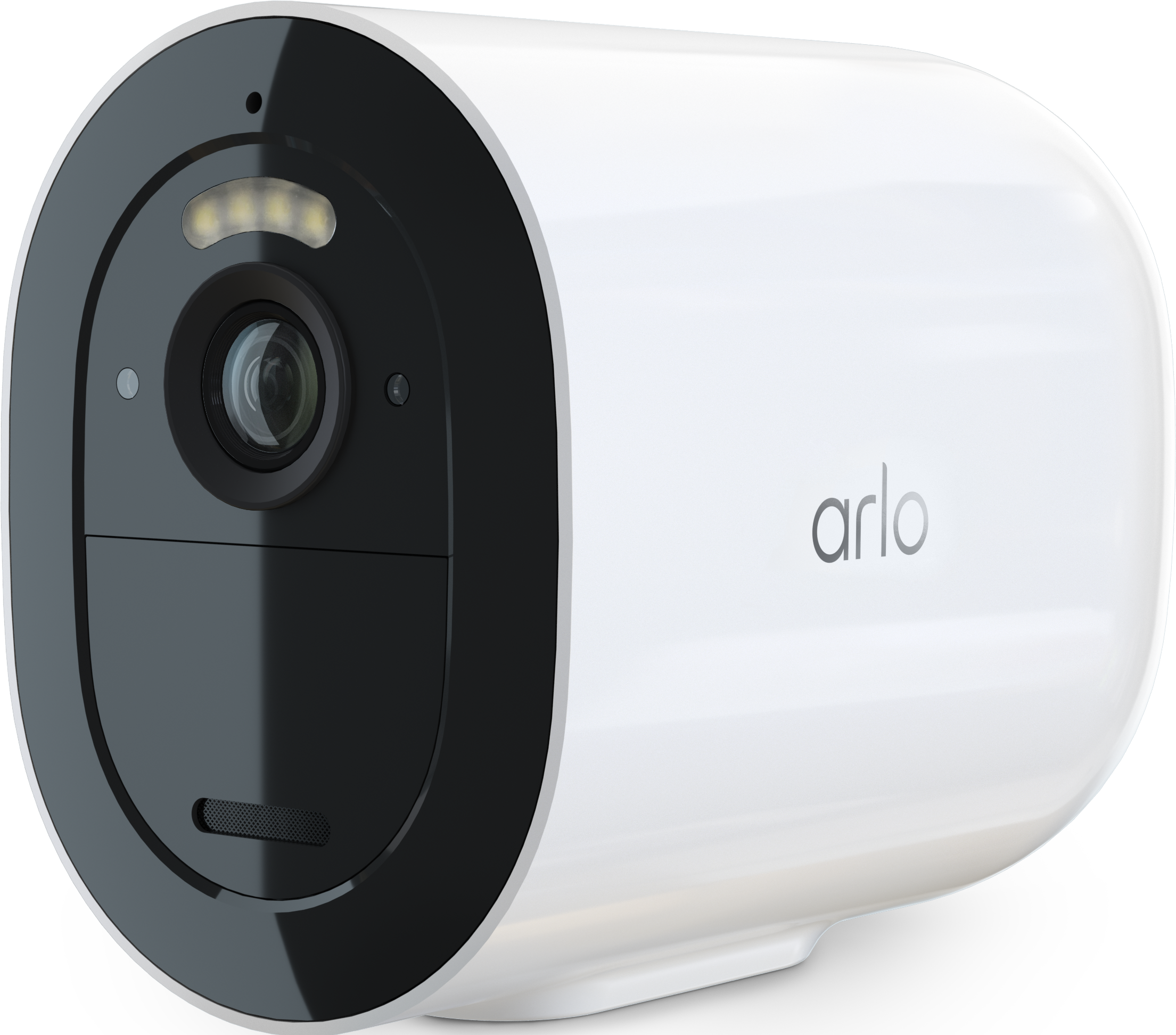
Hi. I have 3 go2 cameras monitoring a building site and the day before Easter break, they have all decided to not connect via LTE 4g. There is no WiFi onsite. I have spent 8-9 hours trying to connect them with no luck.
Solved! Go to Solution.
- Related Labels:
-
Arlo Secure
Accepted Solutions
- Mark as New
- Bookmark
- Subscribe
- Mute
- Subscribe to RSS Feed
- Permalink
- Report Inappropriate Content
I too had a camera that has been working fine for years and it suddenly disconnected and wouldn’t reconnect. ended up setting the APN to telstra.internet manually and it worked.


- Mark as New
- Bookmark
- Subscribe
- Mute
- Subscribe to RSS Feed
- Permalink
- Report Inappropriate Content
Can you please go through these troubleshooting steps:
https://kb.arlo.com/000063349/How-to-troubleshoot-Arlo-Go-2-Camera-LTE-cellular-installation-issues
- Mark as New
- Bookmark
- Subscribe
- Mute
- Subscribe to RSS Feed
- Permalink
- Report Inappropriate Content
I too had a camera that has been working fine for years and it suddenly disconnected and wouldn’t reconnect. ended up setting the APN to telstra.internet manually and it worked.
- Mark as New
- Bookmark
- Subscribe
- Mute
- Subscribe to RSS Feed
- Permalink
- Report Inappropriate Content
Hi Jonzey,
thanks for the reply. I’ve seen where I can enter the info, but how do I find out what info to enter in? I have the belong SIM cards. Thanks
- Mark as New
- Bookmark
- Subscribe
- Mute
- Subscribe to RSS Feed
- Permalink
- Report Inappropriate Content
Mine is with belong too (perhaps it’s an issue specific to them) telstra.internet is what worked. Also I connected mine to wifi first then changed the APN when trying to connect to mobile network. Not sure if this is required.
- Mark as New
- Bookmark
- Subscribe
- Mute
- Subscribe to RSS Feed
- Permalink
- Report Inappropriate Content
It worked. Just entered telstra.internet in. I was at my wits end with them. Thanks again. You’re a legend

- Mark as New
- Bookmark
- Subscribe
- Mute
- Subscribe to RSS Feed
- Permalink
- Report Inappropriate Content
Guys
I'm having the same issue connecting the Arlo go2 camera's to Belong network. I can't find the spot where I add the Telstra APN info. Can you explain how I get to this page.
- Mark as New
- Bookmark
- Subscribe
- Mute
- Subscribe to RSS Feed
- Permalink
- Report Inappropriate Content
For me it’s settings (gear icon)> cellular network > APN settings.
I can’t recall where it was prior to pairing but I think I connected the camera via wifi first, then I was presented with APN settings option when changing to cellular.
- Mark as New
- Bookmark
- Subscribe
- Mute
- Subscribe to RSS Feed
- Permalink
- Report Inappropriate Content

when you try and connect, then it times out, this screen pops up. Just enter telstra.internet into username I think, then try connect again.
- Mark as New
- Bookmark
- Subscribe
- Mute
- Subscribe to RSS Feed
- Permalink
- Report Inappropriate Content
yes needs to fail to connect and then allows you to add in APN
I've been talking to the Arlo help desk for the last 3 weeks and they have told me it's a bigger software issue that the engineers were working on however don't have a fix and I then stumbled across your thread and boom fixed in 5 mins.
Great really appreciate your help
-
Arlo Mobile App
65 -
Arlo Secure
115 -
Arlo Smart
18 -
Before You Buy
67 -
Features
87 -
Installation
65 -
Troubleshooting
230
-
9 Replies
-
2026-04-02 05:02 PM
-
425 Views
-
3 Likes
-
4 In Conversation
-