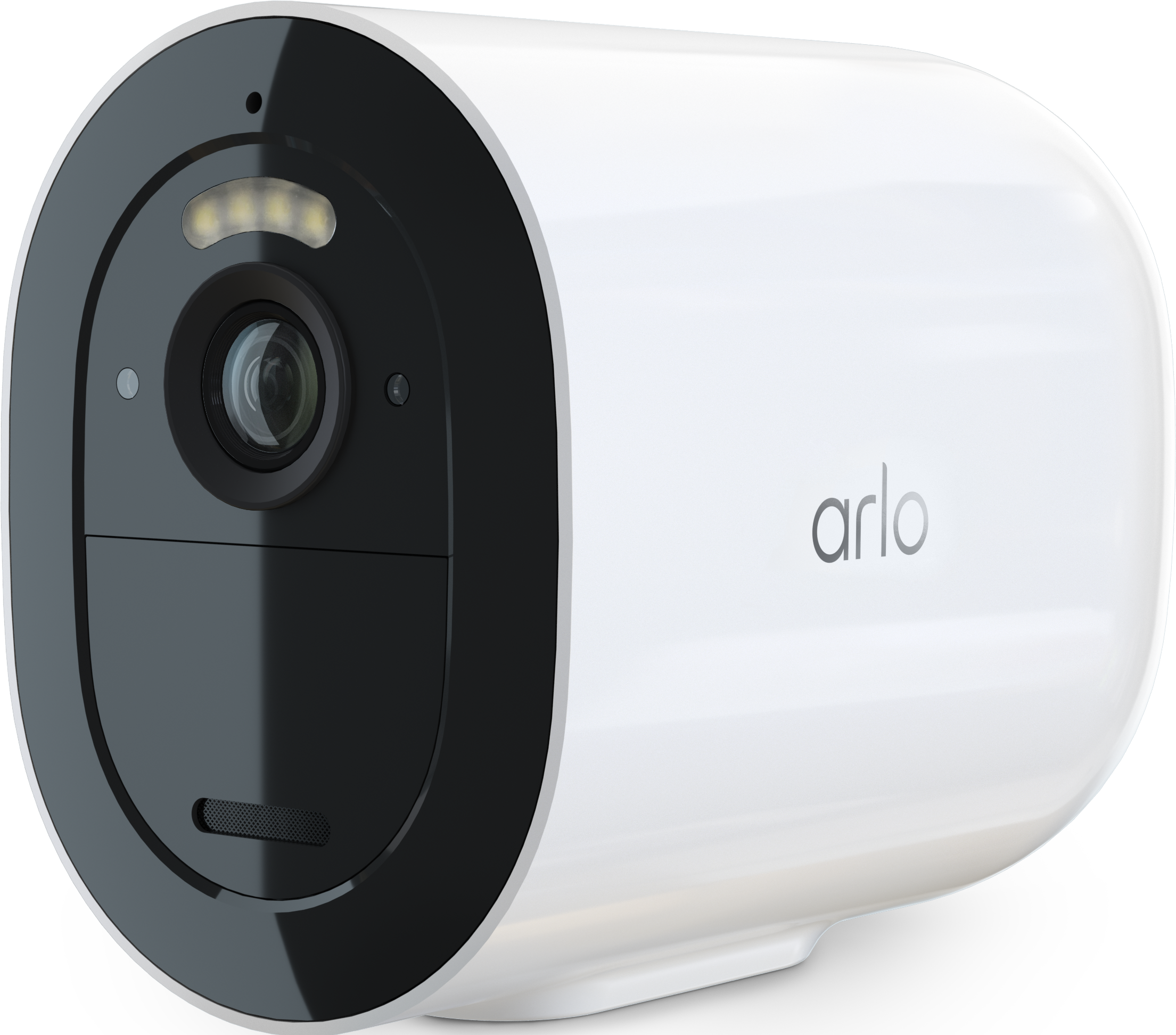
Go 2 local storage help
- Subscribe to RSS Feed
- Mark Topic as New
- Mark Topic as Read
- Float this Topic for Current User
- Bookmark
- Subscribe
- Printer Friendly Page
-
8 Replies
-
2025-12-01 08:41 AM
-
1202 Views
-
0 Likes
-
2 In Conversation
-



- Mark as New
- Bookmark
- Subscribe
- Mute
- Subscribe to RSS Feed
- Permalink
- Report Inappropriate Content
Hi.. problem with Go 2. SD card issue. Card inserted followed all instructions from Arlo website site. Followed prompts. the storage button not lighting up to use. SD card is a sandisk SDXC UHS 1. SPEED 10. U3. Have tried 5 time and hard reset. Any suggestions please.
- Related Labels:
-
Features
-
Installation


- Mark as New
- Bookmark
- Subscribe
- Mute
- Subscribe to RSS Feed
- Permalink
- Report Inappropriate Content
@TPWIGWAM18 wrote:
SD card is a sandisk SDXC UHS 1. SPEED 10. U3.
How much storage is on the card?
- Mark as New
- Bookmark
- Subscribe
- Mute
- Subscribe to RSS Feed
- Permalink
- Report Inappropriate Content
The sandisk Sd Card is 128gb. Cheers.
- Mark as New
- Bookmark
- Subscribe
- Mute
- Subscribe to RSS Feed
- Permalink
- Report Inappropriate Content
@TPWIGWAM18 wrote:
The sandisk Sd Card is 128gb.
And you were able to format it using the app?
- Mark as New
- Bookmark
- Subscribe
- Mute
- Subscribe to RSS Feed
- Permalink
- Report Inappropriate Content
Could not format card any card I tried. In the app the storage button is not being highlighted to use. That what the problem is the go 2 is not recognised any Sd Card or size have tried 36mg. 128mg 256mg? Different makes. All should work but not. Due to storage button not being able to move. Few.
- Mark as New
- Bookmark
- Subscribe
- Mute
- Subscribe to RSS Feed
- Permalink
- Report Inappropriate Content
@TPWIGWAM18 wrote:
Could not format card any card I tried.
Can you format it on a PC? It needs to be FAT32 - you might need to google for instructions.
- Mark as New
- Bookmark
- Subscribe
- Mute
- Subscribe to RSS Feed
- Permalink
- Report Inappropriate Content
Will find a friend for that. Don't own one. Lol. I was hoping to use app to format the card. Under storage. But alas can't get in cheers for now. T.
- Mark as New
- Bookmark
- Subscribe
- Mute
- Subscribe to RSS Feed
- Permalink
- Report Inappropriate Content
Hi Stephen. In the app. The sliders will not light up to move. As if card not in camera. Use a computer to to format sd card to Fat32. Still not working. Cheers
- Mark as New
- Bookmark
- Subscribe
- Mute
- Subscribe to RSS Feed
- Permalink
- Report Inappropriate Content
@TPWIGWAM18 wrote:
Hi Stephen. In the app. The sliders will not light up to move. As if card not in camera. Use a computer to to format sd card to Fat32. Still not working. Cheers
Do you have another sd card you can test with?
-
Arlo Mobile App
65 -
Arlo Secure
117 -
Arlo Smart
18 -
Before You Buy
67 -
Features
88 -
Installation
67 -
Troubleshooting
241
-
8 Replies
-
2025-12-01 08:41 AM
-
1203 Views
-
0 Likes
-
2 In Conversation
-