- Subscribe to RSS Feed
- Mark Topic as New
- Mark Topic as Read
- Float this Topic for Current User
- Bookmark
- Subscribe
- Printer Friendly Page
-
10 Replies
-
2025-09-21 12:24 PM
-
646 Views
-
0 Likes
-
3 In Conversation
-



- Mark as New
- Bookmark
- Subscribe
- Mute
- Subscribe to RSS Feed
- Permalink
- Report Inappropriate Content
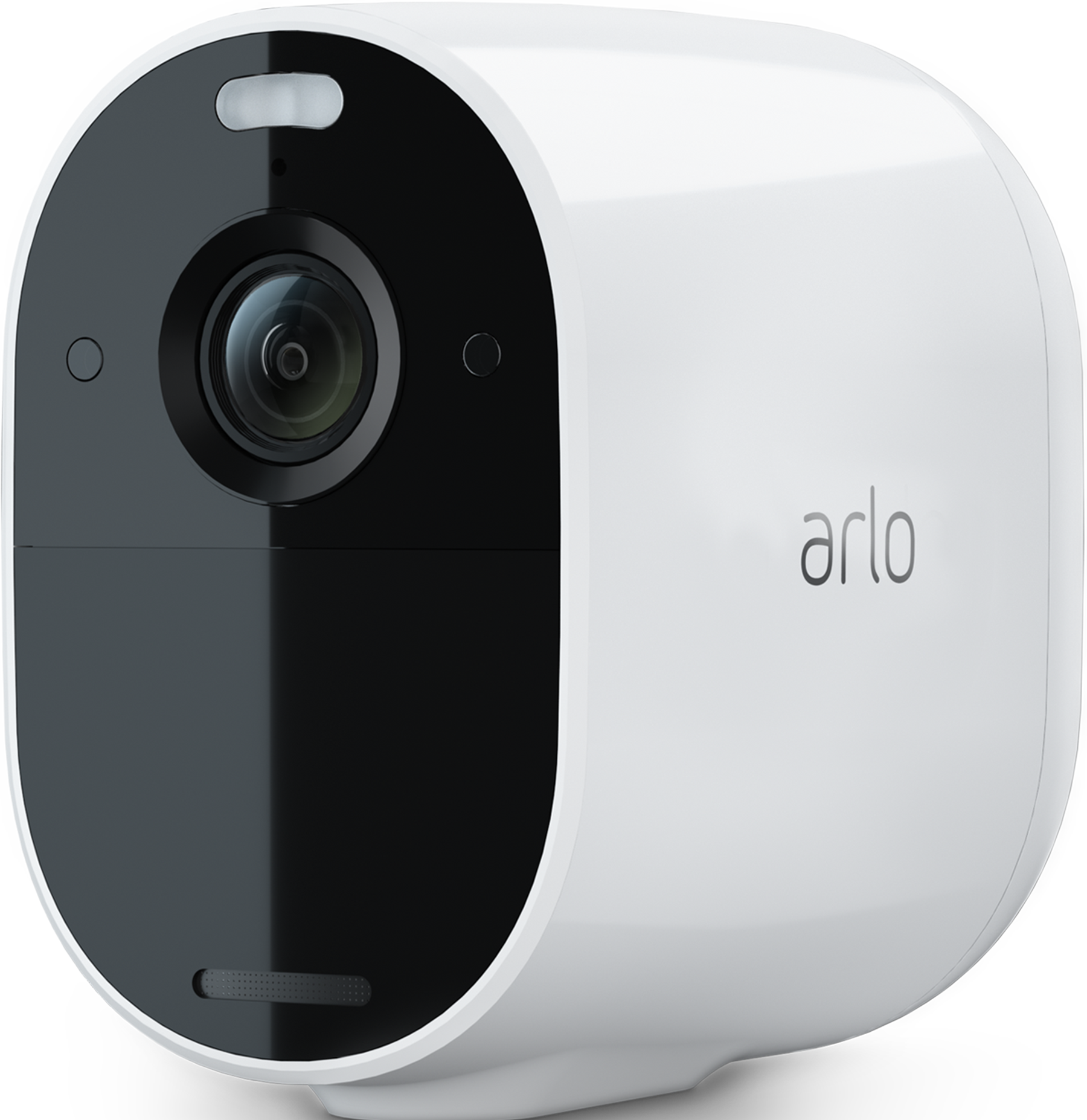
I have a mix of essential spotlight ver 1 and 2. Eight cameras in total. Battery consumption is rather high.
The last months, I have observed that all spotlights light up, even if I just want to go in and check one camera.
I would like to have the previous behaviour, where I could go in and check the feed from one camera without turning on the lights of all. The whole property lights up, and that can be disturbing..
- Related Labels:
-
Troubleshooting


- Mark as New
- Bookmark
- Subscribe
- Mute
- Subscribe to RSS Feed
- Permalink
- Report Inappropriate Content
@egilso wrote:The last months, I have observed that all spotlights light up, even if I just want to go in and check one camera.
Are you saying that when you livestream a camera and then toggle the spotlight on the livestream page, that all of spotlights turn on? FWIW, I am not seeing that on my system.
@egilso wrote:
Battery consumption is rather high.
How often do you need to charge them?
- Mark as New
- Bookmark
- Subscribe
- Mute
- Subscribe to RSS Feed
- Permalink
- Report Inappropriate Content
Hi! Yes, when I go to the app in the evening to watch the feed from one camera, I can see the other cameras wake up and light up the property in all directions. I do not have to turn on the spotlight for the others to light up.
If I do this repeatedly, eventually the other lights will turn off.
The cameras not on solar will go down from 100 to 85 pct in a week.
- Mark as New
- Bookmark
- Subscribe
- Mute
- Subscribe to RSS Feed
- Permalink
- Report Inappropriate Content
@egilso wrote:
The cameras not on solar will go down from 100 to 85 pct in a week.
So about 5 weeks between charges (assuming you won't let the cameras drop below 15%).
@egilso wrote:
when I go to the app in the evening to watch the feed from one camera, I can see the other cameras wake up and light up the property in all directions. I do not have to turn on the spotlight for the others to light up.
Are the cameras recording? Just wondering if you've set them up to cross-trigger.
- Mark as New
- Bookmark
- Subscribe
- Mute
- Subscribe to RSS Feed
- Permalink
- Report Inappropriate Content
They are not set up to "cross trigger". Some of the cameras that activate, are set to "off" in the app, but activate anyways. They are also not included in the "arm home" mode that I use. What lights up is not floodlight, but rather IR or something that only other cameras can detect. My eye can only see two red dots on the cameras that are not supposed to be active.

- Mark as New
- Bookmark
- Subscribe
- Mute
- Subscribe to RSS Feed
- Permalink
- Report Inappropriate Content
Is it to do with the latest change that every 7 hours or so, or when the user views the dashboard within that period or more, all tiles refresh, and while they refresh, they also illuminate the cameras' spotlights? This might be the explanation if all light up all at once and when the OP hasn't viewed the app for a fixed amount of time.
Personally, I don't think it was a welcome change, and if permanently implemented, there should be an option not use it. I'd rather the engineers focussed on fixing some issues and polishing the app (as it's still rough around the edges).
- Mark as New
- Bookmark
- Subscribe
- Mute
- Subscribe to RSS Feed
- Permalink
- Report Inappropriate Content
You are right! There should be an option to disable the behaviour. They also need to exclude cameras that are turned "off". I like to keep a few cameras off to take a look from time to time, saving precious battery.
- Mark as New
- Bookmark
- Subscribe
- Mute
- Subscribe to RSS Feed
- Permalink
- Report Inappropriate Content
@egilso wrote:
There should be an option to disable the behaviour. They also need to exclude cameras that are turned "off".
Arlo says this new behaviour should exclude both disarmed cameras and cameras that are turned off.
I don't see much value in the behaviour itself.
- Mark as New
- Bookmark
- Subscribe
- Mute
- Subscribe to RSS Feed
- Permalink
- Report Inappropriate Content
@StephenB It doesn't exclude disarmed cameras. Regardless of what state they're in, they all auto-refresh. My Arlo HD is never part of Arm Away or Arm Home, but always in Standby and it auto-refreshes together with the others.
@JamesC
Can we recommend that you and your team re-consider this option of auto updating tiles on Dashboard, as it doesn't seem to add much value to the system but creates some unwanted behaviours instead - see the thread above.
- Mark as New
- Bookmark
- Subscribe
- Mute
- Subscribe to RSS Feed
- Permalink
- Report Inappropriate Content
@Edinburgh_lad1 wrote:
@StephenB It doesn't exclude disarmed cameras. Regardless of what state they're in, they all auto-refresh.
I'm going by what @BrookeN communicated (describing how it should work, but perhaps not how it does work).
I agree that if they decide to keep the feature, it needs to exclude disarmed cameras. One obvious reason is that many people are installing outdoor cameras indoors, and wanting to keep them disarmed when they are home for privacy reasons.
As far as the feature itself goes, if this were an automation that updated thumbnails, then people could edit it to exclude some or all of their cameras from update. And adjust the schedule if they wanted that.
- Mark as New
- Bookmark
- Subscribe
- Mute
- Subscribe to RSS Feed
- Permalink
- Report Inappropriate Content
What we'll get instead is months of adjusting/fine tuning/tweaking/testing/production firmware generating and whatever else they waste their time on. That's why they're in a state they are with the app, and nothing to do with the size of their portfolio @StephenB
-
Arlo Essential Spotlight
2 -
Arlo Mobile App
362 -
Arlo Secure
1 -
Arlo Smart
134 -
Before You Buy
239 -
Bevor Sie kaufen
1 -
Detección de Movimiento
1 -
Dépannage
1 -
Features
296 -
Installation
373 -
offline
1 -
Online and Mobile Apps
1 -
Online und mobile Apps
1 -
receipts
1 -
totally frustrated
1 -
Troubleshooting
1,698 -
VMC2030
2 -
VMC2030-100EUS
2 -
Warranty & Contracts
1
- « Previous
- Next »
-
10 Replies
-
2025-09-21 12:24 PM
-
647 Views
-
0 Likes
-
3 In Conversation
-