- Subscribe to RSS Feed
- Mark Topic as New
- Mark Topic as Read
- Float this Topic for Current User
- Bookmark
- Subscribe
- Printer Friendly Page
-
148 Replies
-
2026-06-28 02:52 PM
-
11114 Views
-
38 Likes
-
41 In Conversation
-






- Mark as New
- Bookmark
- Subscribe
- Mute
- Subscribe to RSS Feed
- Permalink
- Report Inappropriate Content
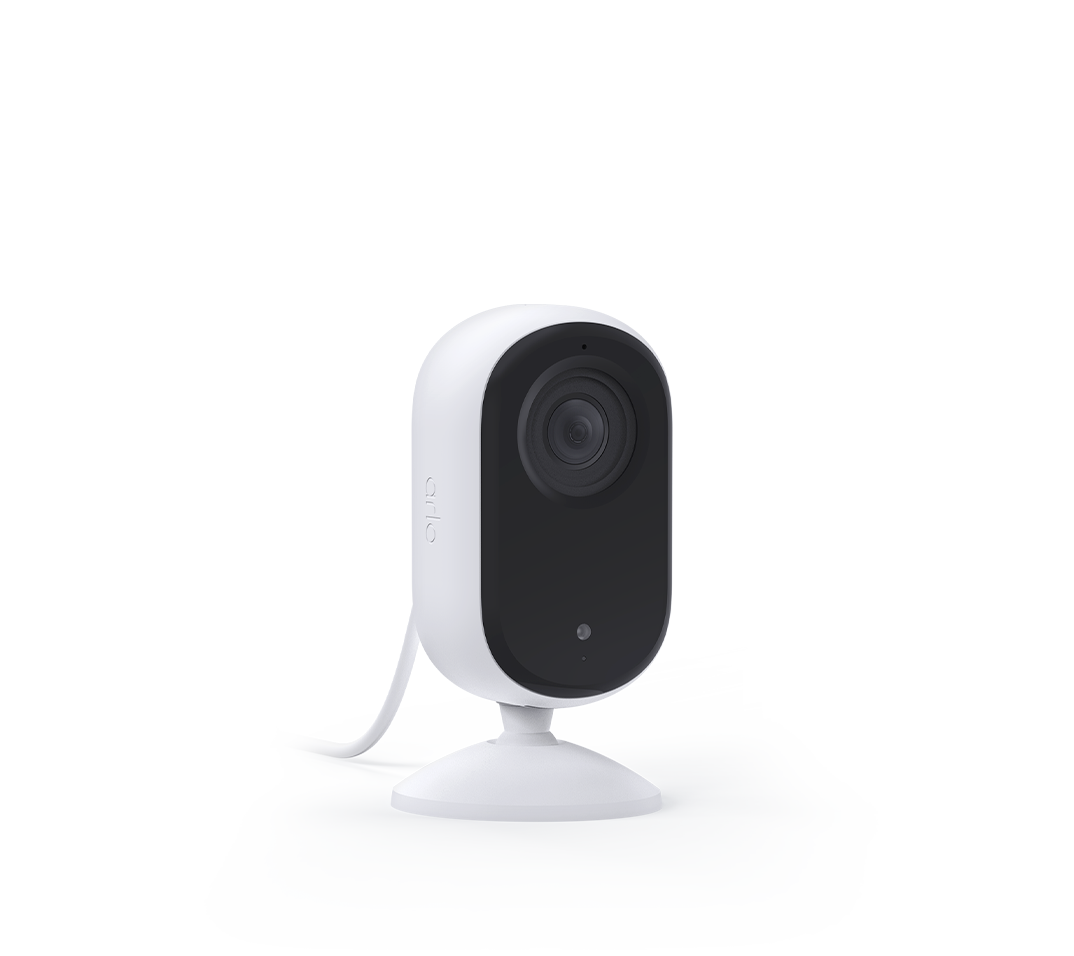
I have 2 essential indoor cameras that keep go offline within 24 hrs they are permanently plugged in and one is next to router. I have 13 cameras of various arlo models and these are the only ones I have issue with. I have to unplug and plug them back in every time I need them to work.
Solved! Go to Solution.
Best answers
-
Just a quick follow-up you may all notice that your firmware has updated or will be updated to version 10.1.7_23ee515. That is the permanent fix for the behavior you were seeing with the E2 cameras. If anyone see's this behavior after the firmware update let me know.
-
The development team is currently investigating a recent firmware release that has resulted in a small number of users experiencing intermittent offline behavior. We will continue to work with users who experience this issue by rolling back this firmware update to alleviate the offline symptoms. We apologize for any frustration this issue has caused and hope to provide a full resolution soon.



- Mark as New
- Bookmark
- Subscribe
- Mute
- Subscribe to RSS Feed
- Permalink
- Report Inappropriate Content
Yes, that is correct.

- Mark as New
- Bookmark
- Subscribe
- Mute
- Subscribe to RSS Feed
- Permalink
- Report Inappropriate Content
Just wanted to say Brooke is awesome 💪

- Mark as New
- Bookmark
- Subscribe
- Mute
- Subscribe to RSS Feed
- Permalink
- Report Inappropriate Content
Can you rollback my camera as well? One of mine auto updated after reset and offline again. Thank you.
- Mark as New
- Bookmark
- Subscribe
- Mute
- Subscribe to RSS Feed
- Permalink
- Report Inappropriate Content

- Mark as New
- Bookmark
- Subscribe
- Mute
- Subscribe to RSS Feed
- Permalink
- Report Inappropriate Content
My Essential Cameras keep going offline periodically (couple times a week)? Any clue of what is causing this issue? Also why do I not get any type of notification when this happen? One would think a real security app would notify the user when there is an identifiable issue with a camera.
- Mark as New
- Bookmark
- Subscribe
- Mute
- Subscribe to RSS Feed
- Permalink
- Report Inappropriate Content
Can I get the firmware rolled back for my two cameras? Thank you.
- Mark as New
- Bookmark
- Subscribe
- Mute
- Subscribe to RSS Feed
- Permalink
- Report Inappropriate Content
It seems that the essential indoor camera(01B2) didn't roll back to the old firmware after reboot. Can you please redo it? Thank you.
- Mark as New
- Bookmark
- Subscribe
- Mute
- Subscribe to RSS Feed
- Permalink
- Report Inappropriate Content
All my cameras were rolled back. Hope the problem is solved.
Thanks so much Brooke!!
- Mark as New
- Bookmark
- Subscribe
- Mute
- Subscribe to RSS Feed
- Permalink
- Report Inappropriate Content
Agree !!
- Mark as New
- Bookmark
- Subscribe
- Mute
- Subscribe to RSS Feed
- Permalink
- Report Inappropriate Content
I've got the same issue with 2 cameras. I put a support call and I'm still waiting on some form of action to get the firmware resolved.
- Mark as New
- Bookmark
- Subscribe
- Mute
- Subscribe to RSS Feed
- Permalink
- Report Inappropriate Content
I've had a support ticket open for over a month in relation to my camera needing rollback. the service to date has been pathetic... @BrookeN can you assist
- Mark as New
- Bookmark
- Subscribe
- Mute
- Subscribe to RSS Feed
- Permalink
- Report Inappropriate Content
I finally got a reply from my escalation at least six weeks ago. The support people don't seem to read the community postd.
- Mark as New
- Bookmark
- Subscribe
- Mute
- Subscribe to RSS Feed
- Permalink
- Report Inappropriate Content
@Harry_Wombat and @carsong your cameras have been moved to the experimental build. You will need to reboot the camera to see the change in firmware.
@Fluffmeister21 I was unable to change yours as the camera is offline. As soon as the camera goes online send me a message and I will get that moved over for you.
- Mark as New
- Bookmark
- Subscribe
- Mute
- Subscribe to RSS Feed
- Permalink
- Report Inappropriate Content
@BrookeN just restarted... wont stay online for long !
- Mark as New
- Bookmark
- Subscribe
- Mute
- Subscribe to RSS Feed
- Permalink
- Report Inappropriate Content
@Fluffmeister21 Alright that is done. Please reboot within the hour.
- Mark as New
- Bookmark
- Subscribe
- Mute
- Subscribe to RSS Feed
- Permalink
- Report Inappropriate Content
I have been dealing with ongoing problems with my indoor Arlo cameras for quite some time now. Apparently, the software has some “known issues”, which is reassuring, because nothing says quality product quite like a company knowingly selling something that doesn't work properly.
I have spent an extraordinary amount of time dealing with Arlo Support. And I must say, they have perfected one particular skill: passing the bucket.
Nobody appears to be able to identify the problem. Nobody appears to be able to fix it. Nobody appears to be able to take ownership of it. But everyone seems exceptionally good at sending me another email asking for case numbers, information and my “participation” in resolving the issue.
There is, however, one tiny problem with this brilliant strategy: I don't have access to Arlo's internal systems. So when they ask me for information that only they can access, we're essentially going around in circles which, judging by my experience, is probably the most advanced feature their software currently offers.
The standard response seems to be: “We sincerely apologise for the inconvenience.”
And that is where the customer service journey apparently ends.
No solution. No meaningful follow-up. No accountability. Just another apology.
And because apparently things weren't quite absurd enough, even Arlo's own feedback form doesn't allow me to actually submit feedback. I assume that's Arlo's innovative way of improving customer satisfaction: simply prevent customers from expressing their dissatisfaction.
At this stage, I am genuinely looking for recommendations for a serious, competent and reliable company making indoor cameras. If you have had a good experience with one, I would very much like to hear about it.
As for Arlo, my experience has been nothing short of disappointing. A company can have excellent technology on paper, but if it cannot support its customers when something goes wrong, all those clever features become rather irrelevant.
Arlo has managed to turn a camera problem into a customer-service problem, a support problem, and ultimately a credibility problem. Quite an achievement, really.
I certainly won't be buying Arlo again. And based on this experience, I would have a hard time recommending them to anyone.
- Mark as New
- Bookmark
- Subscribe
- Mute
- Subscribe to RSS Feed
- Permalink
- Report Inappropriate Content
@BrookeN - Much appreciated, thanks for your help.

- Mark as New
- Bookmark
- Subscribe
- Mute
- Subscribe to RSS Feed
- Permalink
- Report Inappropriate Content
I'm currently not using one, but looking into it: it's UniFi G6 Instant - 4k, PoE, AI is included, although for me not necessary, and it's highly configurable. It can be used indoors. Ubiquiti makes other cameras, too. You can't just run the camera, but also need a UniFi console with UniFi access. All this very pricey - you're looking at £500 for both as a minimum (basic configuration), but reviews are very promising. The system has some limitations (for example as you add more cameras and no batteries to use, but the latter can also be an advantage in terms of how responsive it is). There is no subscription, though! Plus, ubiquiti is a well known company dealing with net gear.
Or there's Arlo's biggest nemesis: Eufy.
All in all a crowded market. You should always do some research before you buy anything.

- Mark as New
- Bookmark
- Subscribe
- Mute
- Subscribe to RSS Feed
- Permalink
- Report Inappropriate Content
Hi Brooke
i have the same problem. Please advise how do I request a firmware roll back until resolved.

- Mark as New
- Bookmark
- Subscribe
- Mute
- Subscribe to RSS Feed
- Permalink
- Report Inappropriate Content
Hi Team.
I also have 2 x Essential indoor cameras with the disconnection issue:
VMC3060Aer1.4
10.0.2509_e400417
Thanks
- Mark as New
- Bookmark
- Subscribe
- Mute
- Subscribe to RSS Feed
- Permalink
- Report Inappropriate Content
@Sheriffbobk can you let me know when the camera is online and I can add the firmware
@Betaloy I have moved all your cameras to the experimental build. Please reboot the cameras to receive the update.
- Mark as New
- Bookmark
- Subscribe
- Mute
- Subscribe to RSS Feed
- Permalink
- Report Inappropriate Content
@vieuxhommes are you cameras going offline intermittently? If so I can put an experimental firmware on the devices and that will resolve the behavior you are seeing. If you would like me to do that, please let me know.
- Mark as New
- Bookmark
- Subscribe
- Mute
- Subscribe to RSS Feed
- Permalink
- Report Inappropriate Content
- Mark as New
- Bookmark
- Subscribe
- Mute
- Subscribe to RSS Feed
- Permalink
- Report Inappropriate Content
@Sheriffbobk alright I was able to move that firmware, please give it about a hour then reboot.
- Mark as New
- Bookmark
- Subscribe
- Mute
- Subscribe to RSS Feed
- Permalink
- Report Inappropriate Content
Thanks @BrookeN !!!
-
148 Replies
-
2026-06-28 02:52 PM
-
11115 Views
-
38 Likes
-
41 In Conversation
-