- Subscribe to RSS Feed
- Mark Topic as New
- Mark Topic as Read
- Float this Topic for Current User
- Bookmark
- Subscribe
- Printer Friendly Page
-
148 Replies
-
2026-06-28 02:52 PM
-
7809 Views
-
37 Likes
-
41 In Conversation
-






- Mark as New
- Bookmark
- Subscribe
- Mute
- Subscribe to RSS Feed
- Permalink
- Report Inappropriate Content
I have 2 essential indoor cameras that keep go offline within 24 hrs they are permanently plugged in and one is next to router. I have 13 cameras of various arlo models and these are the only ones I have issue with. I have to unplug and plug them back in every time I need them to work.
Solved! Go to Solution.
Best answers
-
Just a quick follow-up you may all notice that your firmware has updated or will be updated to version 10.1.7_23ee515. That is the permanent fix for the behavior you were seeing with the E2 cameras. If anyone see's this behavior after the firmware update let me know.
-
The development team is currently investigating a recent firmware release that has resulted in a small number of users experiencing intermittent offline behavior. We will continue to work with users who experience this issue by rolling back this firmware update to alleviate the offline symptoms. We apologize for any frustration this issue has caused and hope to provide a full resolution soon.



- Mark as New
- Bookmark
- Subscribe
- Mute
- Subscribe to RSS Feed
- Permalink
- Report Inappropriate Content
VMC3060 Essential Indoor 2K constantly going offline – firmware 10.0.2509_e400417
Hi Brooke - I’m in New Zealand and originally purchased two Arlo Essential Indoor 2K VMC3060 cameras from JB Hi-Fi only a few months ago.
Both cameras repeatedly went offline. They would work normally for around half a day, sometimes longer, and then completely disconnect. When this happens, the blue LED on the front of the camera also goes out. The only way I can get them working again is to physically unplug the power and plug them back in. They then reconnect and operate normally again until the problem repeats.
I initially suspected faulty cameras, so I returned both cameras to JB Hi-Fi and had them replaced.
Unfortunately, both replacement cameras are doing exactly the same thing. So I have now experienced the identical problem across four separate VMC3060 cameras.
I have also tried the cameras in different locations/power outlets and the behaviour remains the same. Other devices on my network, including older Arlo cameras, remain connected without issue.
Both of my current replacement cameras show:
Model: VMC3060 Essential Indoor 2K
Hardware: VMC3060Aer1.4
Firmware: 10.0.2509_e400417
From reading the other reports here, it appears this exact firmware has been associated with the intermittent offline issue and that Arlo has been rolling some affected VMC3060 cameras back to an earlier firmware.
Could an Arlo moderator please arrange for both of my cameras to have the firmware rolled back, or confirm when a corrected firmware will be released?
Given that I have already returned the original two cameras and the two replacements exhibit exactly the same fault, replacing the hardware again does not appear likely to solve the issue.
- Mark as New
- Bookmark
- Subscribe
- Mute
- Subscribe to RSS Feed
- Permalink
- Report Inappropriate Content
@BrookeN May I have my indoor ones’ firmware rolled back too? Like 7 cameras.
- Mark as New
- Bookmark
- Subscribe
- Mute
- Subscribe to RSS Feed
- Permalink
- Report Inappropriate Content
@BrookeN, we are also experiencing difficulty with our Essential 2k indoor wired camera and had one replaced in early July. The replacement is also dropping out with firmware10.0.2509_e400417. Can we please have the roll back firmware?
Thanks
- Mark as New
- Bookmark
- Subscribe
- Mute
- Subscribe to RSS Feed
- Permalink
- Report Inappropriate Content
hi, thanks looks like one has managed to get rolled back but not the other.
I assume the other one is because it keeps going off-line unfortunately - I’ve turned this one off and reset it again if the other camera could also be rolled back to a previous firmware please it would be great


- Mark as New
- Bookmark
- Subscribe
- Mute
- Subscribe to RSS Feed
- Permalink
- Report Inappropriate Content
@EuanM I have rolled back that device, go ahead and try to reboot the camera.
- Mark as New
- Bookmark
- Subscribe
- Mute
- Subscribe to RSS Feed
- Permalink
- Report Inappropriate Content
thanks , all rolled back and camera seems to be stable.
very much appreciate your help, thank you.

- Mark as New
- Bookmark
- Subscribe
- Mute
- Subscribe to RSS Feed
- Permalink
- Report Inappropriate Content
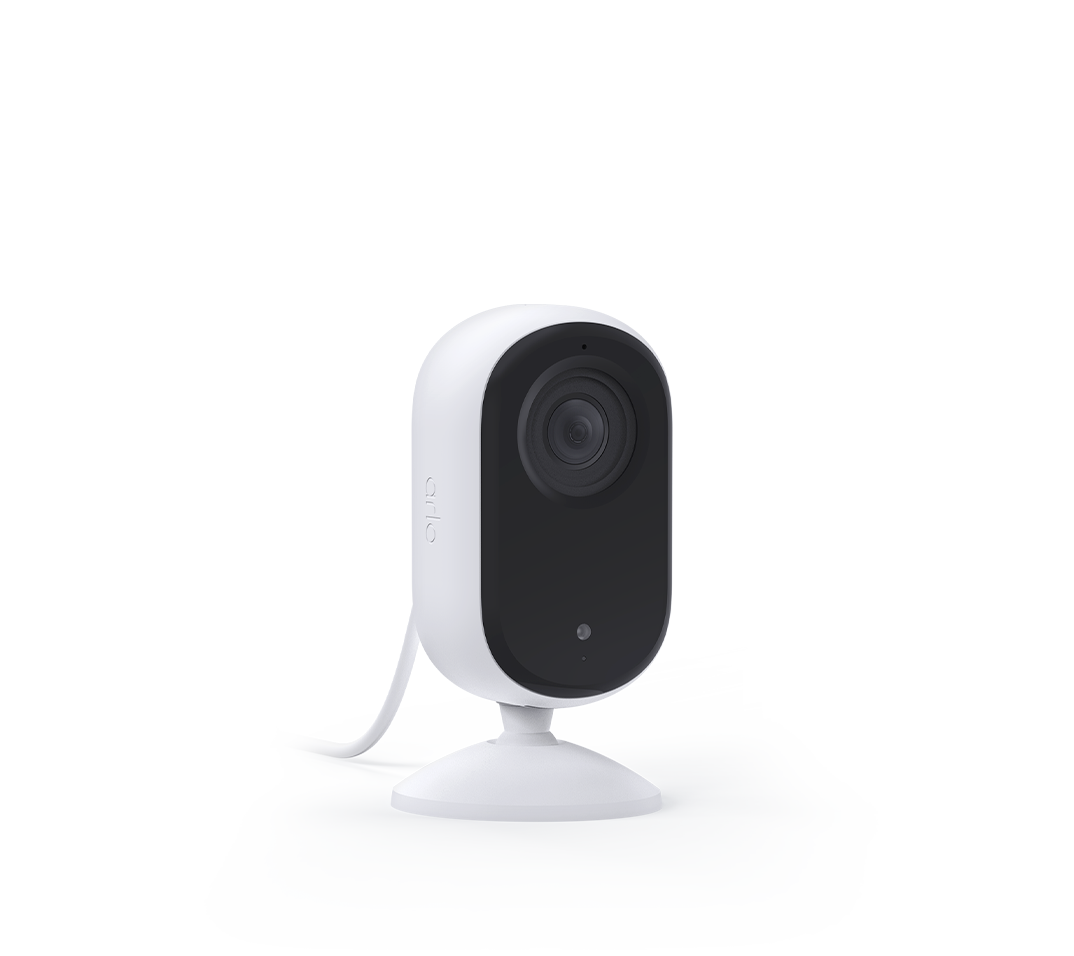
I have the VMC3060 + 10.0.2509_e400417 + intermittent offline problems.
How can I get the rollback firmware?

- Mark as New
- Bookmark
- Subscribe
- Mute
- Subscribe to RSS Feed
- Permalink
- Report Inappropriate Content
Hi. I have the same issue with 2 of my indoor cameras. Can they be rolled back too?
thanks
Alan
- Mark as New
- Bookmark
- Subscribe
- Mute
- Subscribe to RSS Feed
- Permalink
- Report Inappropriate Content
I have been battling with the online support robot, agents and now speaking with a support person on the phone but I still cannot get any sensible answers. For months I have been reporting my camera dropping offline regularly. As a security device it is totally useless as I need to be at home to unplug the camera and plug it in again to reset it. I have had many conversations with support agents and AI robots but get nowhere. My case has been escalated at least twice but I wait weeks without getting a call back. The support is so bad I am thinking about contacting the ACCC as I am getting nowhere with ARLO.
- Mark as New
- Bookmark
- Subscribe
- Mute
- Subscribe to RSS Feed
- Permalink
- Report Inappropriate Content
i have had exactly the same response from ARLO
- Mark as New
- Bookmark
- Subscribe
- Mute
- Subscribe to RSS Feed
- Permalink
- Report Inappropriate Content
I have the same problem
- Mark as New
- Bookmark
- Subscribe
- Mute
- Subscribe to RSS Feed
- Permalink
- Report Inappropriate Content
Yes I am in Sydney but my firmware is still 10.0.2509-e400417
- Mark as New
- Bookmark
- Subscribe
- Mute
- Subscribe to RSS Feed
- Permalink
- Report Inappropriate Content
Can you rollback my camera as well?
- Mark as New
- Bookmark
- Subscribe
- Mute
- Subscribe to RSS Feed
- Permalink
- Report Inappropriate Content
@BrookeN I have three VMC3060Aer1.4 Essential Indoor 2K cameras experiencing the same intermittent offline/crash issue. All are running firmware 10.0.2509_e400417. Could you please roll all three back to the previous firmware?
- Mark as New
- Bookmark
- Subscribe
- Mute
- Subscribe to RSS Feed
- Permalink
- Report Inappropriate Content
@Bluemetal73 I sent a dm, I do not see any essential cameras on the account.
@carsong your camera has been rolled back, please wait an hour and then reboot.
@Martinv_357 I sent you a message as well.
- Mark as New
- Bookmark
- Subscribe
- Mute
- Subscribe to RSS Feed
- Permalink
- Report Inappropriate Content
Thank you Brook for your prompt attention. Camera is hopefully back to normal
- Mark as New
- Bookmark
- Subscribe
- Mute
- Subscribe to RSS Feed
- Permalink
- Report Inappropriate Content
@holmen80 all your cameras have been rolled back. Please wait about a hour then reboot the devices.
- Mark as New
- Bookmark
- Subscribe
- Mute
- Subscribe to RSS Feed
- Permalink
- Report Inappropriate Content
Can you rollback my camera as well?
I have 3 essentials indoor camera.
- Mark as New
- Bookmark
- Subscribe
- Mute
- Subscribe to RSS Feed
- Permalink
- Report Inappropriate Content
Same problem here. I have 2 indoor essential cameras with firmware 10.0.2509_e400417, hardware vmc3060Aer1.4 and they keep getting connection issues after hard restarting. Can I get help on the rollback please?
- Mark as New
- Bookmark
- Subscribe
- Mute
- Subscribe to RSS Feed
- Permalink
- Report Inappropriate Content
Hi BrookeN, I am having the same issue with all my Essential 2 cameras going offline. Can I get the firmware rolled back for all of them ?
- Mark as New
- Bookmark
- Subscribe
- Mute
- Subscribe to RSS Feed
- Permalink
- Report Inappropriate Content
Me too. Same problems. So annoying.
- Mark as New
- Bookmark
- Subscribe
- Mute
- Subscribe to RSS Feed
- Permalink
- Report Inappropriate Content
@Mashchan I was able to roll back the firmware on all the Essential cameras. Please reboot them all within the hour.
- Mark as New
- Bookmark
- Subscribe
- Mute
- Subscribe to RSS Feed
- Permalink
- Report Inappropriate Content
Oh how can I reboot the cameras to roll back the firmware? I have 5 essential 2k indoor cameras.
- Mark as New
- Bookmark
- Subscribe
- Mute
- Subscribe to RSS Feed
- Permalink
- Report Inappropriate Content
- Mark as New
- Bookmark
- Subscribe
- Mute
- Subscribe to RSS Feed
- Permalink
- Report Inappropriate Content
So the firmware was roll back and I can reboot my cameras now?
-
148 Replies
-
2026-06-28 02:52 PM
-
7810 Views
-
37 Likes
-
41 In Conversation
-