This topic has been closed to new posts due to inactivity. We hope you'll join the conversation by posting to an open topic or starting a new one.
- English
- /
- Cameras
- /
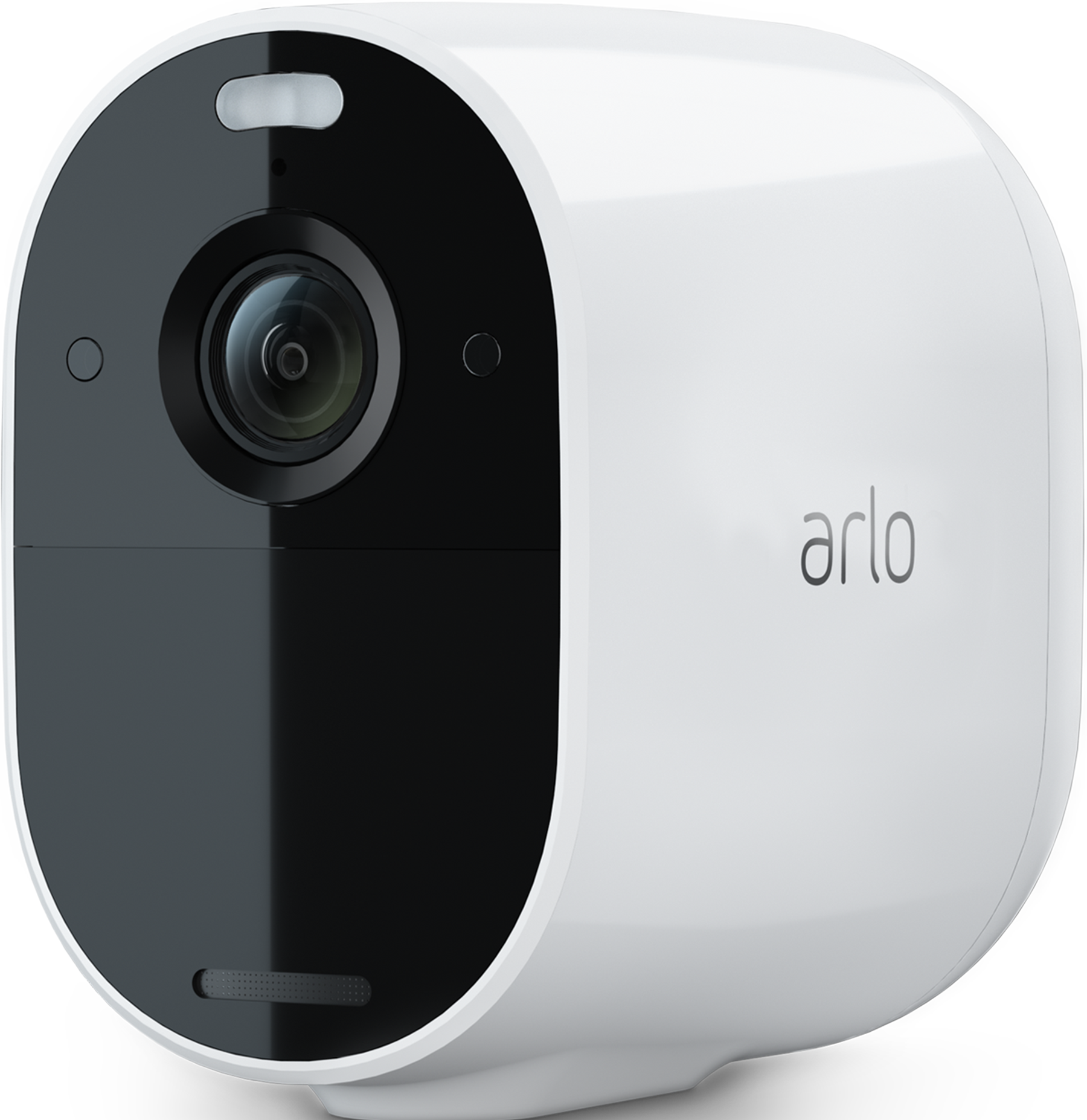
- Arlo Essential Security Camera 3rd Gen
- /
- Arlo Essential 3 generation not syncing on my app
Arlo Essential 3 generation not syncing on my app
- Subscribe to RSS Feed
- Mark Topic as New
- Mark Topic as Read
- Float this Topic for Current User
- Bookmark
- Subscribe
- Printer Friendly Page
-
1 Reply
-
2026-02-15 10:32 PM
-
565 Views
-
0 Likes
-
2 In Conversation
-



- Mark as New
- Bookmark
- Subscribe
- Mute
- Subscribe to RSS Feed
- Permalink
- Report Inappropriate Content
So my uncle got me an Arlo Essential 3-generation camera, which I have been trying to set up at my home in Nepal. He got me that from abroad. I downloaded the app and it showed Essential Series, but just had two options and i tried on both, it didnt get linked. As for my uncle's phone, who lived in the US, there were four options which i couldn't view it on my phone. The camera got synced on his phone but not on mine as i didnt have an option to connect it with 3-geeneration. Annyone faced similar issue ?>


- Mark as New
- Bookmark
- Subscribe
- Mute
- Subscribe to RSS Feed
- Permalink
- Report Inappropriate Content
@Dorjee wrote:
So my uncle got me an Arlo Essential 3-generation camera, which I have been trying to set up at my home in Nepal. He got me that from abroad. I downloaded the app and it showed Essential Series, but just had two options and i tried on both, it didnt get linked. As for my uncle's phone, who lived in the US, there were four options which i couldn't view it on my phone. The camera got synced on his phone but not on mine as i didnt have an option to connect it with 3-geeneration. Annyone faced similar issue ?>
Arlo doesn't offer subscriptions in Nepal, and many new cameras aren't supported there.
There is a workaround, which is to have your uncle create a new account for you in the US. You can then log into that account in Nepal, and should be able to add the camera. You'll need a subscription for cloud storage, and that will require a US payment method.
If the camera is still in your Uncle's account, he will need to remove it before you can add it to your own.
-
1 Reply
-
2026-02-15 10:32 PM
-
566 Views
-
0 Likes
-
2 In Conversation
-