- English
- /
- Cameras
- /
- Arlo Essential Outdoor 2nd Gen
- /
- Re: Customers experiencing problems => A fix has b...
- Subscribe to RSS Feed
- Mark Topic as New
- Mark Topic as Read
- Float this Topic for Current User
- Bookmark
- Subscribe
- Printer Friendly Page
-
16 Replies
-
2026-03-27 02:08 PM
-
1227 Views
-
2 Likes
-
2 In Conversation
-



- Mark as New
- Bookmark
- Subscribe
- Mute
- Subscribe to RSS Feed
- Permalink
- Report Inappropriate Content
@JamesC
@ShayneS
I have been experiencing problems with my Essential VMC3050 cameras. I have been following other posts from people that are also having problems with these cameras using the web portal. Today in my phone app I found the following message below.
Can we get details on what's going on and what to expect?
When I go to status.arlo.com I see the message "Some systems are experiencing issues"


- Related Labels:
-
Troubleshooting


- Mark as New
- Bookmark
- Subscribe
- Mute
- Subscribe to RSS Feed
- Permalink
- Report Inappropriate Content
Can you please explain more what you are experiencing with your cameras?
- Mark as New
- Bookmark
- Subscribe
- Mute
- Subscribe to RSS Feed
- Permalink
- Report Inappropriate Content
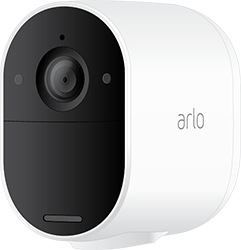
My Essential 3050s will not live stream using the web, but will live stream using my Android phone app.
- Mark as New
- Bookmark
- Subscribe
- Mute
- Subscribe to RSS Feed
- Permalink
- Report Inappropriate Content
@BrookeN
So just wondering what's Arlo's feelings about Essential 3050s and that they will not live stream using the web, but will live stream using my Android phone app. I have seen other postings about this, but no reply yet on what's a user suppose to expect.
Link to other posting with same problem that's marked as having a solution, but the solution isn't really a solution.
https://community.arlo.com/t5/Arlo-Essential-Outdoor-2nd-Gen/Essential-2K-live-view-browser-no-video...
Can we get an idea of where we are with this problem?
Does Arlo have this offically logged as a problem?
Thanks @BrookeN for helping us with this problem
- Mark as New
- Bookmark
- Subscribe
- Mute
- Subscribe to RSS Feed
- Permalink
- Report Inappropriate Content
What are you seeing when attempting to livestream? Have you tried these steps: Bring a camera closer to your router or hub to see if it streams properly then. If it does, it would seem to be a connection issue (strength/quality)? Is it on multiple browsers or one specific browser? Does it only happen with the Essential cameras?
- Mark as New
- Bookmark
- Subscribe
- Mute
- Subscribe to RSS Feed
- Permalink
- Report Inappropriate Content
What are you seeing when attempting to livestream?
Using the web, I get the wheel of wait for about a minute and then the wheel stops and then it just displays the old image that was there before I tried to live stream. If I use the app on my android phone, the cameras all livesteam just fine.
Have you tried these steps: Bring a camera closer to your router or hub to see if it streams properly then.
Yes and it does the same thing.
Is it on multiple browsers or one specific browser?
Happens on all 3 major browsers.
Does it only happen with the Essential cameras?
Only happens with my 3 VMC3050 Essential cameras. All other cameras stream fine.
On the app, one of the cameras does display this sometimes

- Mark as New
- Bookmark
- Subscribe
- Mute
- Subscribe to RSS Feed
- Permalink
- Report Inappropriate Content
I have let our team know of the behavior you are seeing. I will update you as soon as possible.
- Mark as New
- Bookmark
- Subscribe
- Mute
- Subscribe to RSS Feed
- Permalink
- Report Inappropriate Content
Hi @BrookeN ,
Just wondering if you have any updates on my problem with my Essential 2K cameras not having the ability to live stream/view on web browsers.
Essential 2K live view browser no video
@Doug_Cam
@PeterIngmar
I believe the problem I reported to BrookeN, that she is reporting to the Arlo team, may be the same problem you were experiencing.
- Mark as New
- Bookmark
- Subscribe
- Mute
- Subscribe to RSS Feed
- Permalink
- Report Inappropriate Content
I do not have any updates as of yet. I will reach out soon.
- Mark as New
- Bookmark
- Subscribe
- Mute
- Subscribe to RSS Feed
- Permalink
- Report Inappropriate Content
@ArloWatcher have you removed the camera from the account and added it back on? If not, can you please try doing that?
- Mark as New
- Bookmark
- Subscribe
- Mute
- Subscribe to RSS Feed
- Permalink
- Report Inappropriate Content
Hi @BrookeN ,
I think you posted this in the wrong place. This post is for "My Essential 3050s will not live stream using the web, but will live stream using my Android phone app."
But just for your info, I just deleted the Essential Pan-Tilt Camera and re-added it to my account and when I tried to share it again, I got the "Operation Failed" message for the same user that I couldn't share it with before.
For the other 2 users that I could share it with before, I could share it with them again.

- Mark as New
- Bookmark
- Subscribe
- Mute
- Subscribe to RSS Feed
- Permalink
- Report Inappropriate Content
For the Essential 2K I have passed this information onto our development team. They are currently investigating this behavior.
For the Pan Tilt camera I do not see one on the account? Is it on the same account as the Essential cameras?
- Mark as New
- Bookmark
- Subscribe
- Mute
- Subscribe to RSS Feed
- Permalink
- Report Inappropriate Content
It is on the same account. When I deleted it, and then re-added it, it said I have a free 30 day trail, could this be causing a problem?
- Mark as New
- Bookmark
- Subscribe
- Mute
- Subscribe to RSS Feed
- Permalink
- Report Inappropriate Content
Hi @BrookeN ,
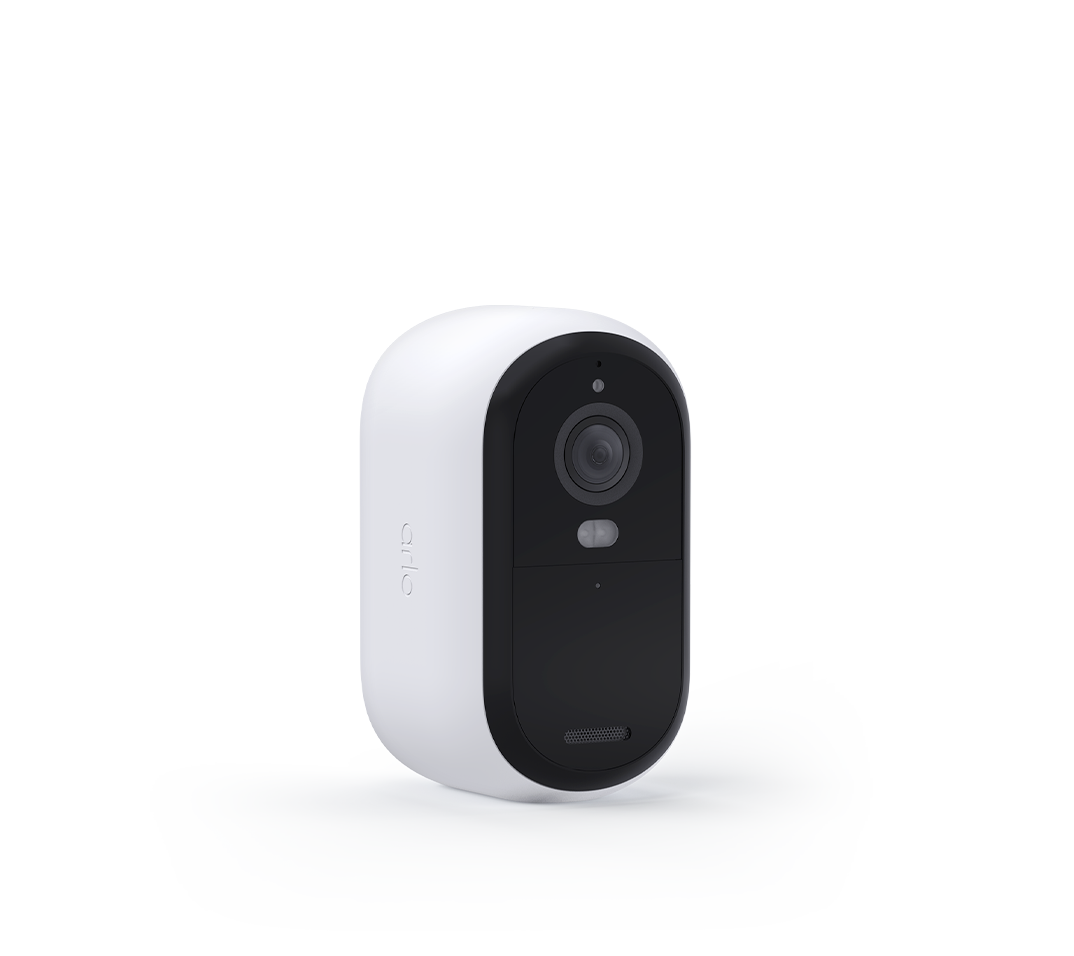
Just wondering if you have any updates on my problem with my Essential 2K cameras not having the ability to live stream/view on web browsers.
- Mark as New
- Bookmark
- Subscribe
- Mute
- Subscribe to RSS Feed
- Permalink
- Report Inappropriate Content
Is there still an error message? Have you tried to delete the cache and cokkies?
- Mark as New
- Bookmark
- Subscribe
- Mute
- Subscribe to RSS Feed
- Permalink
- Report Inappropriate Content
What are you seeing when attempting to livestream?
Using the web, I get the wheel of wait for about a 20 seconds and then the wheel stops and then it just displays the old image that was there before I tried to live stream. If I use the app on my android phone, the cameras all livesteam just fine.
Is there still an error message?
Not seeing error message anymore
Have you tried to delete the cache and cokkies?
Yes and it makes no difference
Have you tried these steps: Bring a camera closer to your router or hub to see if it streams properly then.
Yes and it does the same thing.
Is it on multiple browsers or one specific browser?
Happens on all 3 major browsers.
Does it only happen with the Essential cameras?
Only happens with my 3 VMC3050 Essential cameras. All other cameras stream fine.
- Mark as New
- Bookmark
- Subscribe
- Mute
- Subscribe to RSS Feed
- Permalink
- Report Inappropriate Content
Thank you, I have passed this information onto our development team.
-
180 degree
1 -
250-50602-01
1 -
alerts
1 -
Alexa
1 -
Amazon Alexa
1 -
Android App
1 -
animal
1 -
api_key
1 -
Arlo
1 -
Arlo 2nd Gen
1 -
Arlo Cameras
2 -
Arlo Essential 2nd Gen always goes offline
1 -
Arlo Essential Spotlight
2 -
Arlo Mobile App
22 -
Arlo Secure 4.0
1 -
Arlo Smart
2 -
base station
1 -
Batteries
1 -
Battery life
2 -
Battery.
1 -
Before You Buy
8 -
camera
2 -
connection
1 -
constant
1 -
customer service
1 -
Doorbell reset
1 -
drained battery
1 -
Essential
1 -
Essential Camera feature request
1 -
Essential outdoor
1 -
Features
13 -
freeze
1 -
Google Nest
1 -
Idk
1 -
Installation
13 -
motion
1 -
Motion Detection
3 -
motiondetection
1 -
need help
1 -
network
1 -
New features
1 -
Night vision
1 -
No recordings
1 -
not working
1 -
Orbi
1 -
Other Discussions
1 -
Payment
1 -
privacy zones essential 2k
1 -
problemshooting
1 -
Product
1 -
Record
1 -
Reliable
1 -
returns
1 -
Router
1 -
sensor not working
1 -
Siren
1 -
smart things
1 -
too many
1 -
Troubleshooting
68 -
Unknown charges
1 -
VMC3050
1
- « Previous
- Next »
-
16 Replies
-
2026-03-27 02:08 PM
-
1228 Views
-
2 Likes
-
2 In Conversation
-