This topic has been marked solved and closed to new posts due to inactivity. We hope you'll join the conversation by posting to an open topic or starting a new one.
- Subscribe to RSS Feed
- Mark Topic as New
- Mark Topic as Read
- Float this Topic for Current User
- Bookmark
- Subscribe
- Printer Friendly Page
-
2 Replies
-
2026-01-03 11:03 AM
-
1739 Views
-
0 Likes
-
2 In Conversation
-



- Mark as New
- Bookmark
- Subscribe
- Mute
- Subscribe to RSS Feed
- Permalink
- Report Inappropriate Content
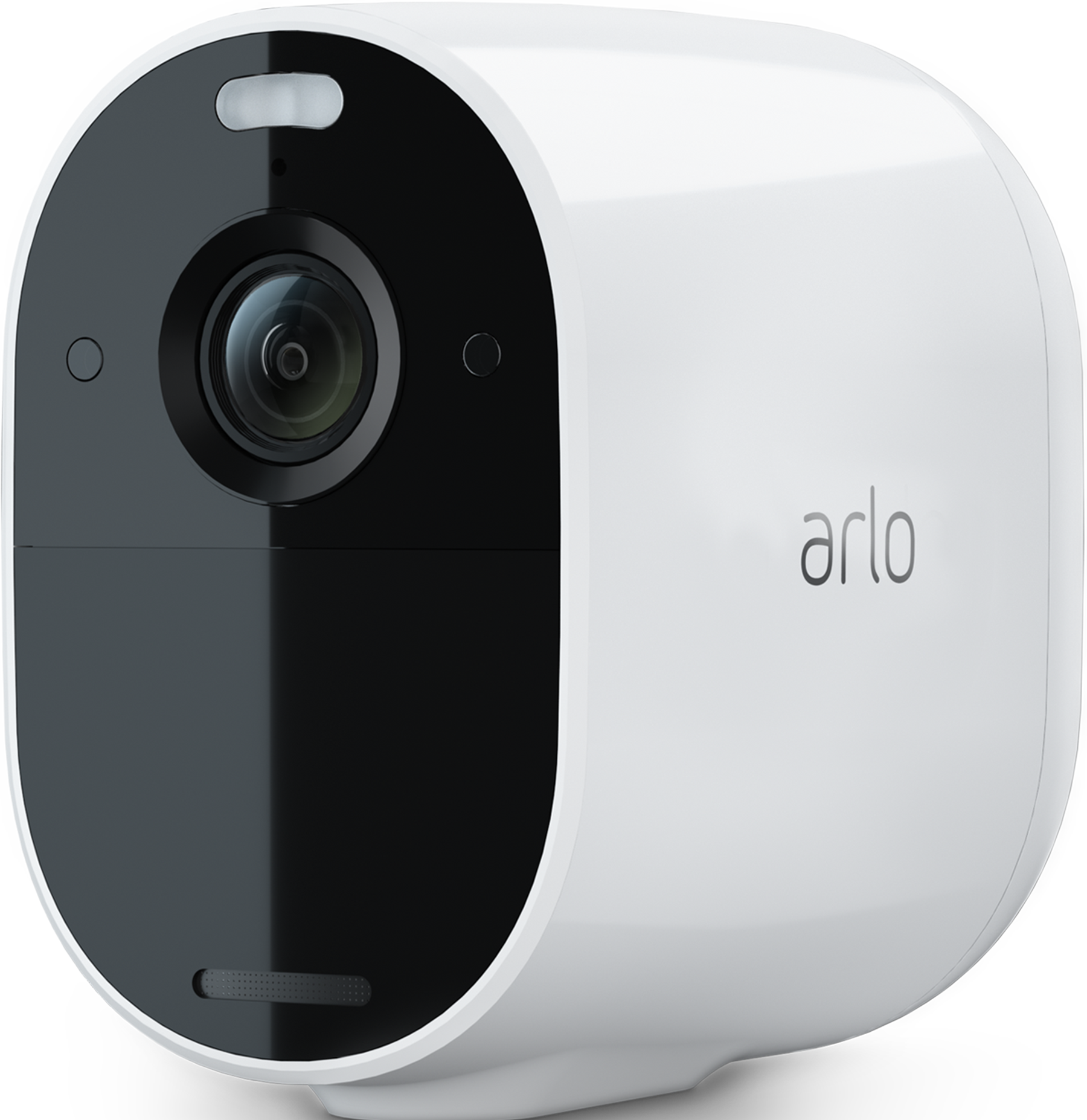
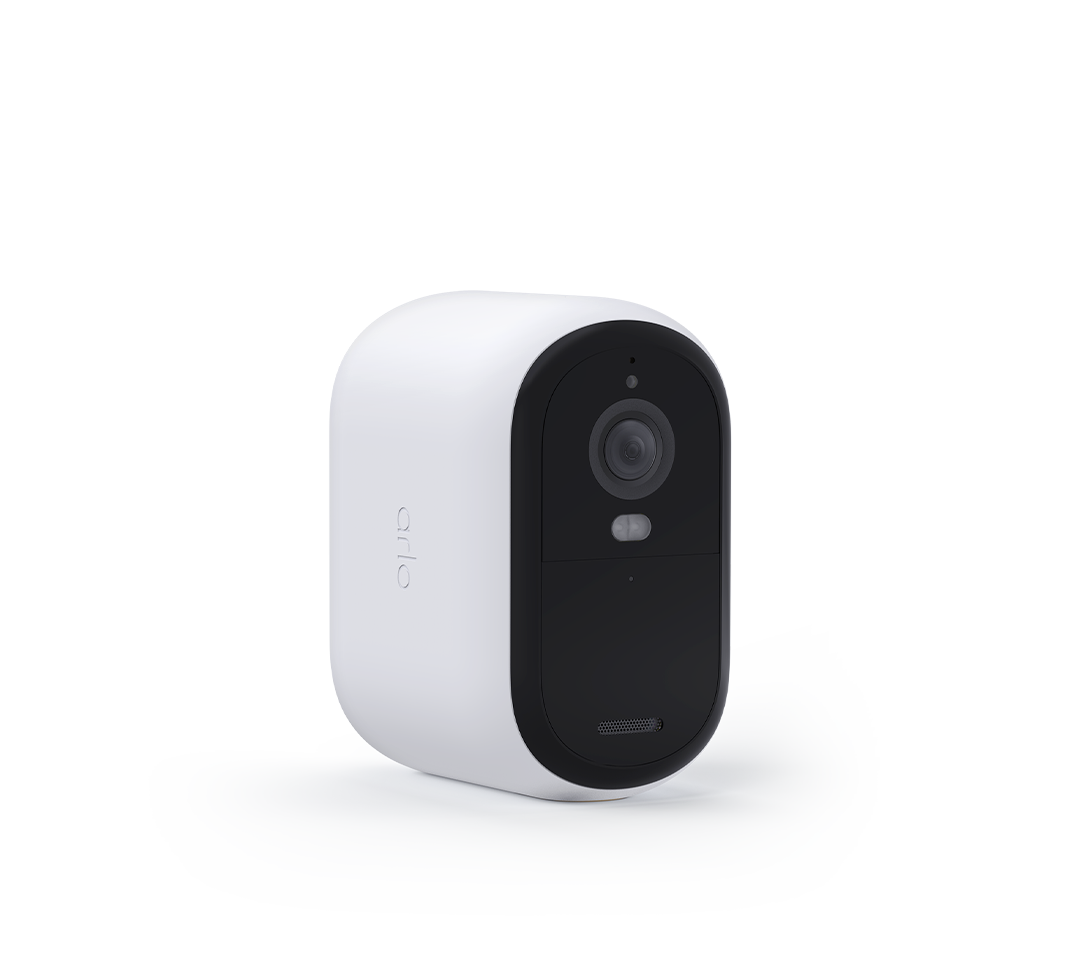
Hi, one of my Arlo cameras has stopped detection motion for a while now (6 hours), though I am able to live view, manually record and snapshot whilst on the app but it doesn't detect motion or record anything by itself. It's the Essential XL (I believe 2nd Gen) provided by Verisure. Since it's the weekend, their support lines are offline
I tried restarting the cam, disabling and enabling it, restarting my wifi, changing its motion sensitivity, uninstall and reinstall the app, but to no avail. It's linked to the Verisure plan so I'm unable to reset/remove and re-add it to my account. And I had customised the automation as when it's on Away it records and notifies me, and on Home it only records, now when I go in to that page, it shows the "motion detection" toggle as OFF and the whole thing is greyed out and this happened at random.
I have been facing issues with this camera too, where it was a hit or miss when it comes to detecting motion, sometimes it detects even the tiniest motion even from afar but fails to catch something literally in front of it, but restarting the camera fixed it for the rest of day, but again, it starts with this issue all over again the next day. Like it usually detects a car driving by at lets sat 20-30 kmh but completely misses me pulling up to the driveway, exiting the car and walking away.
Solved! Go to Solution.
- Related Labels:
-
Troubleshooting
Accepted Solutions
- Mark as New
- Bookmark
- Subscribe
- Mute
- Subscribe to RSS Feed
- Permalink
- Report Inappropriate Content
Yep it is, all three modes record motion, but now the problematic camera’s rules seem to have greyed out. But it’s okay now.
It turned out to be an issue with the Backend system of Verisure. They’ve replaced the cameras. Thanks for the reply tho!


- Mark as New
- Bookmark
- Subscribe
- Mute
- Subscribe to RSS Feed
- Permalink
- Report Inappropriate Content
Can you double check your modes and make sure the camera is set to record motion within there?
https://kb.arlo.com/000062777/About-Arlo-Routines-Modes-Rules-and-Automations
- Mark as New
- Bookmark
- Subscribe
- Mute
- Subscribe to RSS Feed
- Permalink
- Report Inappropriate Content
Yep it is, all three modes record motion, but now the problematic camera’s rules seem to have greyed out. But it’s okay now.
It turned out to be an issue with the Backend system of Verisure. They’ve replaced the cameras. Thanks for the reply tho!
-
180 degree
1 -
250-50602-01
1 -
alerts
1 -
Alexa
1 -
Amazon Alexa
1 -
Android App
1 -
animal
1 -
api_key
1 -
Arlo
1 -
Arlo 2nd Gen
1 -
Arlo Cameras
2 -
Arlo Essential 2nd Gen always goes offline
1 -
Arlo Essential Spotlight
2 -
Arlo Mobile App
22 -
Arlo Secure 4.0
1 -
Arlo Smart
2 -
base station
1 -
Batteries
1 -
Battery life
2 -
Battery.
1 -
Before You Buy
8 -
camera
2 -
connection
1 -
constant
1 -
customer service
1 -
Doorbell reset
1 -
drained battery
1 -
Essential
1 -
Essential Camera feature request
1 -
Essential outdoor
1 -
Features
14 -
freeze
1 -
Google Nest
1 -
Idk
1 -
Installation
14 -
motion
1 -
Motion Detection
3 -
motiondetection
1 -
need help
1 -
network
1 -
New features
1 -
Night vision
1 -
No recordings
1 -
not working
1 -
Orbi
1 -
Other Discussions
1 -
Payment
1 -
privacy zones essential 2k
1 -
problemshooting
1 -
Product
1 -
Record
1 -
Reliable
1 -
returns
1 -
Router
1 -
sensor not working
1 -
Siren
1 -
smart things
1 -
too many
1 -
Troubleshooting
71 -
Unknown charges
1 -
VMC3050
1
- « Previous
- Next »
-
2 Replies
-
2026-01-03 11:03 AM
-
1740 Views
-
0 Likes
-
2 In Conversation
-