- English
- /
- Cameras
- /
- Arlo Essential Security Camera
- /
- Arlo essentials camera unavailable in iOS Google h...
- Subscribe to RSS Feed
- Mark Topic as New
- Mark Topic as Read
- Float this Topic for Current User
- Bookmark
- Subscribe
- Printer Friendly Page
-
11 Replies
-
2026-04-05 05:14 PM
-
560 Views
-
1 Like
-
8 In Conversation
-




- Mark as New
- Bookmark
- Subscribe
- Mute
- Subscribe to RSS Feed
- Permalink
- Report Inappropriate Content
Cameras are all working in Arlo App. They used to show in Google Home app but for the past few weeks, all they do is show the spinning loading wheel until it says "Camera Unavailable". I have unlinked Arlo from Google Home account and reset them up with no change. Please help!
- Related Labels:
-
Arlo Mobile App
-
Features
-
Troubleshooting



- Mark as New
- Bookmark
- Subscribe
- Mute
- Subscribe to RSS Feed
- Permalink
- Report Inappropriate Content
I'm having the same issue and have tried all the troubleshooting methods (deleting link, relinking, etc.). I saw suggestion to downgrade the video to 1080, but there is no option to change video resolution in my video settings for the floodlight with 2K camera.
- Mark as New
- Bookmark
- Subscribe
- Mute
- Subscribe to RSS Feed
- Permalink
- Report Inappropriate Content
Ya I tried the usual troubleshooting methods as well. It's weird because my camera battery is showing but no video at all. Also I am pretty sure my cameras are only 1080 anyway so what wouldn't work for me.


- Mark as New
- Bookmark
- Subscribe
- Mute
- Subscribe to RSS Feed
- Permalink
- Report Inappropriate Content
@Apollo_Husker wrote:
Ya I tried the usual troubleshooting methods as well. It's weird because my camera battery is showing but no video at all. Also I am pretty sure my cameras are only 1080 anyway so what wouldn't work for me.
Do your cameras work properly using the Arlo App? Or is that also failing?
- Mark as New
- Bookmark
- Subscribe
- Mute
- Subscribe to RSS Feed
- Permalink
- Report Inappropriate Content
Same issue. Cameras show in Arlo app and alexa app but not google home. It seems Arlo is not compatible with google home anymore... is there a fix being worked on?
- Mark as New
- Bookmark
- Subscribe
- Mute
- Subscribe to RSS Feed
- Permalink
- Report Inappropriate Content
Everything is working just fine in the Arlo app.


- Mark as New
- Bookmark
- Subscribe
- Mute
- Subscribe to RSS Feed
- Permalink
- Report Inappropriate Content
Thank you for bringing this to our attention. I have passed this information onto our development team. As soon as there is an update I will reach out to the community.
- Mark as New
- Bookmark
- Subscribe
- Mute
- Subscribe to RSS Feed
- Permalink
- Report Inappropriate Content
My Arlo camera is not loading in Google Home and just sits spinning. Called support and they said it's no longer compatible with Google Home?


- Mark as New
- Bookmark
- Subscribe
- Mute
- Subscribe to RSS Feed
- Permalink
- Report Inappropriate Content
This is still being investigated. I will update the community as soon as possible.
- Mark as New
- Bookmark
- Subscribe
- Mute
- Subscribe to RSS Feed
- Permalink
- Report Inappropriate Content
Hello
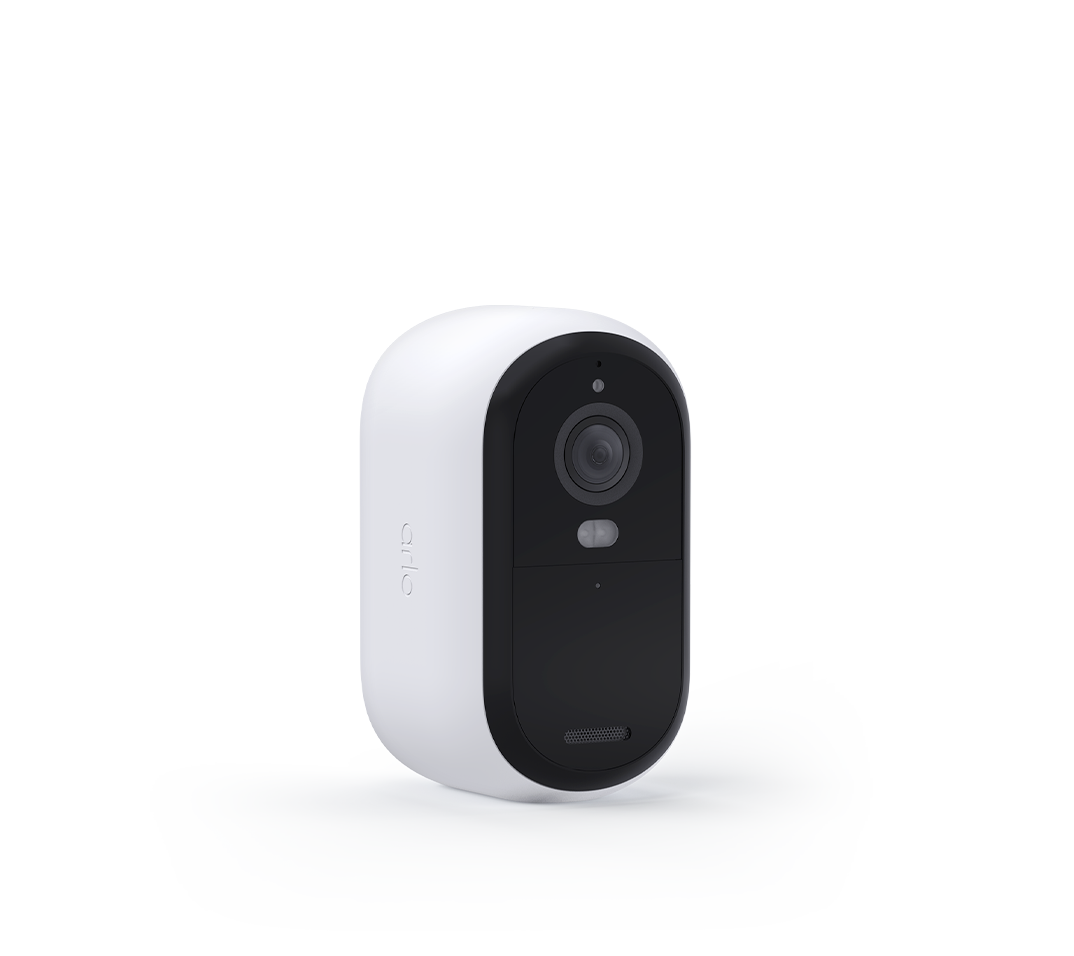
our essentials outdoor camera has stopped working in the iOS Google home app. Getting a consistent camera unavailable. Started about six weeks ago and no combination of relinking, adding, removing and reinstalling both the Arlo and Google home app seems to help. Works fine on the nest hub however.
- Mark as New
- Bookmark
- Subscribe
- Mute
- Subscribe to RSS Feed
- Permalink
- Report Inappropriate Content
Hello,
Recently i am unable to view my Arlo cameras in the Home app using the at a glance feature. If i click the camera i can view it but the thumbnail picture will not load. And second, my cameras will not work at all in google home. They have been working then all a sudden no longer. I have unlinked Arlo and relinked it and still does not work.
I have Pro 3 cameras with the VMB4550 camera hub.
This potentially seems to be an issue shared amongst others. What is the solution for this? Thank you

- Mark as New
- Bookmark
- Subscribe
- Mute
- Subscribe to RSS Feed
- Permalink
- Report Inappropriate Content
Hello,
Recently I am unable to view my Arlo cameras in the Home app using the at a glance feature. If I click the camera I can view it but the thumbnail picture will not load. And second, my cameras will not work at all in the Google home app. They were working then all a sudden no longer. I have unlinked Arlo and relinked it and still does not work.
I have Pro 3 cameras with the VMB4550 camera hub.
This potentially seems to be an issue shared amongst others. What is the solution for this? Thank you
-
11 Replies
-
2026-04-05 05:14 PM
-
561 Views
-
1 Like
-
8 In Conversation
-