Connection issues after new router install
- Subscribe to RSS Feed
- Mark Topic as New
- Mark Topic as Read
- Float this Topic for Current User
- Bookmark
- Subscribe
- Printer Friendly Page
-
11 Replies
-
2025-09-11 05:25 PM
-
600 Views
-
0 Likes
-
4 In Conversation
-



- Mark as New
- Bookmark
- Subscribe
- Mute
- Subscribe to RSS Feed
- Permalink
- Report Inappropriate Content
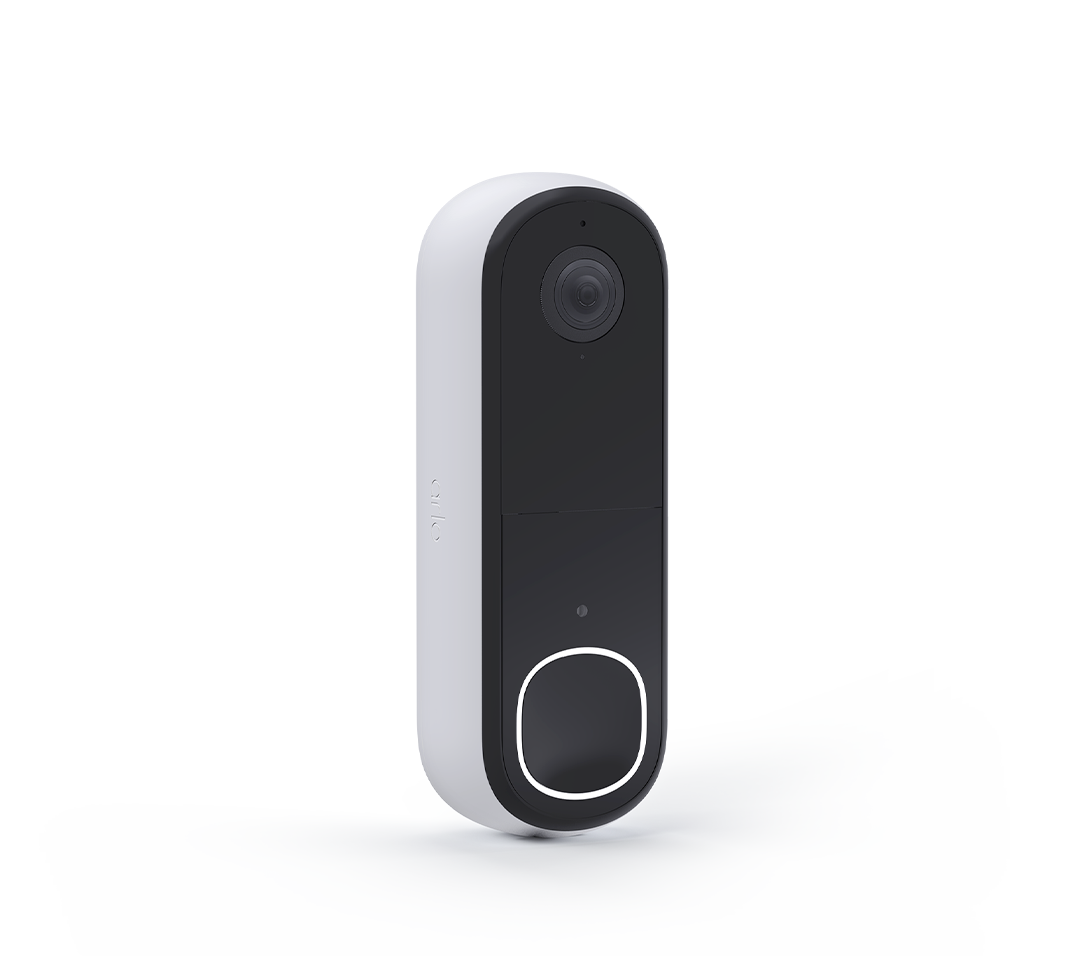
I installed a new router in my home which has a smart connect feature which selects the ideal network for each device (2.4GHz vs 5GHz). My wired doorbell went offline when this change occurred. I tried connecting using the QR code generated by the app and it would not connect but I would get an alert that the router recognized the device and added it to the 2.4 GHz network but it would not ring. After many attempts to figure out how to get the app to connect I figured out that I had to turn off the smart connect feature and choose the 2.4 GHZ network on the router and switched my mobile device to the 2.4GHz guest network. Everything connected. When I switched my router back to enable smart connect feature I lost connection again. Am I forced to keep my router using the 2.4 GHz configuration in order to get the app and the device to work and lose the 5GHz benefits of my router?
- Related Labels:
-
Troubleshooting


- Mark as New
- Bookmark
- Subscribe
- Mute
- Subscribe to RSS Feed
- Permalink
- Report Inappropriate Content
What encryption is being used by the new router? Is there a WPA2 (AES) option which is what Arlo uses? I don't know why the smart connect feature would cause this to happen since it should be the doorbell that causes the determination as to what band to use (it only supports the 2.4GHz band and won't respond to 5GHz). In any event, it should be possible to set the router for separate SSIDs, one for 2.4 and another for 5GHz. You would then use each wireless device to manually choose which SSID to connect to. Certainly not the same as using smart connect but it would allow you to use both bands.

- Mark as New
- Bookmark
- Subscribe
- Mute
- Subscribe to RSS Feed
- Permalink
- Report Inappropriate Content
@Das01 wrote:
I installed a new router in my home which has a smart connect feature which selects the ideal network for each device (2.4GHz vs 5GHz).
Are both of these networks using the same network name and password? (Usually they are, but I am bit confused by your reference to the guest network in your post).
FWIW, my own router system (an Orbi mesh) uses the same network name/password for all three channels, and several of my Arlo cameras are connected to it.

- Mark as New
- Bookmark
- Subscribe
- Mute
- Subscribe to RSS Feed
- Permalink
- Report Inappropriate Content
So I know you have a different mesh router than I do. I have a eero 7max and when I upgraded from the 6 I lost connection to all of them but the doorbell, so after hours of calling Arlo which they don’t seem to know what they are saying I called called eero
and we did a port forward on all my cameras and they all came back on I didn’t have to resync or anything they just all came back on in the Arlo app. That’s if you did not remove the camera from the app.
but adding a camera had extra steps if you want to know what I did let me know.
hope the port forwarding works for you like it did for me

- Mark as New
- Bookmark
- Subscribe
- Mute
- Subscribe to RSS Feed
- Permalink
- Report Inappropriate Content
@Thenerd wrote:
and we did a port forward on all my cameras and they all came back on I didn’t have to resync or anything they just all came back on in the Arlo app. That’s if you did not remove the camera from the app.
but adding a camera had extra steps if you want to know what I did let me know.
It would be useful if you could list everything you needed to do - lots of folks here have trouble with Eero.
- Mark as New
- Bookmark
- Subscribe
- Mute
- Subscribe to RSS Feed
- Permalink
- Report Inappropriate Content
Well like I mentioned I used my eero app and did a port forward on every camera and they came back online in the Arlo app as long as you didn’t remove the camera from the app
unless you are referring to adding a new camera
- Mark as New
- Bookmark
- Subscribe
- Mute
- Subscribe to RSS Feed
- Permalink
- Report Inappropriate Content
- Mark as New
- Bookmark
- Subscribe
- Mute
- Subscribe to RSS Feed
- Permalink
- Report Inappropriate Content
So when I added a new camera it connected to the eero app but not the Arlo so I would do a port forward then go and add it to the Arlo app again to pair. Adding a new device is a pain but I feel if it shows up on the eero app it should pair in the Arlo app without a problem but there is
- Mark as New
- Bookmark
- Subscribe
- Mute
- Subscribe to RSS Feed
- Permalink
- Report Inappropriate Content
@Thenerd wrote:
so I would do a port forward
What port did you forward?
Did you forward it to the camera? Or are you forwarding it to a smarthub?
- Mark as New
- Bookmark
- Subscribe
- Mute
- Subscribe to RSS Feed
- Permalink
- Report Inappropriate Content
I am doing the port forward in the eero router I start with port 80 and went up from there
- Mark as New
- Bookmark
- Subscribe
- Mute
- Subscribe to RSS Feed
- Permalink
- Report Inappropriate Content
The port forwarding requires that you use the hub's settings. Go to Storage Settings, Local Storage Settings, Port Forwarding and enable it. That will provide the proper port to set up in the router.
- Mark as New
- Bookmark
- Subscribe
- Mute
- Subscribe to RSS Feed
- Permalink
- Report Inappropriate Content
@Thenerd wrote:
I am doing the port forward in the eero router I start with port 80 and went up from there
Unclear why that worked, since Arlo doesn't connect inbound to any ports.
If you remove one of the port forwards after the install, does that camera still work?
-
alarm
1 -
Amazon Alexa
1 -
Arlo Mobile App
294 -
Arlo Secure
1 -
Arlo Smart
147 -
Arlo Ultra
1 -
Arlo Video Doorbell
6 -
AVD1001-100NAS
1 -
Before You Buy
291 -
Doorbell
1 -
Dépannage
1 -
Features
349 -
Installation
596 -
Motion Detection
9 -
Online and Mobile Apps
12 -
Service and Storage
12 -
Troubleshooting
1,547 -
Videos
15
- « Previous
- Next »
-
11 Replies
-
2025-09-11 05:25 PM
-
601 Views
-
0 Likes
-
4 In Conversation
-