This topic has been closed to new posts due to inactivity. We hope you'll join the conversation by posting to an open topic or starting a new one.
App/Web Portal Issue (Showing opposite settings)
- Subscribe to RSS Feed
- Mark Topic as New
- Mark Topic as Read
- Float this Topic for Current User
- Bookmark
- Subscribe
- Printer Friendly Page
-
7 Replies
-
2026-03-16 09:00 PM
-
1446 Views
-
0 Likes
-
3 In Conversation
-



- Mark as New
- Bookmark
- Subscribe
- Mute
- Subscribe to RSS Feed
- Permalink
- Report Inappropriate Content
Hello,
For the past couple of days I've been having issues with the app/web portal showing my cameras with the opposite settings.
If the cameras are off and I turn them on, they immediately revert back to showing as off but I believe they're on as they record during the night. When they eventually show as on and I turn them off, they immediately revert back to showing as being on, but I can't access the live feed so I believe they're off (I just get the spinning circle).
I also happen to have my old Arlo Base Station still linked in the app/web portal even though its been disconnected and its now showing as online. Additionally, I have a camera suddenly showing its charging but its not plugged in. (I tried attaching a photo but it just comes up as a blank box)
This is happening on 2 android phone apps and the web portal (Windows 11). I've restarted the cameras via the web portal and cleared my cache on the phones. I've tried changing the settings while the phones were attached to the home wifi as well as when they were away but that hasn't helped.
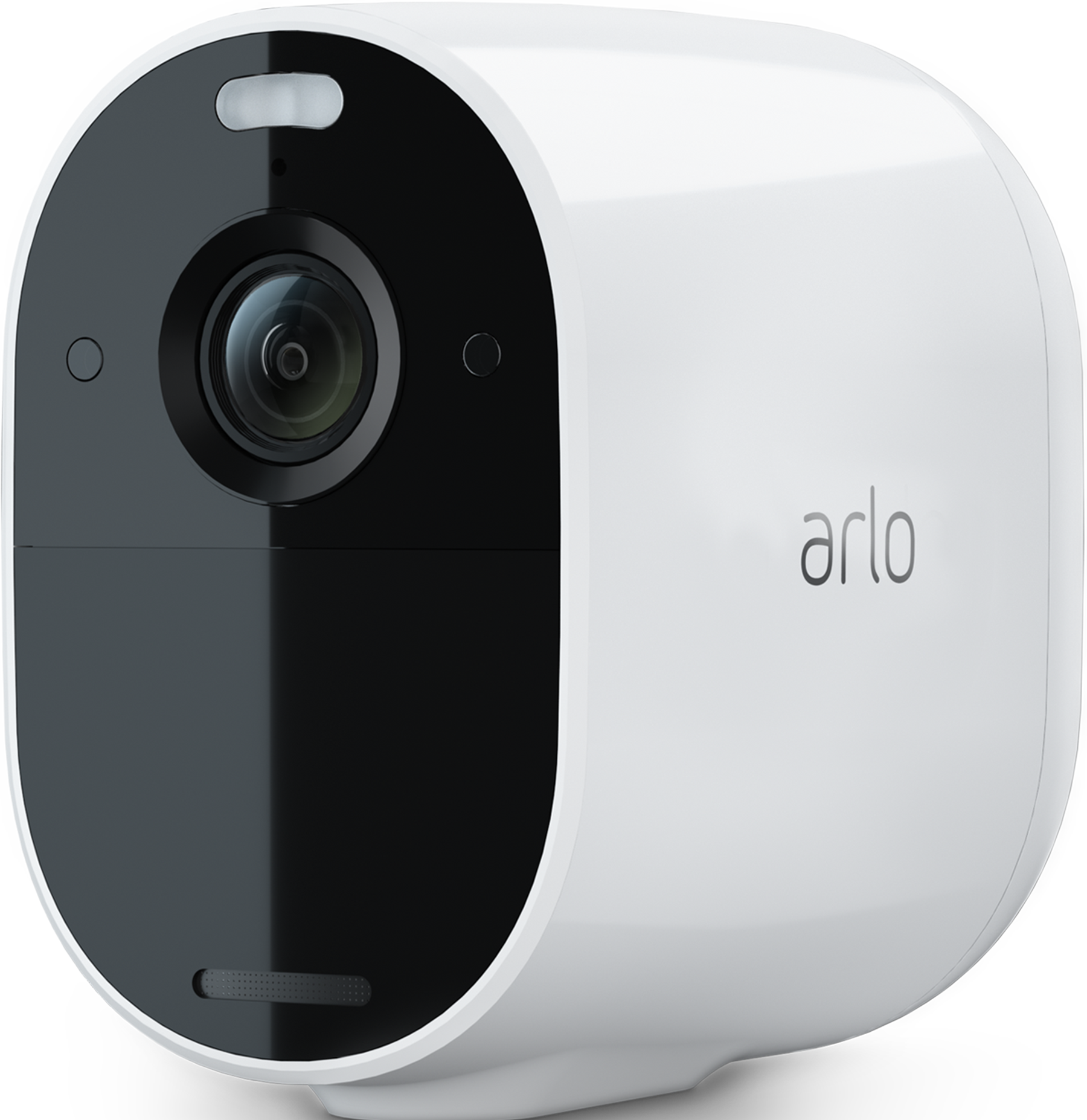
I have 2 Pro 4 Cameras and 2 Essential Spotlight Cameras. Firmware is 6.18.0_6180003, updated on 03/06/2026.
I believe this is a system problem since all the cameras are affected. Does anyone know if this is a widespread problem or of any way to fix this (without taking out batteries because only 2 of the cameras can do that)?
Thanks in advance!

- Related Labels:
-
Arlo Mobile App
-
Troubleshooting


- Mark as New
- Bookmark
- Subscribe
- Mute
- Subscribe to RSS Feed
- Permalink
- Report Inappropriate Content
Ya gotta love AI-generated responses. However, at least in this case, the suggestions may prove useful. In addition, I'd suggest using the app to go to Settings, Support and log a ticket with official support. A subscription of any sort is needed to be able to do this.
- Mark as New
- Bookmark
- Subscribe
- Mute
- Subscribe to RSS Feed
- Permalink
- Report Inappropriate Content
Thank you for your response and suggestions!
- Mark as New
- Bookmark
- Subscribe
- Mute
- Subscribe to RSS Feed
- Permalink
- Report Inappropriate Content
Thank you for your response and suggestions. I will give them a try and submit a ticket if necessary (I fortunately have a subscription).
- Mark as New
- Bookmark
- Subscribe
- Mute
- Subscribe to RSS Feed
- Permalink
- Report Inappropriate Content
Update for anyone else having this issue:
Contacted Arlo Support. They originally couldn't find my account. After providing a screenshot of my account they found it.
They had me run some tests, uninstall/reinstall, provide screenshots, etc. They have no idea what the problem is. Its being bumped up to "the team". They provided a case number and said they'd be in touch. So, I'm currently on standby. Pray for me!
- Mark as New
- Bookmark
- Subscribe
- Mute
- Subscribe to RSS Feed
- Permalink
- Report Inappropriate Content
Current update:
Got a message telling me to schedule a call with support. Before doing that I again uninstalled/reinstalled the app and removed/added the cameras back. Still not working properly.
I TRIED to schedule the call but it keeps telling me the request timed out, try again. Unbelievable.
I checked the support forums to see if anyone else is having this issue and yes, there are others so it must be a system bug. (I replied to that thread and my reply keeps disappearing. Hmmmmm)
Will have to contact through chat again since requesting a call doesn't work.
- Mark as New
- Bookmark
- Subscribe
- Mute
- Subscribe to RSS Feed
- Permalink
- Report Inappropriate Content
Newest update:
Was finally able to request the call at 2:48pm
Arlo called at 7:07pm
The rep asked me to verify my account. As I was giving my account e-mail address we were disconnected. He didn't bother calling back.
What am I supposed to do ARLO?????!!!!!!!!!!!!!!!!!


- Mark as New
- Bookmark
- Subscribe
- Mute
- Subscribe to RSS Feed
- Permalink
- Report Inappropriate Content
@DebC2026 Can you private message me with your email address associated with your admin account, so I can look into this?
Thanks
-
Accessing Local Storage
1 -
Apple HomeKit
1 -
Apps
1 -
Arlo
2 -
Arlo app
2 -
Arlo Essential Spotlight
2 -
Arlo Mobile App
15 -
Arlo Pro 3 Floodlight
1 -
Arlo Pro 5S 2K
1 -
Arlo Secure
5 -
Arlo Secure 4.0
1 -
Arlo Smart
4 -
Arlo Smart Hub
1 -
Arlo Web and Mobile Apps
1 -
Before You Buy
15 -
customer service
2 -
door sensor
1 -
Eero
1 -
Features
16 -
Firmware Release Notes
1 -
google
1 -
home
2 -
home security
3 -
IFTTT
1 -
Installation
14 -
Keypad
3 -
Keypad Sensor Hub
4 -
mode
1 -
Modes and Rules
1 -
monitoring
2 -
Mount
1 -
MS1001
1 -
No Sound
1 -
old feed
1 -
PIN
1 -
Primary PIN
1 -
Public Key Required
1 -
RMA
1 -
Secondary PIN
1 -
Security
3 -
Security Keypad
1 -
Security System
2 -
Security System App
1 -
Sensor
1 -
Setting-up
1 -
Siren
1 -
support
1 -
System
1 -
Test Mode
1 -
Total Security Package
1 -
Troubleshooting
33 -
update
1 -
Wall
1 -
Website
1
- « Previous
- Next »
-
7 Replies
-
2026-03-16 09:00 PM
-
1447 Views
-
0 Likes
-
3 In Conversation
-