Using ARLO GO 2 without connectivity
- Subscribe to RSS Feed
- Mark Topic as New
- Mark Topic as Read
- Float this Topic for Current User
- Bookmark
- Subscribe
- Printer Friendly Page
-
2 Replies
-
2026-01-18 04:08 PM
-
2135 Views
-
0 Likes
-
2 In Conversation
-


- Mark as New
- Bookmark
- Subscribe
- Mute
- Subscribe to RSS Feed
- Permalink
- Report Inappropriate Content
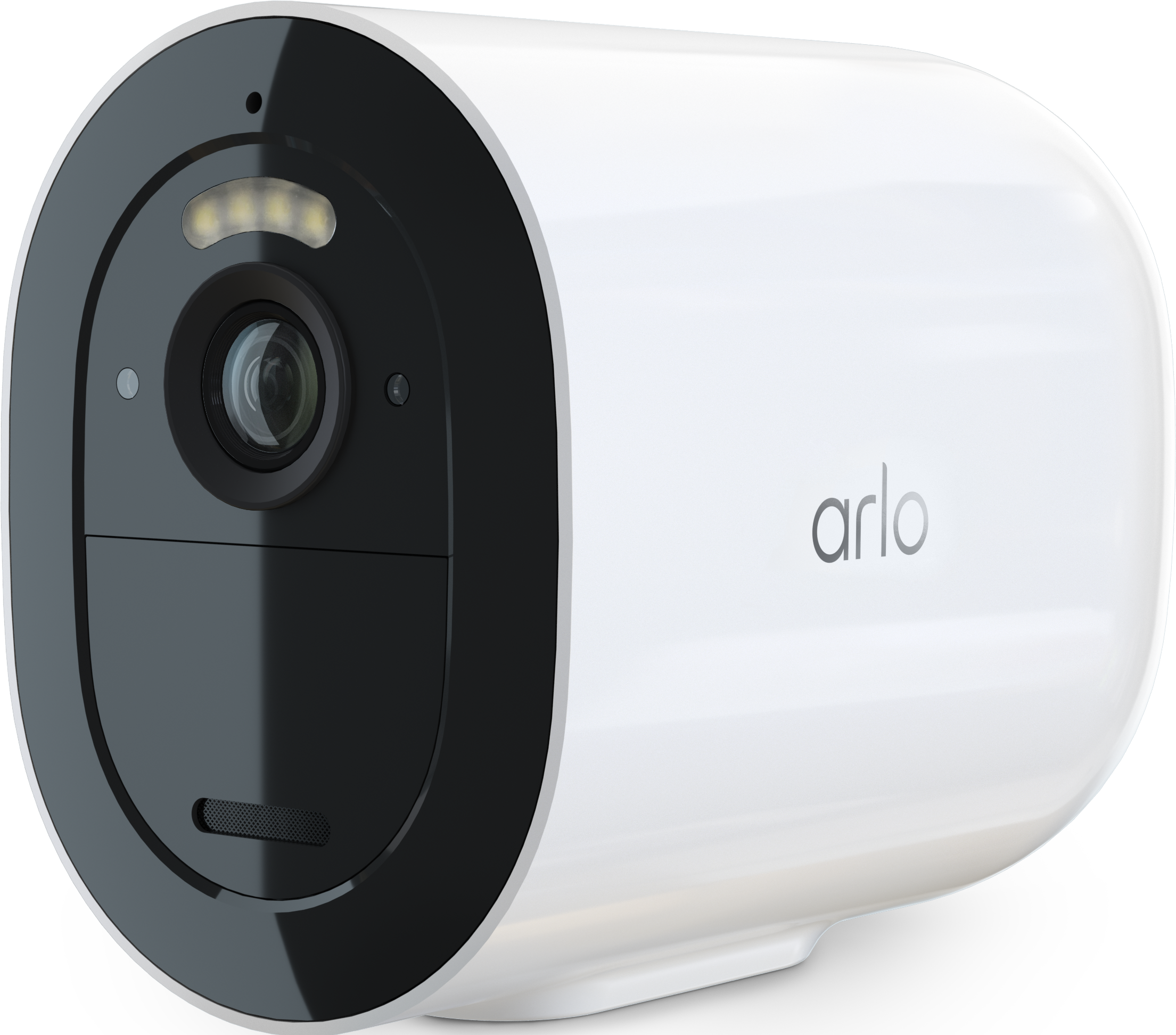
So, I just purchased an Arlo Go 2 with the intent to set it up, then use it in an area with no connectivity as there is no wifi and there is no cell reception where it is needed. It was my understanding this camera has this capability. I have inserted a microSD, but either the camera does not recognize it or the microSD (which is brand new) is defective because the app does not allow me to turn on local storage. I am perfectly aware I will not receive notifications, etc. like I do for my connected ARLO devices, but I just want to record and view footage from the microSD. The ARLO support agent tells me I cannot use this camera without some form of connectivity, as it will not recognize motion if it is not "connected". Is this true? That is not what is suggested online, but I've never used an ARLO Go. Any recommendations are appreciated. Please remember, the area I want to use the device does not have cell reception or wifi. I am only interested in recording footage to the microSD to review after collecting the card from the camera. Thank you in advance for your comments and suggestions. 🙂
- Related Labels:
-
Before You Buy
-
Features
-
Installation
-
Troubleshooting

- Mark as New
- Bookmark
- Subscribe
- Mute
- Subscribe to RSS Feed
- Permalink
- Report Inappropriate Content
It needs connectivity.
If you have no connectivity but would like to save locally, it's best to get a photo trap.
- Mark as New
- Bookmark
- Subscribe
- Mute
- Subscribe to RSS Feed
- Permalink
- Report Inappropriate Content
Thank you. I just wanted to double-check, as I had found some conflicting information. I do have some hunting cameras already, but was hoping to add to that with ARLO. Your help is much appreciated!
-
Arlo Mobile App
65 -
Arlo Secure
117 -
Arlo Smart
18 -
Before You Buy
67 -
Features
88 -
Installation
67 -
Troubleshooting
241
-
2 Replies
-
2026-01-18 04:08 PM
-
2136 Views
-
0 Likes
-
2 In Conversation
-