Go 2 Wi-Fi priority:
- Subscribe to RSS Feed
- Mark Topic as New
- Mark Topic as Read
- Float this Topic for Current User
- Bookmark
- Subscribe
- Printer Friendly Page
-
4 Replies
-
2026-07-05 09:47 AM
-
419 Views
-
0 Likes
-
2 In Conversation
-



- Mark as New
- Bookmark
- Subscribe
- Mute
- Subscribe to RSS Feed
- Permalink
- Report Inappropriate Content
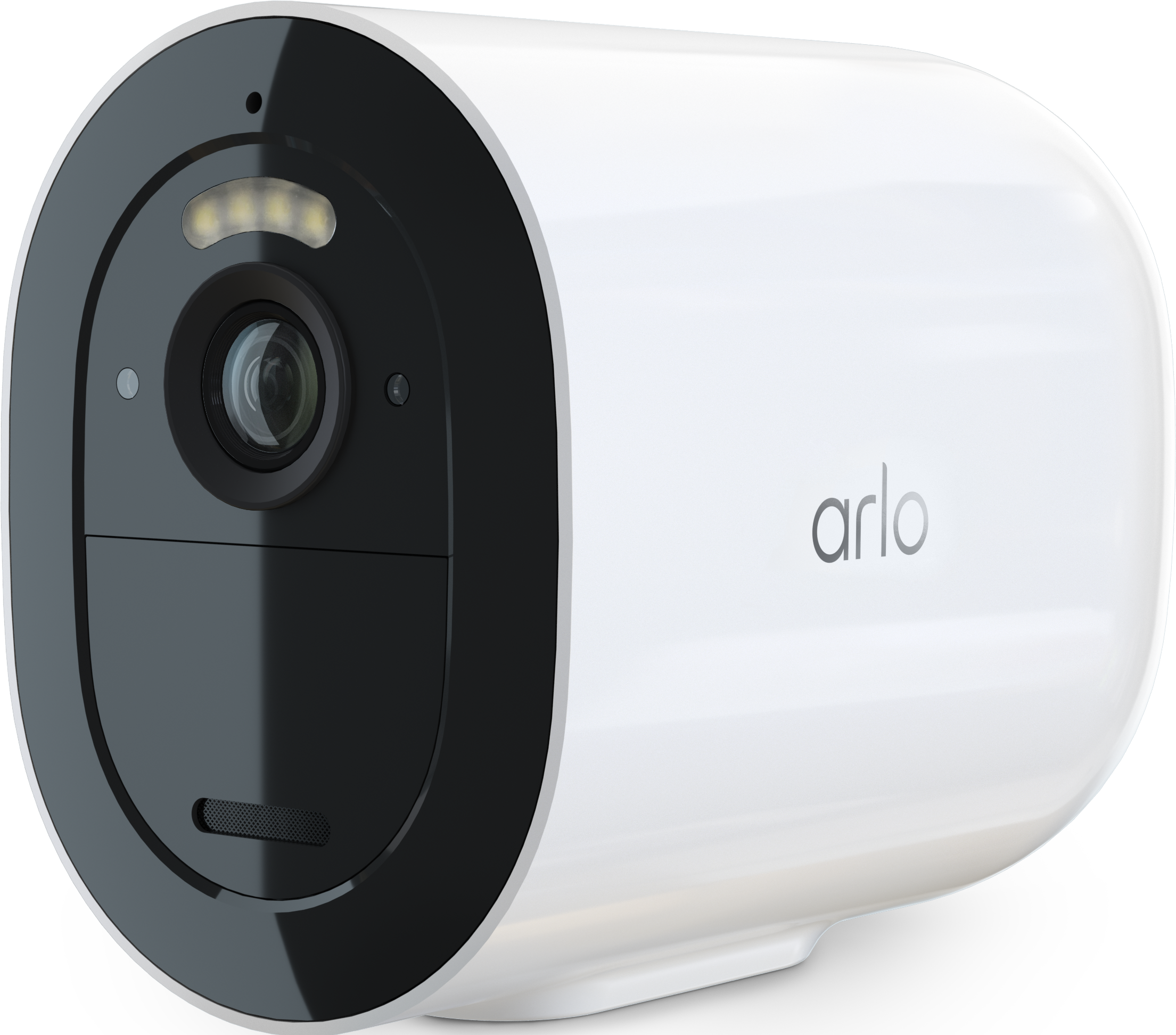
Since a few months ago I have noted that my Go2 now prioritises LTE over Wi-Fi.
This to me does two things
Makes it more expensive to run and
Takes away its Emergency usefulness. Surely this camera should be Wi-Fi priority falling back onto LTE in the event of power cuts and other Internet issues
Currently despite a number of resets, following the instructions and trying to set the camera up on Wi-Fi only then adding the SIM card
The Go2 refuses to use Wi-Fi first.
My Wi-fi signal strength is about 2 bars, which is more than adequate for other cameras.
Has any one else had/got this issue?
My Go2 has been demoted to not having an LTE card until this is resolved.
- Related Labels:
-
Features
-
Troubleshooting


- Mark as New
- Bookmark
- Subscribe
- Mute
- Subscribe to RSS Feed
- Permalink
- Report Inappropriate Content
Have you done these steps to set up Wi-Fi as default mode?
https://kb.arlo.com/000062618/How-to-select-between-Wi-Fi-or-Mobile-LTE-connection-for-Arlo-Go-2
- Mark as New
- Bookmark
- Subscribe
- Mute
- Subscribe to RSS Feed
- Permalink
- Report Inappropriate Content
Yes I have and it failed to work. LTE is always priority.
The camera has been fully reset back to default several times.
- Mark as New
- Bookmark
- Subscribe
- Mute
- Subscribe to RSS Feed
- Permalink
- Report Inappropriate Content
Can you please dm me a callback number as well as a good time to call. That way I can have support look into this further. You send a dm by clicking on the envelope icon on the top right of the forum page.If you don't see it, then go into your profile settings and select preferences, then "Private Messenger." Then select "Turn on private messages" if it is turned off.
- Mark as New
- Bookmark
- Subscribe
- Mute
- Subscribe to RSS Feed
- Permalink
- Report Inappropriate Content
Hello there. Dear BrokeN.
So sorry for not coming back but I'm deep into installation work (Solar) around the house and this camera has not been a priority.
I'll have another go in the next couple of weeks.
Better park this conversation I guess.
Kind regards
Andrew
-
Arlo Mobile App
65 -
Arlo Secure
117 -
Arlo Smart
18 -
Before You Buy
67 -
Features
88 -
Installation
67 -
Troubleshooting
241
-
4 Replies
-
2026-07-05 09:47 AM
-
420 Views
-
0 Likes
-
2 In Conversation
-